Basic widgets
The building blocks: panels, containers, buttons, labels, icons, images, text boxes, tabs, lists, tiles and windows.
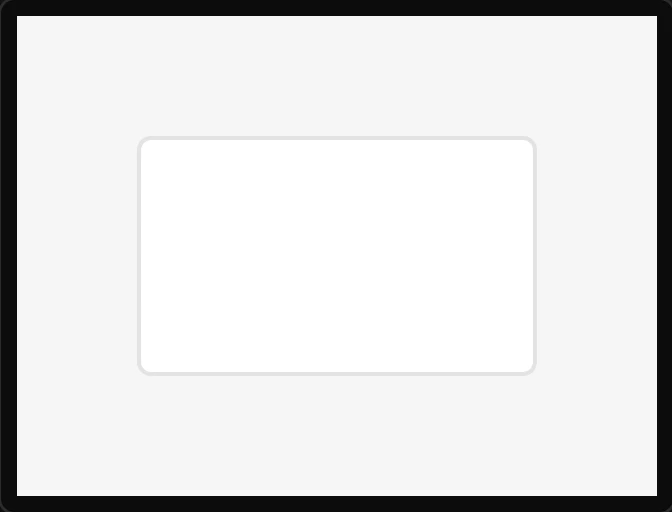
Panel
A plain lv_obj with the theme's card look - a background, a border and rounded corners.
Container
A box that groups widgets and is not seen.
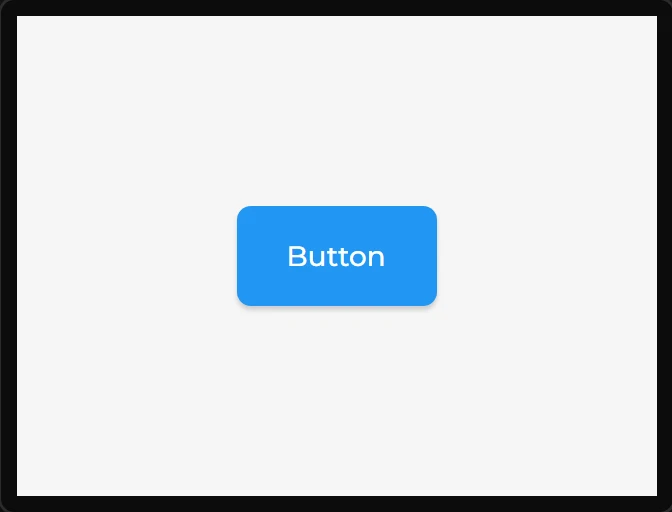
Button
An lv_button with a centred label child.
Label
Text.
Icon
One icon from the icon library.
Image
Shows an asset.
Textarea
Editable text.
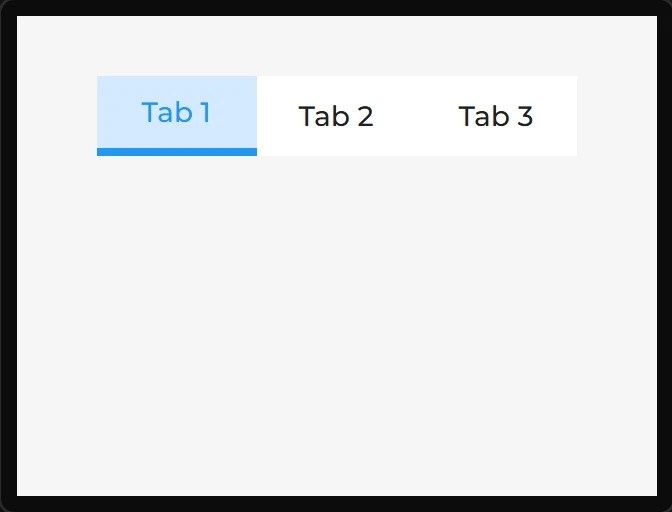
Tabview
A tab bar plus one page per tab, and each widget you put in it belongs to one of the tabs.
List
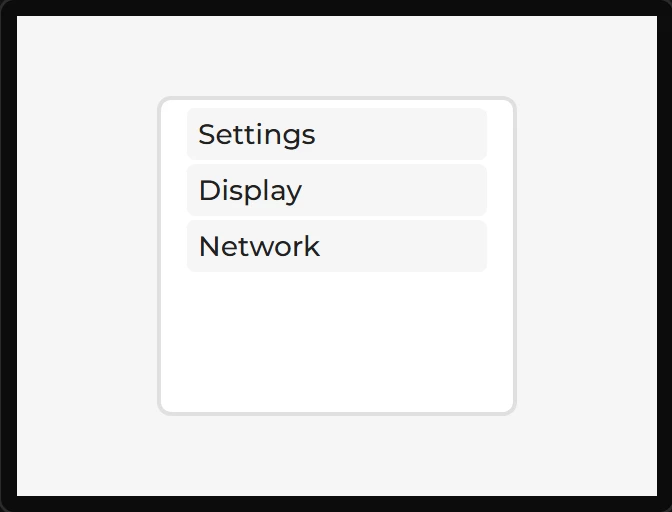
A scrolling column of buttons with optional headings - the usual shape for a settings menu.
Table
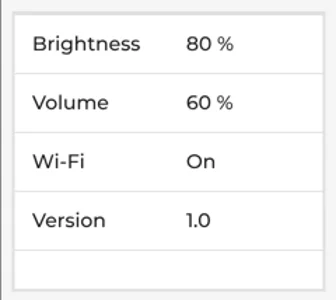
Rows and columns of text - LVGL’s lv_table, for a settings page or a page of readings.
Tileview
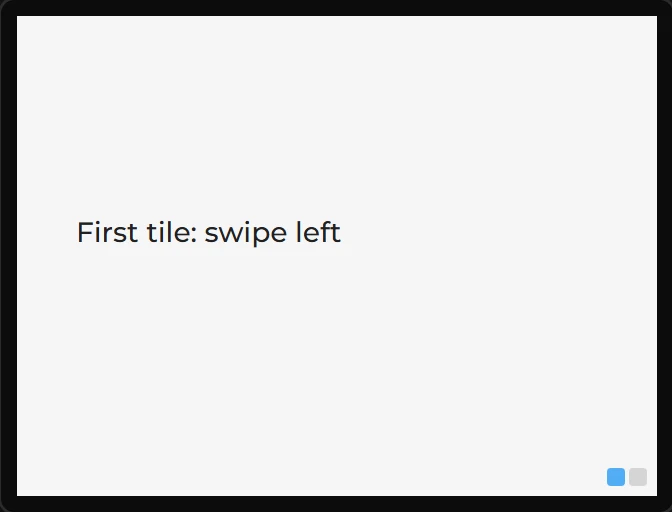
A grid of full-screen tiles you swipe between - the pattern behind a phone home screen.
Window
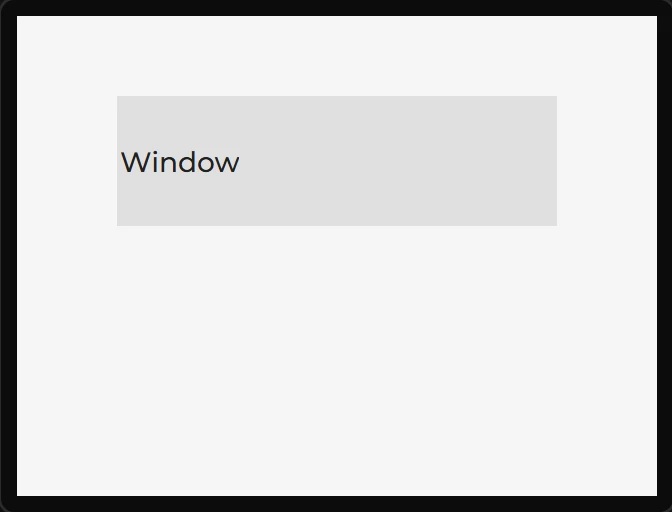
A titled frame: a header with a title, and a content area below it.