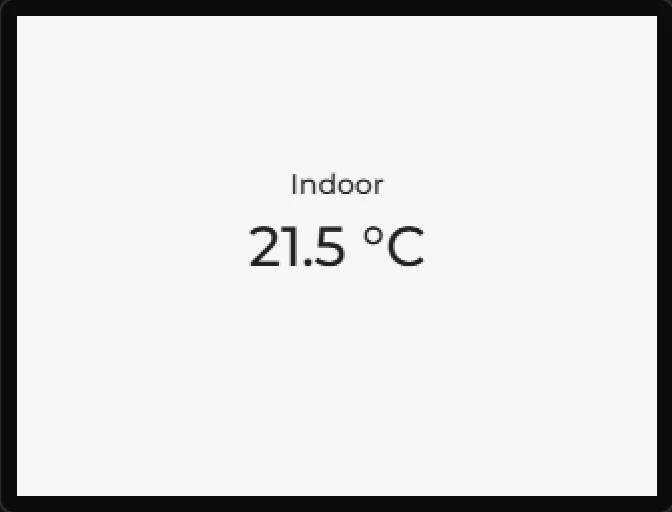
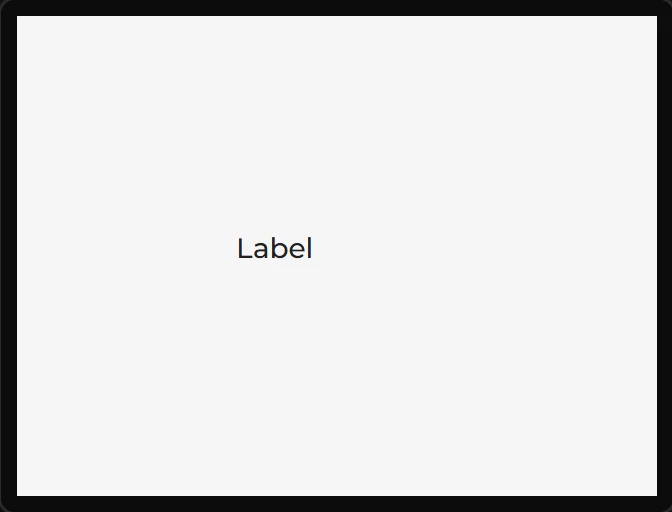
Label
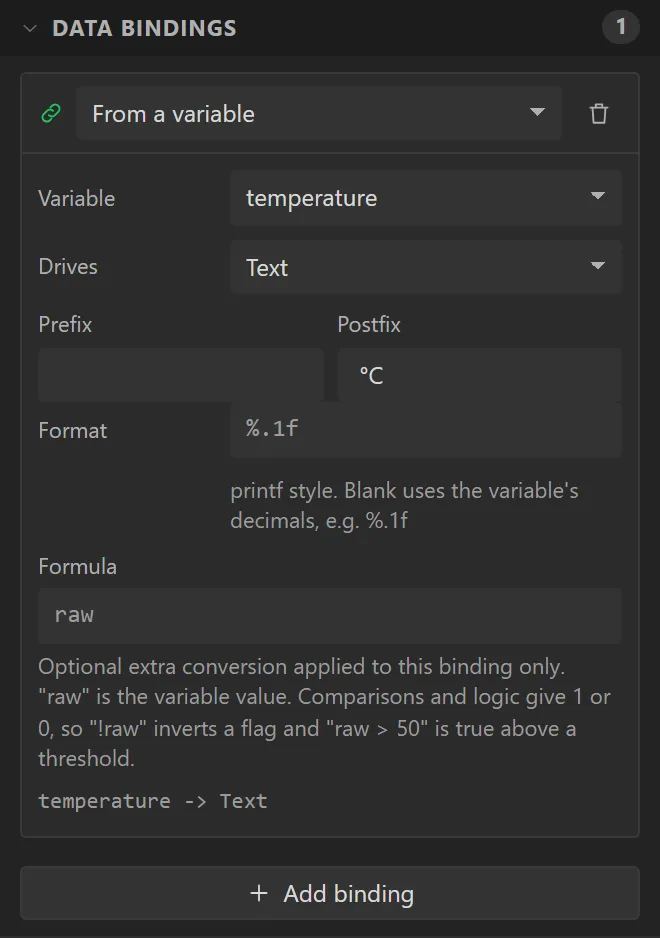
Text. Bind its Text to a variable and it becomes a readout; the binding's prefix, printf format and postfix are applied in bindings_apply().
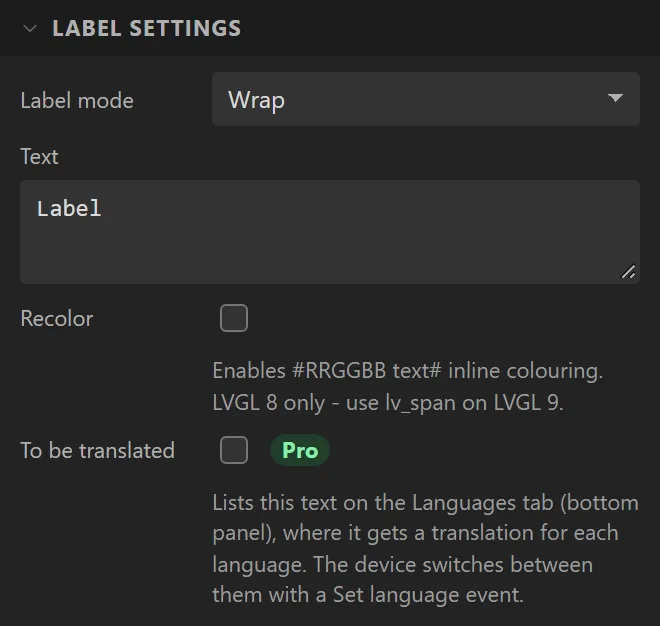
| Setting | Default | What it does |
|---|---|---|
| Label mode | Wrap | What happens when the text is wider than the widget: Wrap, Dot (ellipsis), Scroll, Scroll circular or Clip. |
| Text | Label | The text. Multi-line is fine. |
| Recolor | off | Enables #RRGGBB text# inline colouring. LVGL 8 only - use lv_span on 9. |
| To be translated | off | Lists the text on the Languages tab, where it gets a translation for each language. Buttons, checkboxes, text areas and dropdowns have the same box. With one language it changes nothing in the generated code. |
Example: a temperature readout
- Open the Data tab and, in Variables, press +. Name it
temperature, set Type to Float, Initial value to21.5and Decimals to1. - Back on the Inspector tab, drag a Label onto the screen and set its Name to
Temperature. Give it X60, Y100, Width200, Height40, and under Style settings > Text a font size of28 pxand Align Center. - Open Data bindings and press Add binding. Leave it on From a variable, set Variable to temperature, Drives to Text, and Postfix to
°C- a space, then the degree sign. - Add a second label above it saying
Indoor, centred the same way. - Press Preview: the label says
21.5 °C. On the board it says whatever the variable holds, written again each time it changes.