Icon
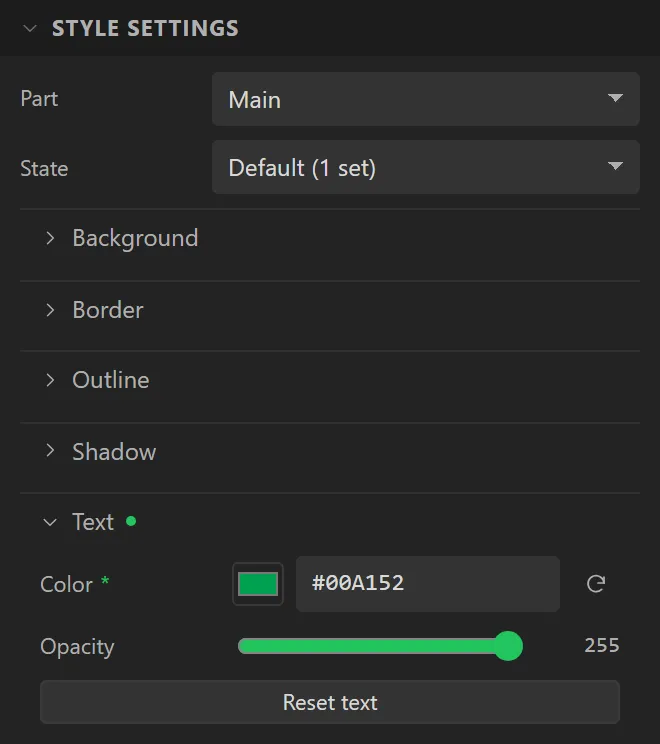
One icon from the icon library. On the device it is a label showing one character of an icon font made for its size, so it is coloured by the Main part's Text colour and opacity, in every state, and the Text group's font and spacing settings are not offered. The widget is the icon's box: resizing it resizes the icon. In an ESPHome project the icon can also be one of Material Design Icons, chosen by name.
| Setting | Default | What it does |
|---|---|---|
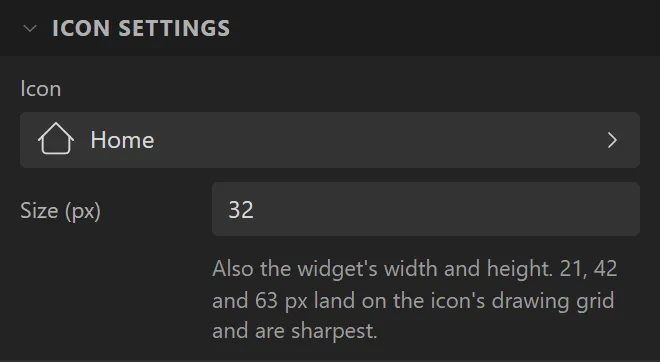
| Icon | Home | Which icon. The picker searches names and what an icon is for. |
| Size | 32 px | 8 to 160 px - also the widget's width and height. 21, 42 and 63 px are the sharpest. |
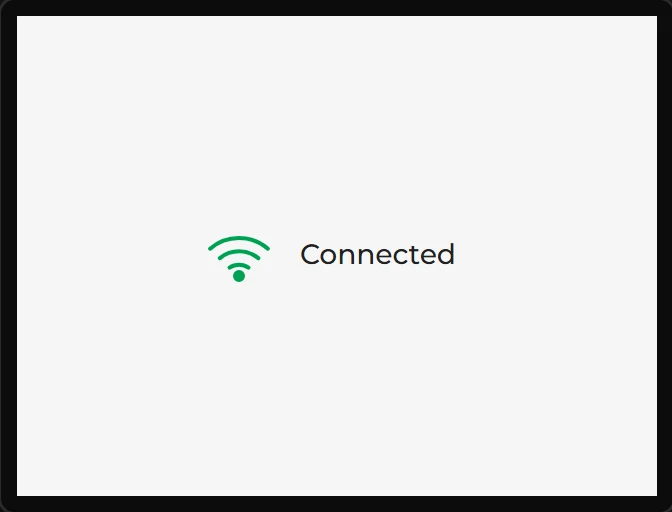
Example: a coloured Wi-Fi mark
- Drag an Icon onto the screen. Under Icon settings click Icon, type
wifiin the search and choose the Wi-Fi mark; set Size to42. - Open Style settings, then Text, and set Color to
#00A152. An icon is drawn in its text colour. - Drag a Label beside it saying
Connected.