Window
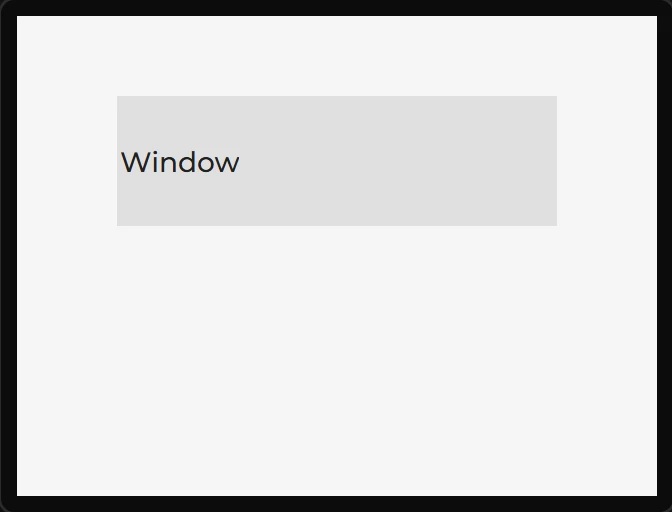
A titled frame: a header with a title, and a content area below it. Useful as a dialog or a panel that needs a caption.
| Setting | Default | What it does |
|---|---|---|
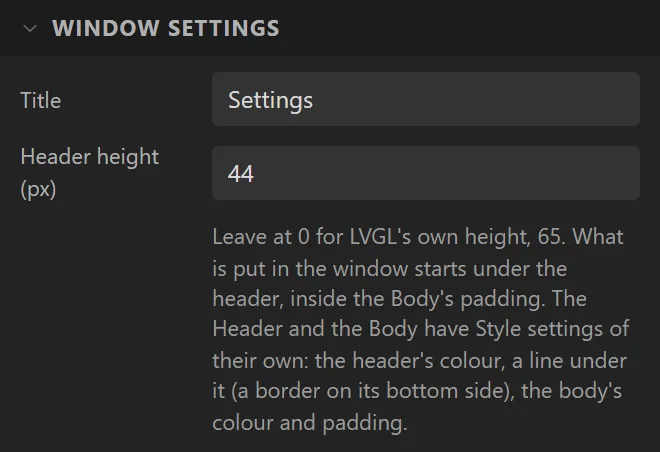
| Title | Window | The text in the header. Leave it blank and no title label is created at all. |
| Header height | 0 | 0 keeps LVGL's own height, which is 65 pixels. |
A window is two boxes, and each is a part you can style, under Style settings → Part:
- Header - the bar the title is in. Its Background is the bar's colour (LVGL's own is a light grey), and its Text is the title's colour and font. For a line between the header and the body, give the Header a Border: a width, a colour, and Side set to Bottom.
- Body - where the window's contents go. Its Background is the body's colour (LVGL's own is the screen's), and its Padding is how far in from the body's edge the contents start: 13, 16 or 20 pixels until you set one, by the size of the display.
- Main - the window as a whole, which LVGL draws nothing for: no background, border or padding until you give it one.
What you put in a window is placed in its body: under the header and inside the body's padding. The canvas draws it there, and the align buttons and a widget dropped from the palette go by that room.
Children go into the content area, not onto the window itself - anything parented to the
window directly would draw over the title bar. The generated code reflects that:
lv_win_get_content() is the parent for everything you drop inside.
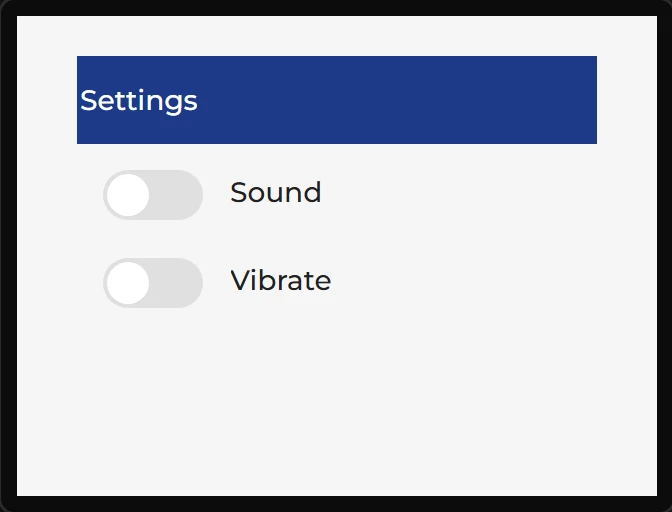
Example: a titled settings box
- Drag a Window onto the screen; give it X
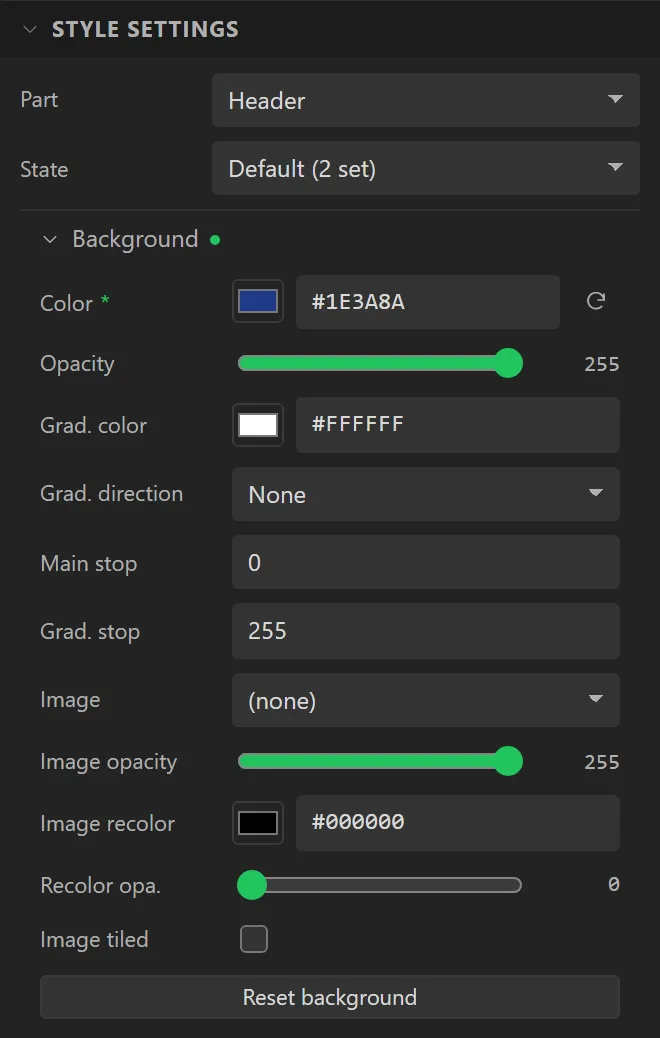
30, Y20, Width260and Height200. Under Window settings set Title toSettingsand Header height to44. - Open Style settings and set Part to Header. Under Background set Color to
#1E3A8A, and under Text set Color to#FFFFFF. - Drop two Switches into the window, one under the other, each with a Label beside it:
SoundandVibrate. They go into its body, inside the body’s padding.