Weather card
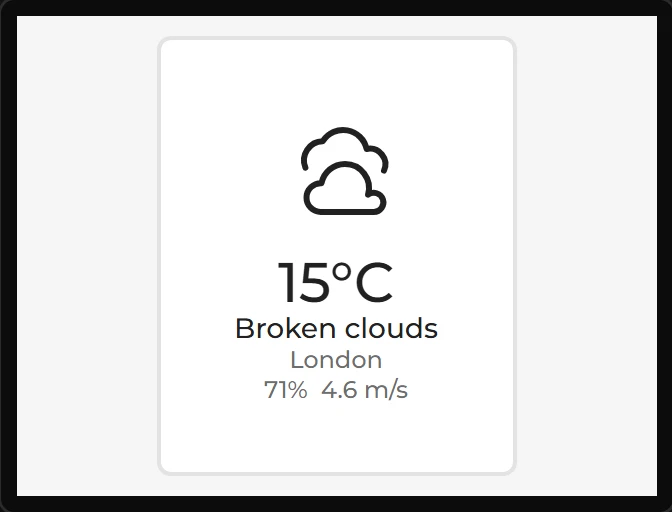
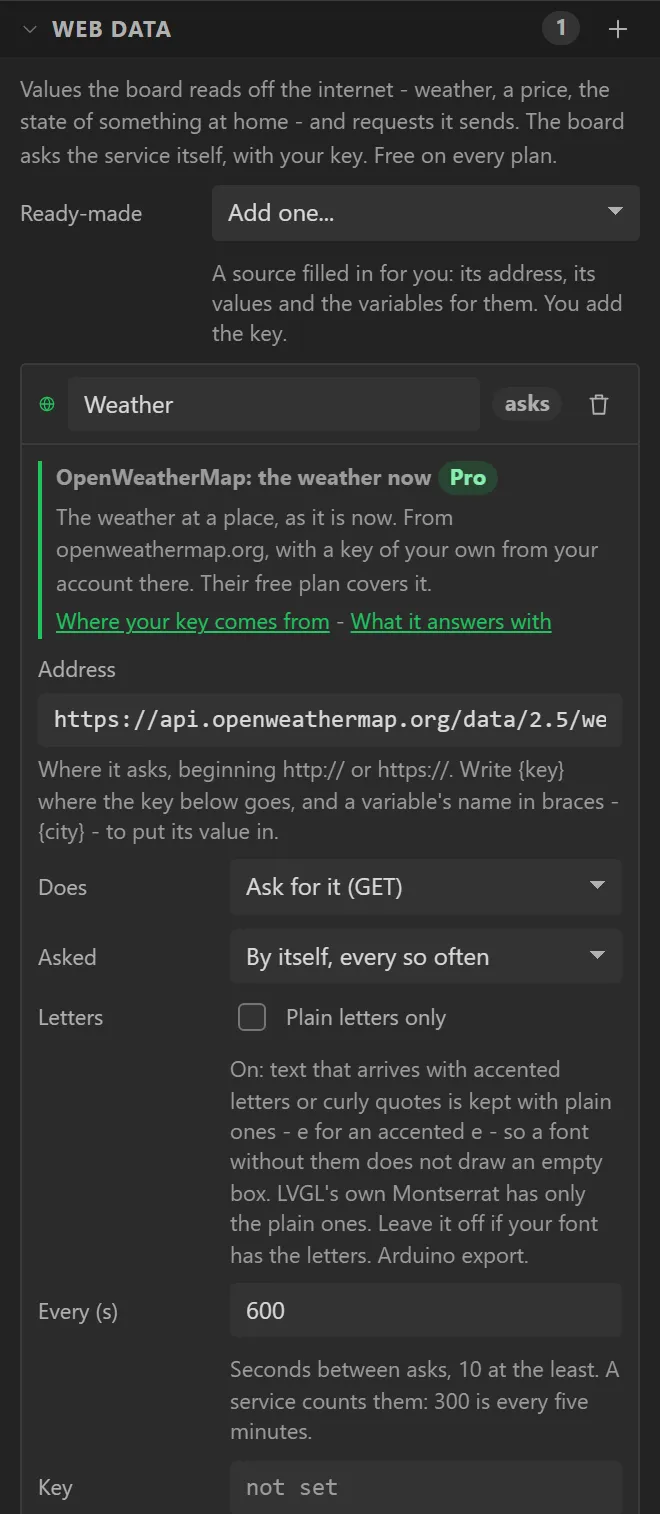
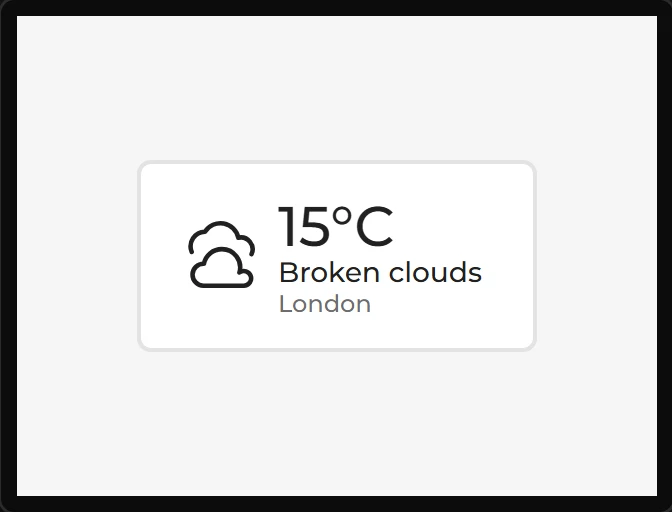
The weather at a place: an icon for the sky, the temperature, what it is doing, and where. Drop one on a design and it shows something at once, because it brings its own web data source with it - the OpenWeatherMap preset, filled in but for the key, which is yours from your account there - and draws from the sample answer that came with it. On the board it asks every ten minutes and the card follows. Arduino export, on an ESP32.
| Setting | Default | What it does |
|---|---|---|
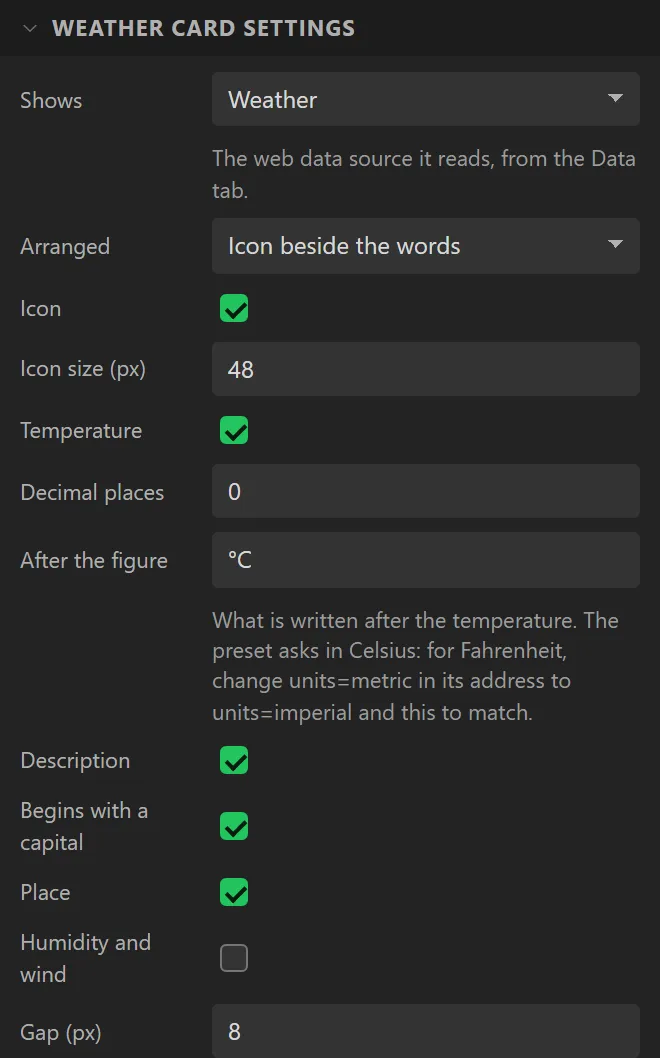
| Shows | the source it brought | Which web data source it reads. |
| Arranged | Icon beside the words | Or the icon above them, centred. |
| Icon / Icon size | on, 48 px | The sky: clear, a few clouds, cloud, overcast, showers, rain, thunder, snow or mist, by day or by night. The icons are LCD Wizard's own and need no credit. |
| Temperature / Decimal places / After the figure | on, 0, °C | The figure and what is written after it. The preset asks in Celsius: for Fahrenheit change units=metric in the source's address to units=imperial, and this to match. |
| Description / Begins with a capital | on, on | What the service calls the weather: Broken clouds. |
| Place | on | The name the service gives the place. |
| Humidity and wind / After the wind | off, m/s | A last line: 71% 4.6 m/s. |
| Gap | 8 px | Between the icon and the words. |
| Until it has answered | Waiting for the weather | All it says before the first good answer. |
| Temperature is ... Wind is | Found by its name | Which of the source's values each line shows. Left alone, a line is the value called temp, icon, description, place, humidity or wind; point one at another value, or at nothing. |
Because each line can be pointed at any value, the card is not tied to one service. Point its
lines at the forecast preset's day2_temp, day2_icon and
day2_text and it is the day after tomorrow; three cards side by side are a forecast.
Give it a source of your own with the same names and it shows that. The icon reads the sky's code
two ways: as OpenWeatherMap writes it - 01d a clear day, 10n rain at night - which
other services have taken up, and as MET Norway writes it -
clearsky_day, heavyrainshowers_night. MET Norway sends no description beside
its code, so for that service the card's description line is the code in words: “Clear sky”,
“Heavy rain showers”. Point the card at the MET Norway source under Shows and both come by themselves.
The card is the box you style as Main; each line is a part with its own font and colour, and takes the card's where it has none. A line with nothing to show - a value the source lacks - is left out and the others close up; the Problems tab says which. A description too long for the card wraps inside it.
Example: the card in a column, with the wind
- Drag a Weather card onto the screen. The Data tab gets a web source called Weather, filled in from the OpenWeatherMap preset: type the key from your OpenWeatherMap account into its Key.
- Under Weather card settings set Arranged to Icon above the words, Icon size to
63, and tick Humidity and wind. - Give it X
70, Y10, Width180and Height220. - The board asks every ten minutes once it is on a network; add a WiFi Setup for that.