LED
A round indicator lamp. Not a container and not clickable - it shows a state, and that is all.

| Setting | Default | What it does |
|---|---|---|
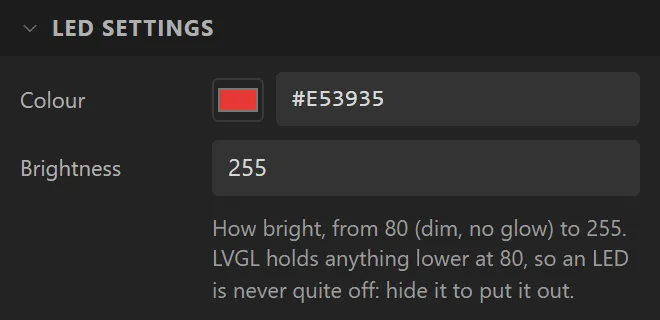
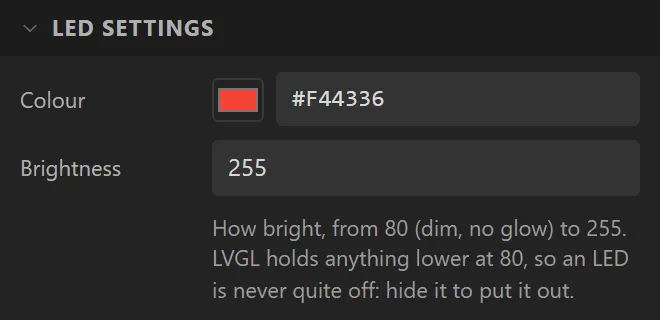
| Colour | red | The lit colour. LVGL also derives the glow around it from this. |
| Brightness | 255 | 80-255. LVGL mixes the whole lamp toward black by this and shrinks its glow to nothing at 80. Anything lower is held at 80, so the lamp is never quite off: hide it to put it out. |
Example: a row of status lamps
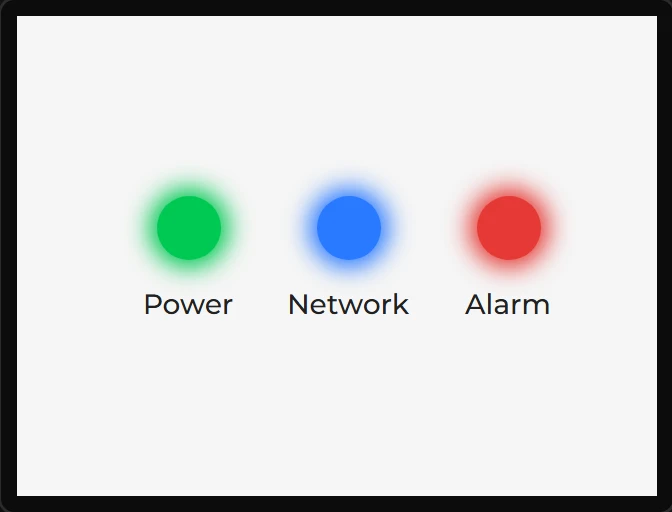
- Drag three LEDs onto the screen in a row, and name them
PowerLed,NetworkLedandAlarmLed. - Under LED settings give them the Colours
#00C853,#2979FFand#E53935. - Put a Label under each, centred:
Power,NetworkandAlarm. - To switch one on and off from the board, bind its Opacity or Hidden to a variable, as in the Switch example.