Switch
An on/off toggle. Bind Checked to a Boolean variable and it drives or follows it.
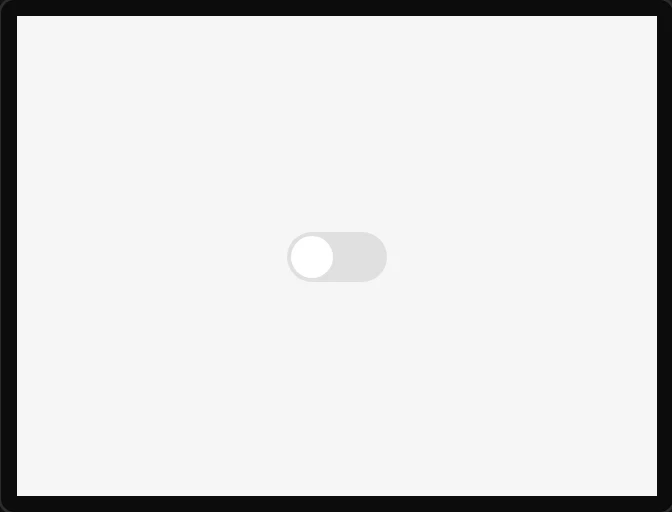
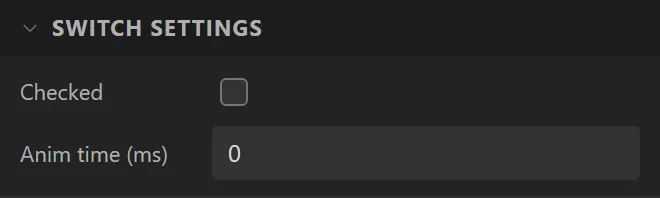
| Setting | Default | What it does |
|---|---|---|
| Checked | off | Initial state. |
| Anim time | 0 ms | How long the knob takes to slide. |
Example: a switch that lights a lamp
- On the Data tab add a variable called
lampwith Type Boolean. - Drag a Switch onto the screen and name it
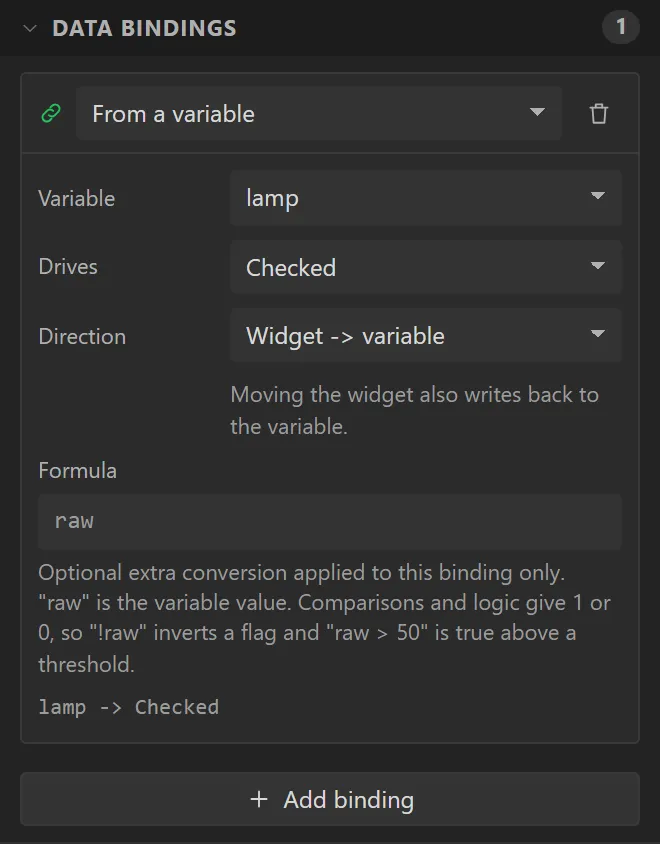
LampSwitch. Under Data bindings add a binding: Variable lamp, Drives Checked, Direction Widget -> variable. - Drag an LED beside it, name it
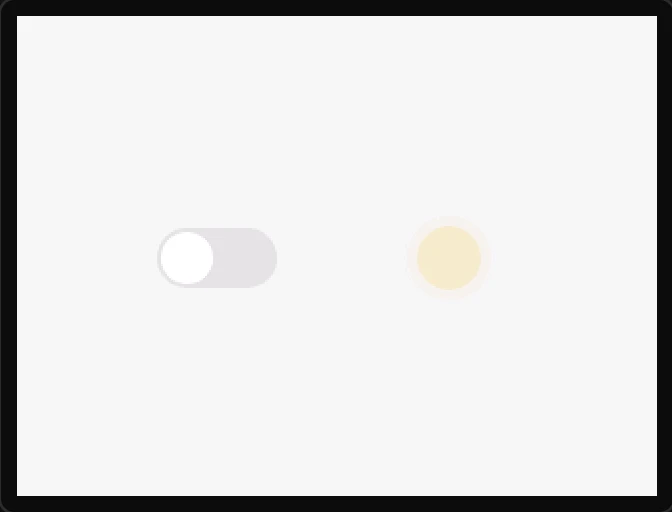
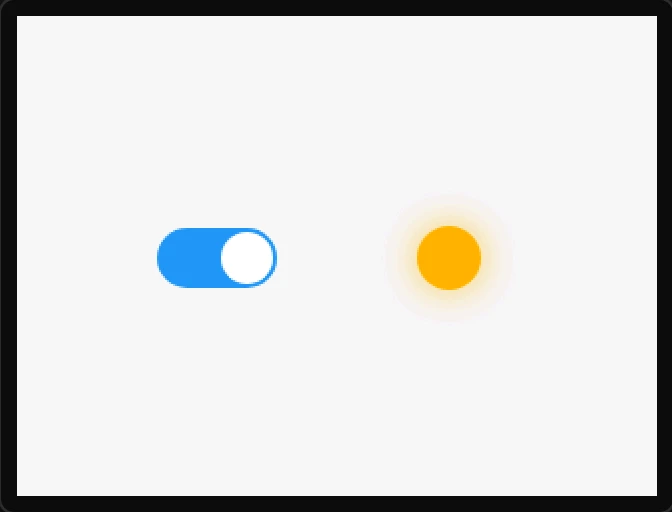
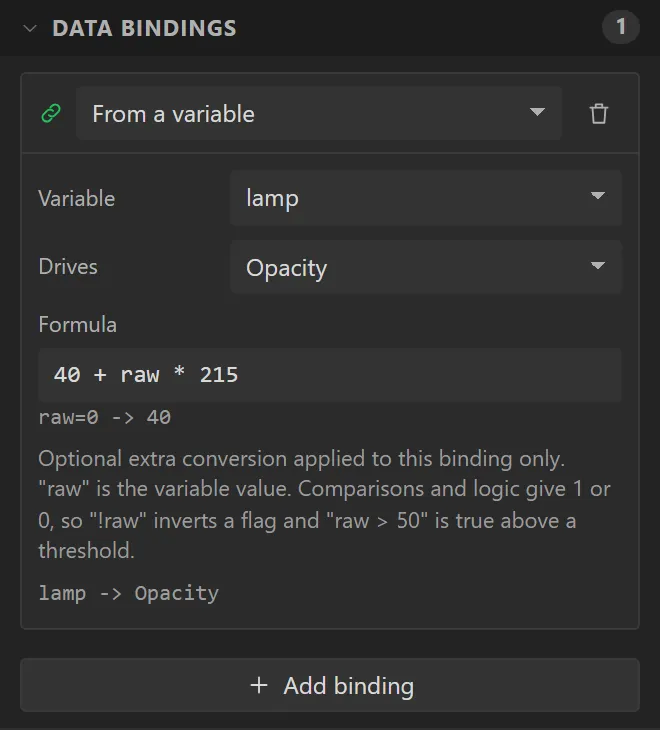
Lampand set LED settings > Colour to#FFB300. Add a binding: Variable lamp, Drives Opacity, Formula40 + raw * 215- faint at 0, whole at 1. - Press Preview and click the switch.