Checkbox
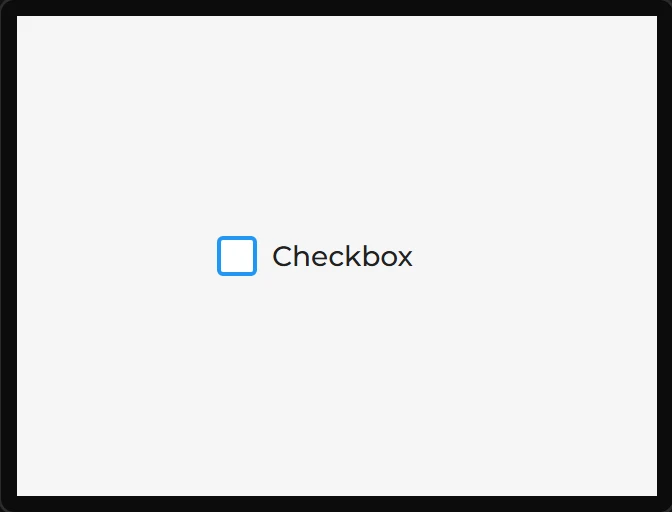
A tick box with a caption.
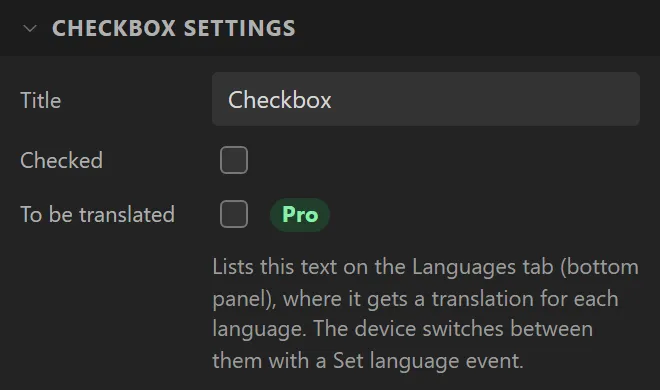
| Setting | Default | What it does |
|---|---|---|
| Title | Checkbox | The caption. |
| Checked | off | Initial state. |
Example: a button that waits for a tick
- On the Data tab add a Boolean variable called
agreed. - Drag a Checkbox onto the screen, name it
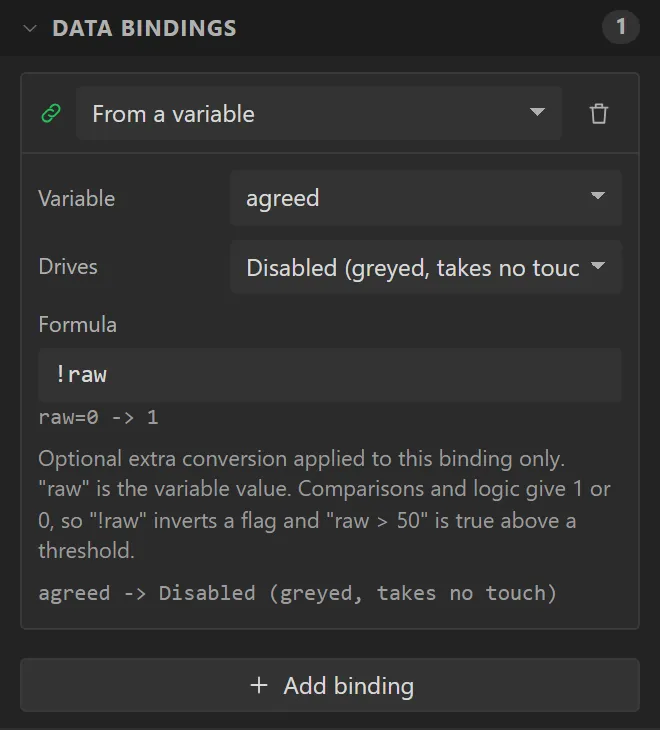
Agreeand set its Title toI have read the terms. Bind it: Variable agreed, Drives Checked, Direction Widget -> variable. - Drag a Button under it saying
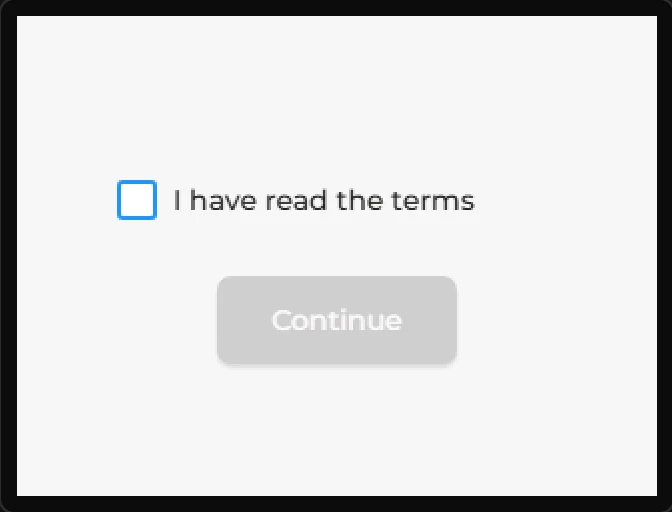
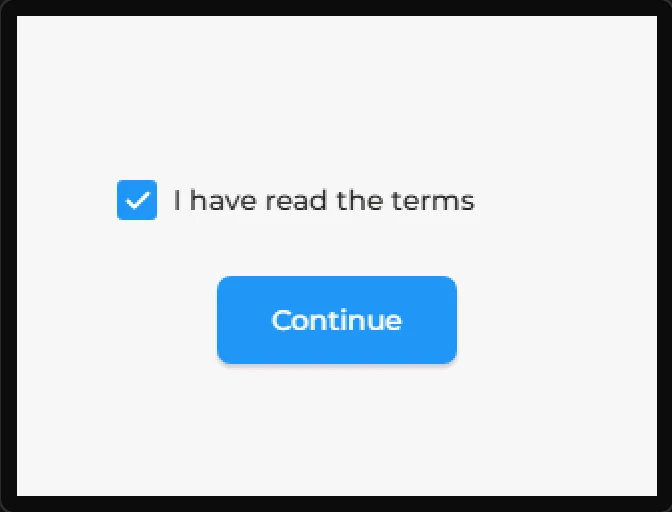
Continue. Bind it: Variable agreed, Drives Disabled (greyed, takes no touch), Formula!raw. - Press Preview: the button is greyed and takes no touch until the box is ticked.