Dropdown
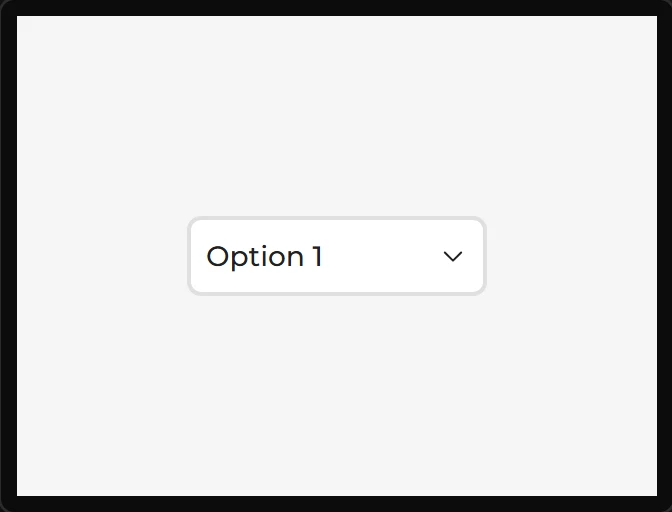
A closed list that opens on tap. The list is a separate object in LVGL, which is why it has its own three style parts.
| Setting | Default | What it does |
|---|---|---|
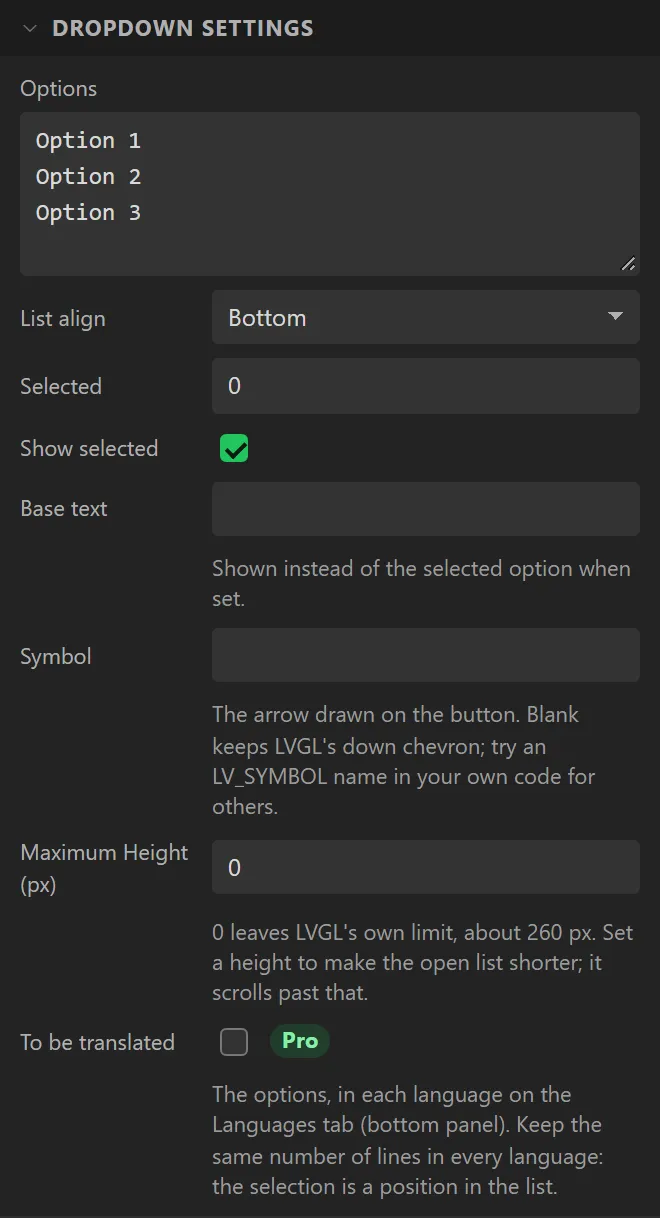
| Options | Option 1 / 2 / 3 | One per line. |
| List align | Bottom | Which way the list opens. |
| Selected | 0 | Initial index, from zero. |
| Show selected | on | Whether the closed control shows the current option. |
| Base text | (empty) | Fixed text to show instead of the selected option - a prompt such as "Choose". |
| Maximum Height | 0 | Caps the open list, which scrolls past it. 0 leaves LVGL’s own limit, about 260 px. |
Example: choosing a fan speed
- On the Data tab add an Integer variable called
fan, with Min0and Max3. - Drag a Dropdown onto the screen and name it
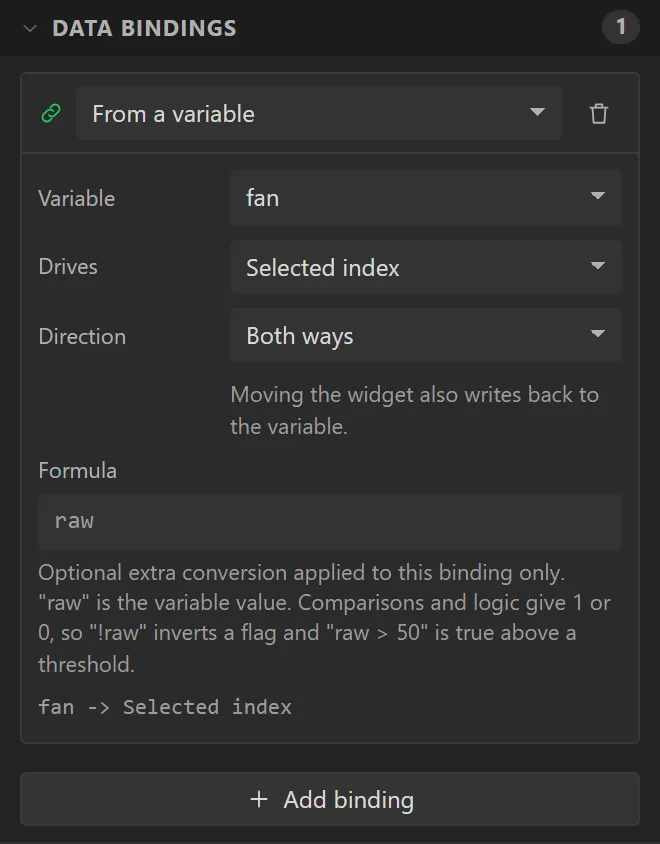
FanSpeed. Set Options to four lines:Off,Low,MediumandHigh. Bind it: Variable fan, Drives Selected, Direction Both ways. Selected counts from 0, so Off is 0 and High is 3. - Drag a Bar under it, set Bar settings > Max to
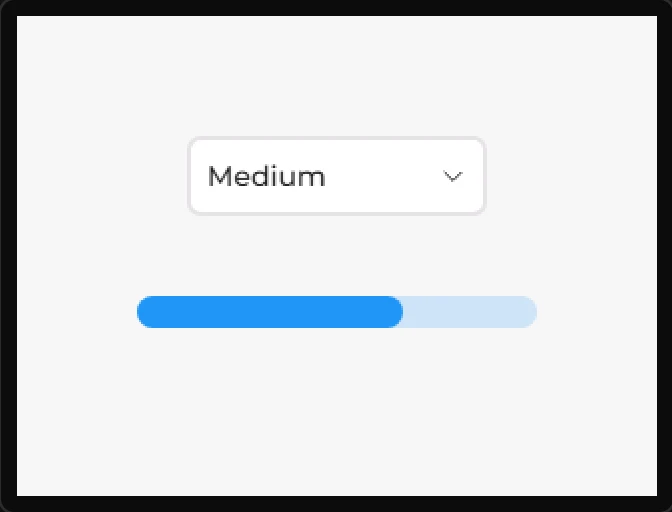
3, and bind its Value to fan. - Press Preview and click the dropdown twice. Preview steps to the next option on each click rather than opening the list: at Medium the bar is two thirds full.