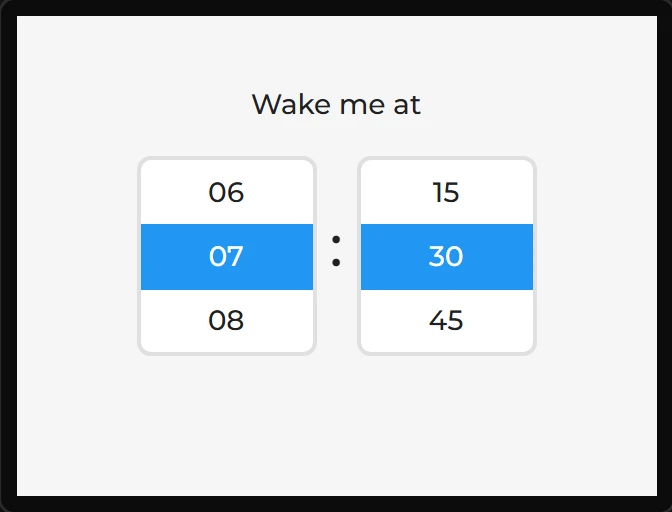
Roller
A drum of options; drag to spin. Good for numbers and short lists on a touch panel.
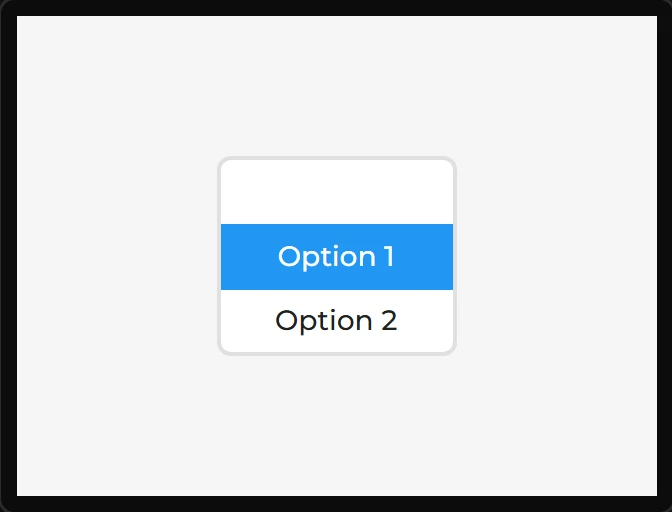
A roller’s height is its rows. LVGL sets it from Visible rows: that many lines of the font, each with the line spacing after it, and the border twice - 100 pixels for three rows of the default 14 pixel font. Whatever height a design gives it is overwritten on the board, so the designer keeps it at that figure: pull the roller taller and it gains a row, change its font or line spacing and its height follows. The chosen option is always in the middle, with the others a row apart above and below; on its first option a Normal roller has nothing above it.
| Setting | Default | What it does |
|---|---|---|
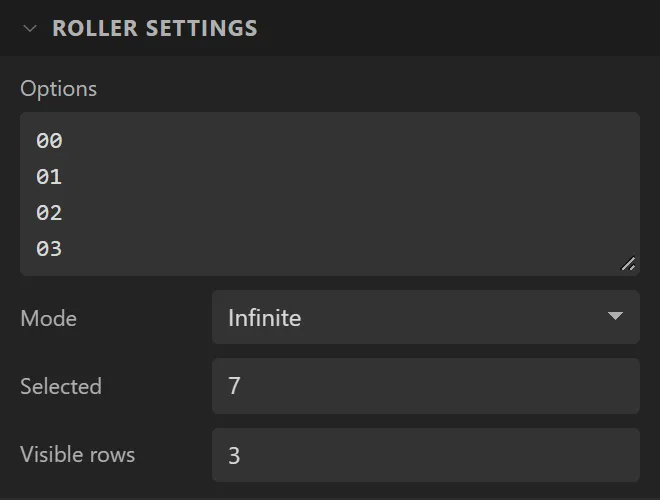
| Options | Option 1 … 4 | One per line. |
| Mode | Normal | Normal stops at the ends; Infinite wraps around. |
| Selected | 0 | Initial index. |
| Visible rows | 3 | How many rows show at once - an odd number keeps the selection centred. |
Example: a time picker
- Drag a Roller onto the screen and name it
Hours. Set Options to the 24 hours,00to23, one a line; Mode to Infinite, so it goes round; and Selected to7. Give it X60, Y70and Width90. Its height is its rows, and is kept so. - Drag a second roller,
Minutes, with Options00,15,30and45and Selected2, at X170. - Put a Label saying
:in a large font between them, and one sayingWake me atabove. - To use the choice, bind each roller’s Selected to a variable with Direction Widget -> variable: it is the line’s number, from 0.