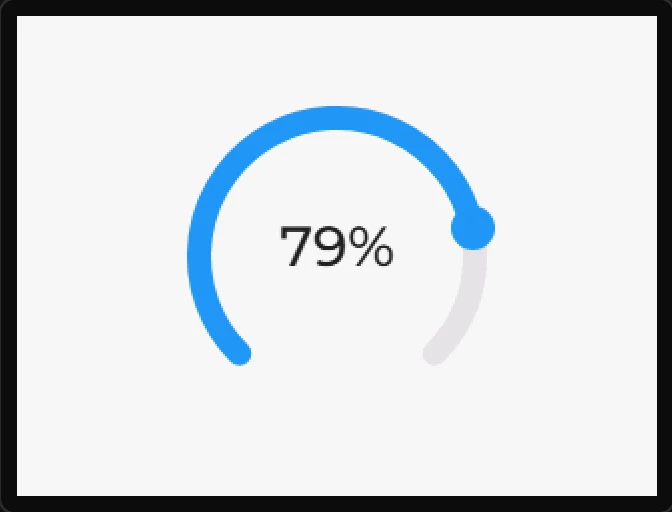
Arc
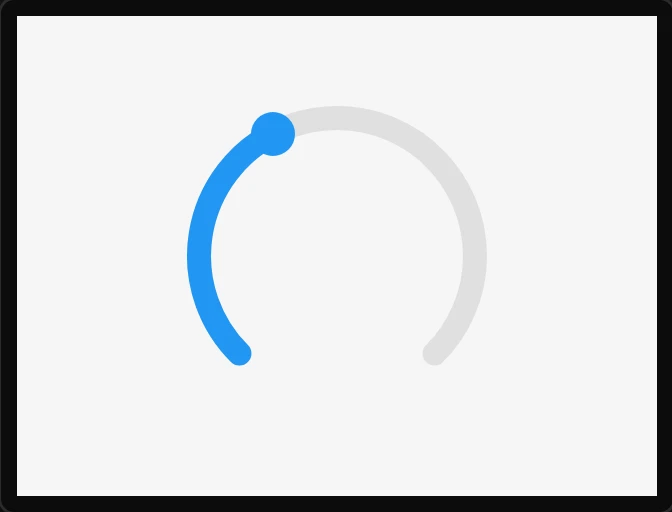
A circular slider - the classic dial. The background angles set where the track is drawn; the start and end angles are the current indicator, which the value normally controls. Bindable both ways.
| Setting | Default | What it does |
|---|---|---|
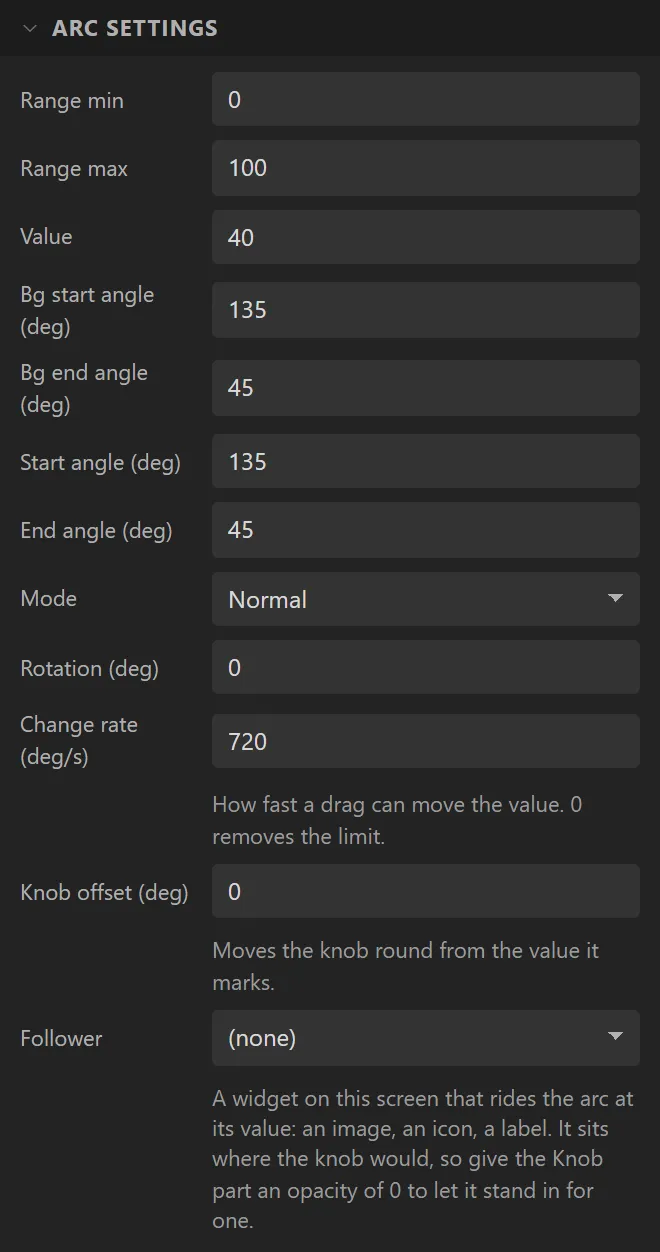
| Range min / max | 0 / 100 | The range. |
| Value | 40 | The initial value. |
| Bg start / end angle | 135° / 45° | Where the track begins and ends, clockwise from 3 o'clock. 135 to 45 is the usual three-quarter dial with the gap at the bottom. |
| Start / end angle | 135° / 45° | The indicator arc. Emitted after the value so a hand-set arc is not overwritten. |
| Mode | Normal | Normal grows clockwise from the background start. Symmetrical grows from the middle of the background arc towards whichever side the value is on. Reverse grows anticlockwise from the background end, and the knob sits at the moving end - the canvas, the preview and the gallery previews all draw it that way. |
| Rotation | 0° | Rotates the whole thing. |
| Follower | none | A widget on the same screen that the arc carries round with its value. |
| Follower turns | No | Whether the follower is turned as it goes, so its top always faces out of the circle. |
| Follower offset | 0 px | How far outside the middle of the arc it rides. Negative is towards the centre. |
A follower: a pointer, a dimple, a label that rides the arc
An arc's own knob is a shape - a circle or a rounded box, in one colour. For anything more, name a Follower: an Image, an Icon, a Label, any widget on the screen. The arc puts it where the knob would be and moves it whenever the value moves, by a drag, a binding or an action. Give the Knob part an opacity of 0 and the follower is the thing you turn.
Left to move only, it keeps the way up it was drawn - right for a dimple on a rotary knob, whose shadow should stay on the same side as it goes round. Set to turn, its top always points out of the circle - right for a triangle pointing at a ring of graduations, drawn point down so that it points in. The offset moves it out past the arc or in towards the centre.
A follower has no place of its own: its Align, X and Y are not used, and the canvas shows it where the arc will put it. One follower rides one arc. A turned follower is drawn through an LVGL layer, which costs memory in proportion to its size, so keep a turned one small. In the Arduino and MicroPython exports: on ESPHome the widget stays where it was drawn, and the Check tab says so.
Example: a dial with its value in the middle
- On the Data tab add an Integer variable called
setpoint, with Initial value40, Min0and Max100. - Drag an Arc onto the screen and name it
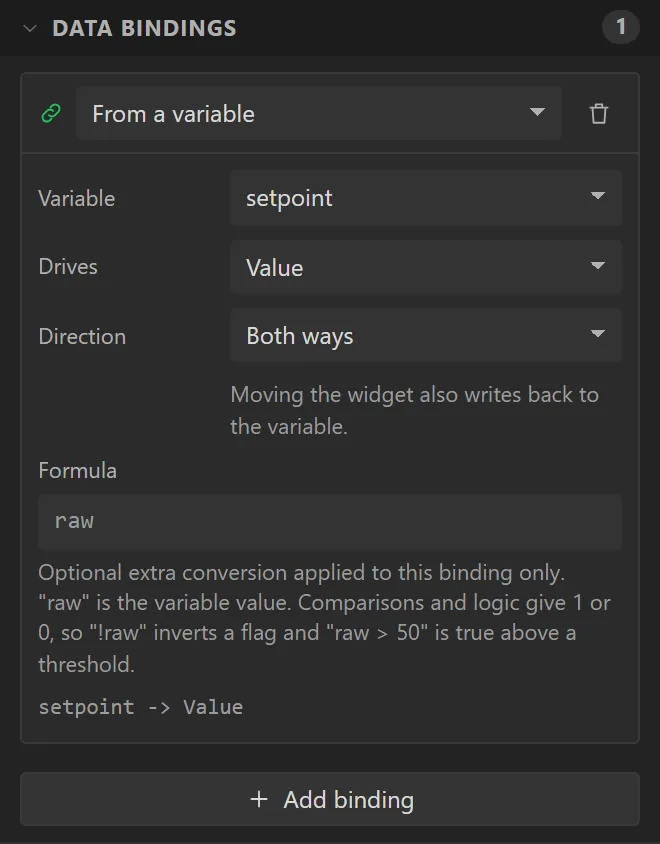
Dial. Bind it: Variable setpoint, Drives Value, Direction Both ways. - Drag a Label into the middle of the arc (X
110, Y100, Width100, Height40), with a font size of28 pxand its text centred. Bind its Text to setpoint with Postfix%. - Press Preview and press on the arc: the knob goes to where you pressed and the number follows.