Spinbox
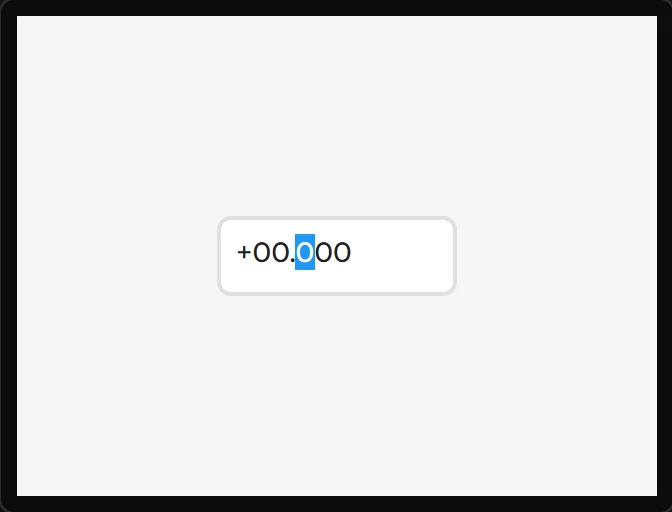
A number with a cursor on one digit; the Step spinbox action moves it. Values are integers with an implied decimal point.
The canvas shows the text LVGL writes. Separator position counts the digits before
the point, so a value of 150 with three digits is 1.50 at 1 and 15.0 at 2;
at 0 there is no point. A sign leads the number whenever Min is below zero - a plus for a
value that is not - and the cursor is on the digit one step changes: the units for an
Increment position of 1, the hundreds for 100.
An ESPHome export writes the same spinbox in ESPHome’s own terms - the number as it reads, with the digits after the point counted instead - and a variable bound to it keeps the whole number on every target. What the YAML says.
| Setting | Default | What it does |
|---|---|---|
| Digit count | 5 | Total digits shown. |
| Separator position | 2 | How many digits sit left of the decimal point. |
| Min / Max | -99999 / 99999 | The range, in raw integer units. |
| Increment position | 100 | The step - 100 with separator 2 steps by 1.00. |
| Value | 0 | Initial value. |
Example: a setpoint with - and + keys
- Drag a Spinbox onto the screen and name it
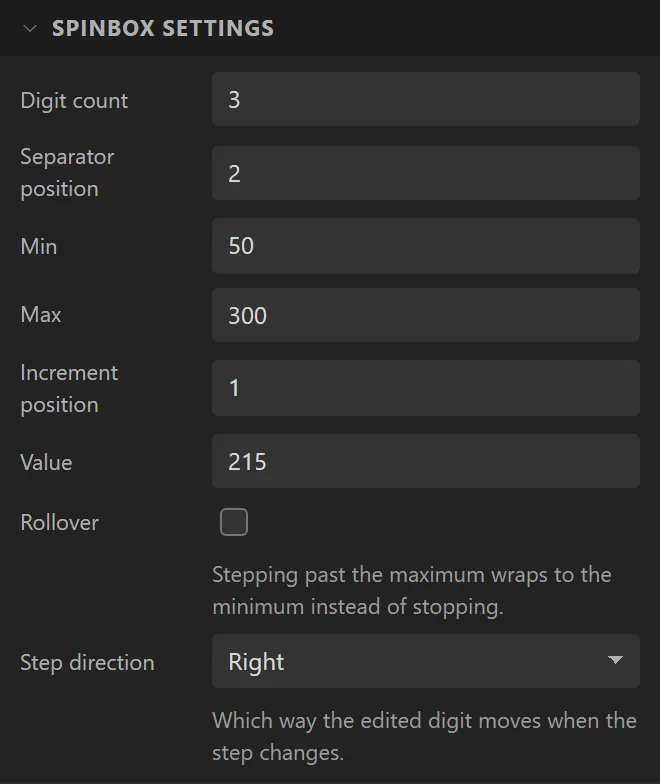
Setpoint. Under Spinbox settings set Digit count3, Separator position2, Min50, Max300, Increment position1and Value215. It reads21.5and steps by 0.1. - Drag two Buttons either side of it, saying
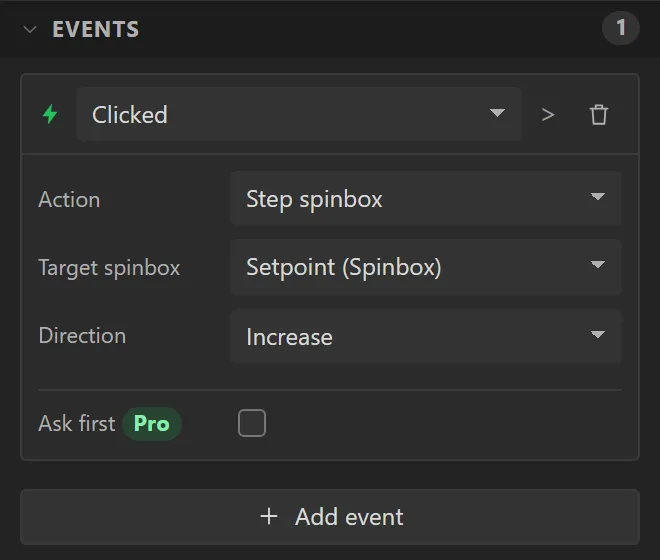
-and+, namedMinusandPlus. - Select Plus, open Events and press Add event: Clicked, Action Step spinbox, Target spinbox Setpoint, Direction Increase. Give Minus the same with Decrease.
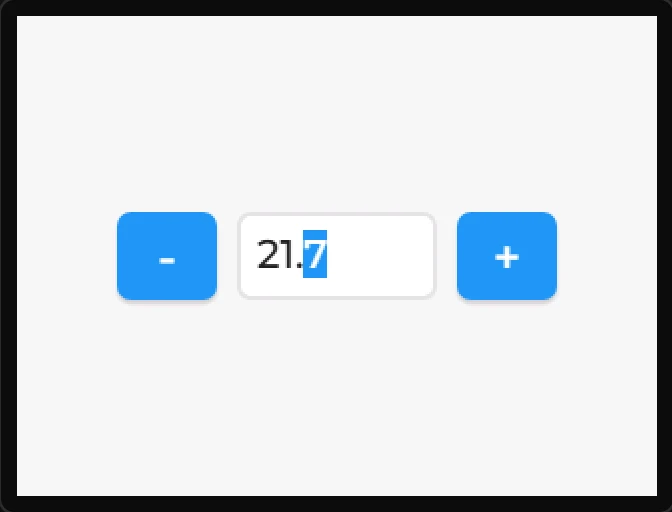
- Press Preview and click + twice: it reads
21.7.