Line
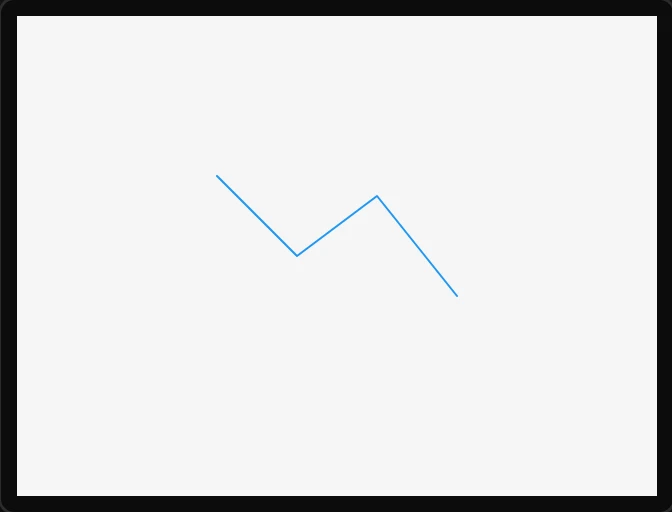
A polyline from a list of points - a divider, a pointer, a simple shape. The points are fixed at design time; LVGL keeps a pointer to the array rather than copying it, so the generated code stores it as a static.
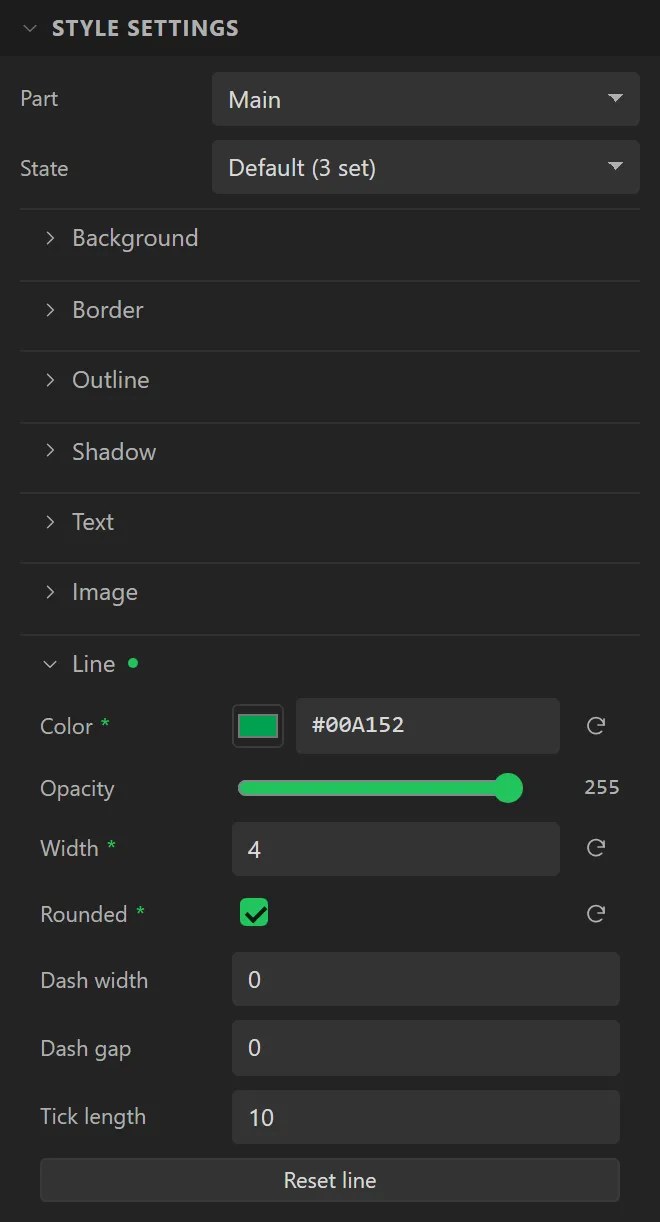
Colour, thickness, rounded ends and dashes all come from the Main part's Line style group.
| Setting | Default | What it does |
|---|---|---|
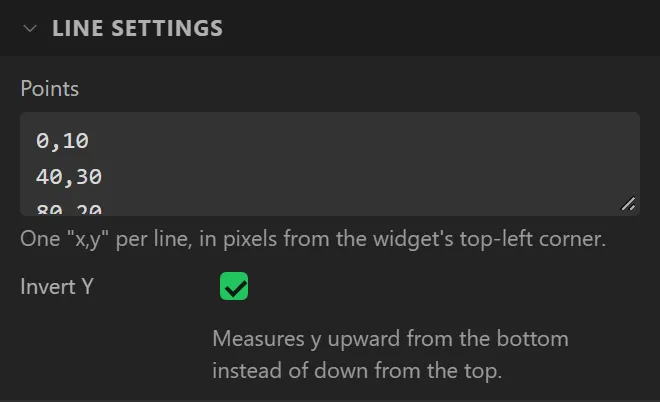
| Points | four points | One x,y per line, in pixels from the widget's top-left corner. Lines that are not a pair of whole numbers are ignored, and fewer than two points draws nothing. |
| Invert Y | off | Measures y upward from the bottom instead of down from the top, which suits a graph drawn by hand. |
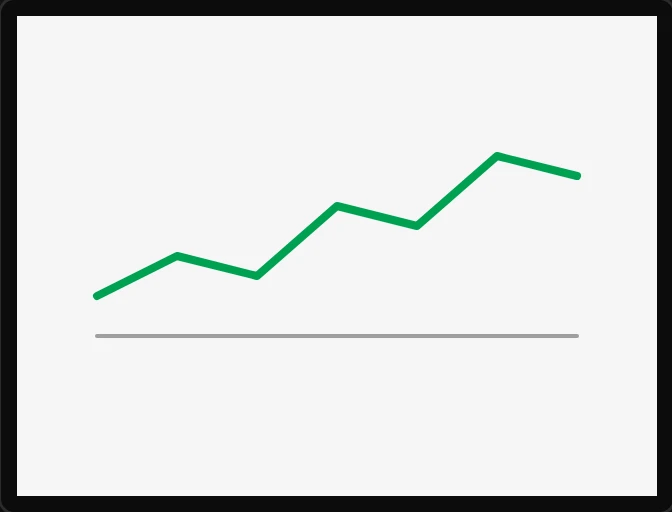
Example: a graph drawn by hand
- Drag a Line onto the screen and name it
Trend: X40, Y60, Width240, Height90. - Under Line settings set Points to seven lines:
0,10,40,30,80,20,120,55,160,45,200,80and240,70, and tick Invert Y so that y counts up from the bottom. - Under Style settings > Line set Color to
#00A152, Width to4and tick Rounded. - Add a second Line under it for a base: Points
0,0and240,0, Width2, in grey.