Clock
The time, kept without any code. It is free, on every plan. The chip has no clock that
survives a power cut, so the time is given to it, and any of three things can: a time server, once
the board has joined a network through a WiFi Setup widget; a
clock module with a cell of its own, which has the time at power-up;
and somebody setting it by hand. One is enough, and the
Problems tab says so when a design has none. Until the time is known the clock shows what you tell
it to, --:-- to begin with. Arduino export, on an ESP32 of any kind.
| Setting | Default | What it does |
|---|---|---|
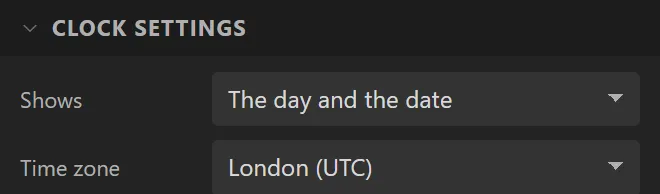
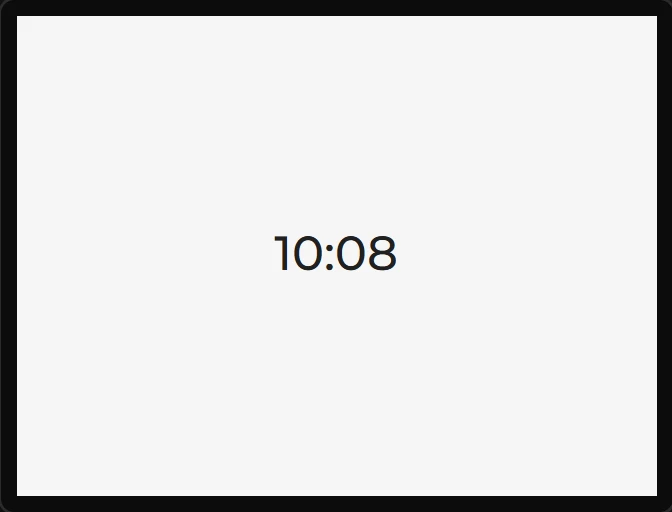
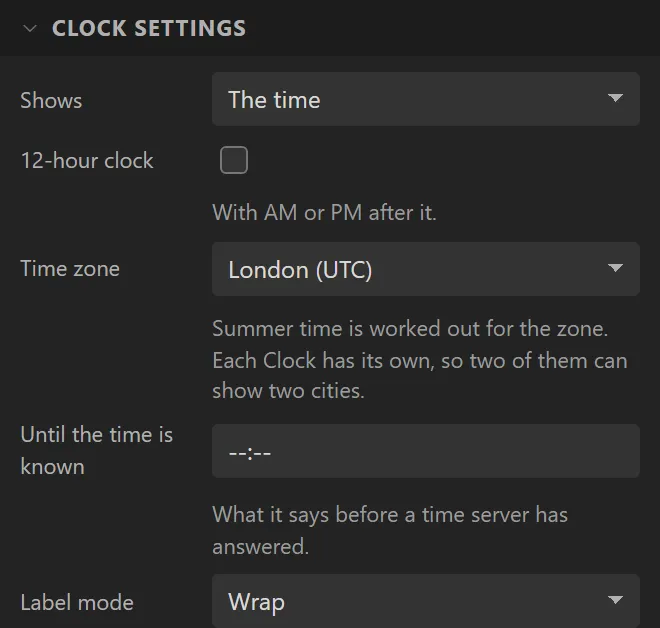
| Shows | The time | The time, the time with seconds, the date written out, the day and the date, the day of the week, the date in figures three ways round, or a pattern of your own. |
| 12-hour clock | off | For the time: 3:04 PM rather than 15:04. |
| Pattern | HH:mm | For a pattern of your own - see below. |
| Time zone | where you are | A city, listed by part of the world, or an offset of your own in minutes. Summer time is worked out for a city. Each Clock has its own, so two of them side by side are a world clock. |
| Until the time is known | --:-- | What it says before a time server has answered. |
| Label mode | Wrap | What happens to a text wider than the widget, as a Label's. |
| Internet time | on | Asks a time server once the network is up, and takes its correction every hour. Off, the time is only what a clock module holds and what Set the clock gives it. One setting for the whole design: the first Clock's. |
| Time server | pool.ntp.org | Where the time is asked for. There is one for the whole design: the first Clock's. Two public ones are asked after it if it does not answer. |
| Keeps time on | nothing | A clock module in the design - see below. One for the whole design: the first Clock's. |
| The module holds UTC | off | Off, the module holds the time in this clock's zone. On, UTC, as some other firmware expects. |
Keeping the time on a clock module
Add a DS3231, a DS1302 or a PCF85063 under Hardware > Devices and choose it under Keeps time on. The time is then read from the module when the board starts, so the clock is right before any network answers, and with no network at all. The module is written whenever the clock is set: by a time server, when one answers and each time its hourly correction finds the module more than a second out, and by the Set the clock action. So the three work together: a board that is sometimes online keeps good time when it is not, and one that never is keeps the time somebody gave it.
The module holds the time in the first Clock's zone - what that Clock shows, and what the module's own Hour reads if you bind it to something. A module knows nothing of summer time, so the board remembers which side of it the module was last written on: an hour that changes while the power is off is not lost, and the module is written again when the clocks go forward or back. One case leaves it an hour out until it is next set: a module whose cell went flat, set again by something other than the Clock - its own Set time on first boot, or your code - in the other half of the year. Turn The module holds UTC on and there is nothing to remember.
From your own code, clock_set_local(zone, year, month, day, hour, minute, second)
in lw_clock.h is what the action calls - -1 for a figure keeps it as it
is - and each clock module has per_<name>_get_time() and
per_<name>_set_time() in hardware.h, whether or not a Clock uses
it. None of this has run on a board yet: it is compiled, and its arithmetic is the designer's
own.
A pattern of your own is written the way a spreadsheet writes one. HH or
H is the hour, hh or h on a 12-hour clock, mm
the minutes, ss the seconds, AP or ap the half of the day.
D or DD is the day, M or MM the month in
figures, MMM or MMMM its name, YY or YYYY the
year, ddd or dddd the day of the week. The doubled ones keep a leading
zero. Everything else is shown as it is written, and a run of letters counts as these only when
the whole of it does, so HH:mm Uhr says 15:04 Uhr. Words in
[square brackets] are shown as they are whatever they spell:
dddd [the] D is Saturday the 7. A line end in the pattern is a line end on
the screen.
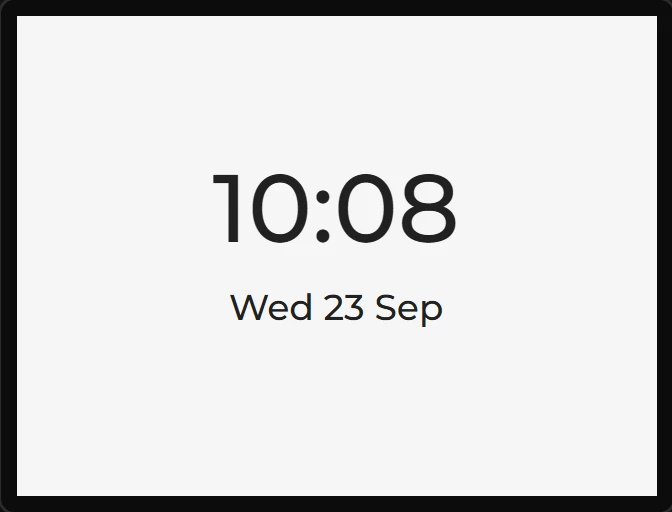
It is a label, so its font, colour and alignment are its Main part; a dropped one starts at 24 px, centred. While you lay a clock out the canvas shows one fixed moment - 10:08:36 on Wednesday 23 September 2026, which is as long as a date gets - so a box that holds it holds any date. In preview it runs, in its own zone, on your computer's clock. Day and month names are English. A zone's summer-time rules are the ones in force when the project is generated: a country that changes them needs the project exported again.
The time is a variable's source too. On the Data tab the Source
menu has a Clock group - the hour, minute and second, the day, month and year, the day of the
week, minutes and seconds since midnight, whether the time is set, and as text the time, the date
and the names of the day and the month - each read in a time zone of its own or left at the
clock's. That is how anything else is built: Minutes since midnight with the formula
x / 2, bound to an Image's Rotation, is an hour hand. No Clock widget is needed for
it. In your own code it is clock_now(CLOCK_ZONE_EUROPE_LONDON, &t) from
lw_clock.h.
Example: the time and the date
- Drag a Clock onto the screen and name it
Time; make it240wide and60tall, with a font size of48 px. - Drag a second Clock under it,
Date, and set Shows to The day and the date and its font size to18 px. - Each starts in the time zone you are in; Time zone changes it, each Clock its own.
- The time comes from a time server once the board has joined a network, so add a WiFi Setup - or keep it on a clock module.