Sprite
One frame of a spritesheet at a time: a character that walks, a tank that drives and fires, a coin that spins. It plays the sheet’s sequences, and which frame or sequence it shows can be bound to a variable or set by any event. It is an ordinary image on the board, so it moves, turns and scales like one. Pro. Arduino, ESP-IDF and MicroPython exports.
| Setting | Default | What it does |
|---|---|---|
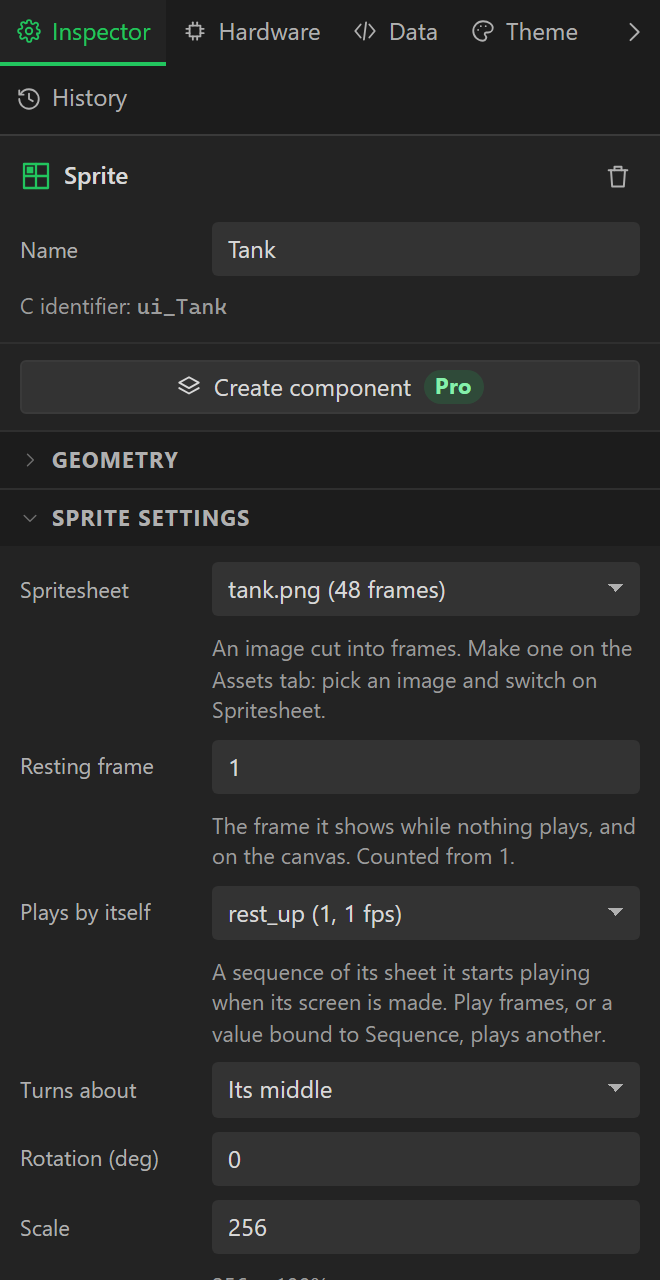
| Spritesheet | none | The sheet it shows a frame of. Make one on the Assets tab: pick an image and switch on Spritesheet. The widget takes the sheet’s frame size. |
| Resting frame | 1 | The frame it shows while nothing plays, and the one the canvas draws. Counted from 1. |
| Plays by itself | none | A sequence of the sheet it starts as its screen is made. |
| Turns about, Pivot X, Pivot Y | Its middle | Or a point of its own, in the frame. |
| Rotation | 0 | In degrees, to a tenth. |
| Scale | 256 | 256 is the frame’s own size, 512 twice it. |
| Antialias | on | Smooths a turned or scaled frame. Off keeps pixel art sharp. |
What can drive it, on the Data tab. Each acts when the value it is given changes, not on every pass, so a frame number that stays the same never stops a sequence that is playing.
| Bound to | What it does |
|---|---|
| Frame shown (from 1) | Shows that frame, and stops what plays: a picture with as many states as the sheet has frames. |
| Frame shown, by its name | A text variable naming a frame. A name the sheet has not got leaves it as it is. |
| Sequence playing, by its name | A text variable naming a sequence: it plays it. Empty text, or a name it has not got, pauses it. |
| Sequence playing, by its number | The same by number, from 1, so a formula can choose it; 0 pauses it. |
| Playing | On carries on with the sequence it has; off pauses it. |
| Rotation, X, Y, Width, Height, Hidden, Opacity | As on any widget: a value that turns it or moves it. |
From an event. The Play frames action takes a
Sprite as well as an Animation, with a Sequence to play; left at the one it has,
Plays carries on and Starts again goes back to its first frame. Any event can do it:
a key’s Pressed plays walk_left while a Set variable beside it
moves the Sprite’s bound X. Its own event is Sequence finished, sent when a sequence
that plays once reaches its last frame.
What it costs. The sheet is stored once in the firmware whatever the number of Sprites on it, and a Sprite adds a timer that is paused whenever nothing plays. See Spritesheets: on the board. Preview plays it as the board does, except that Sequence finished is not sent there. Compiled for LVGL 8 and 9, and run on the real MicroPython binding; not yet run on a board.
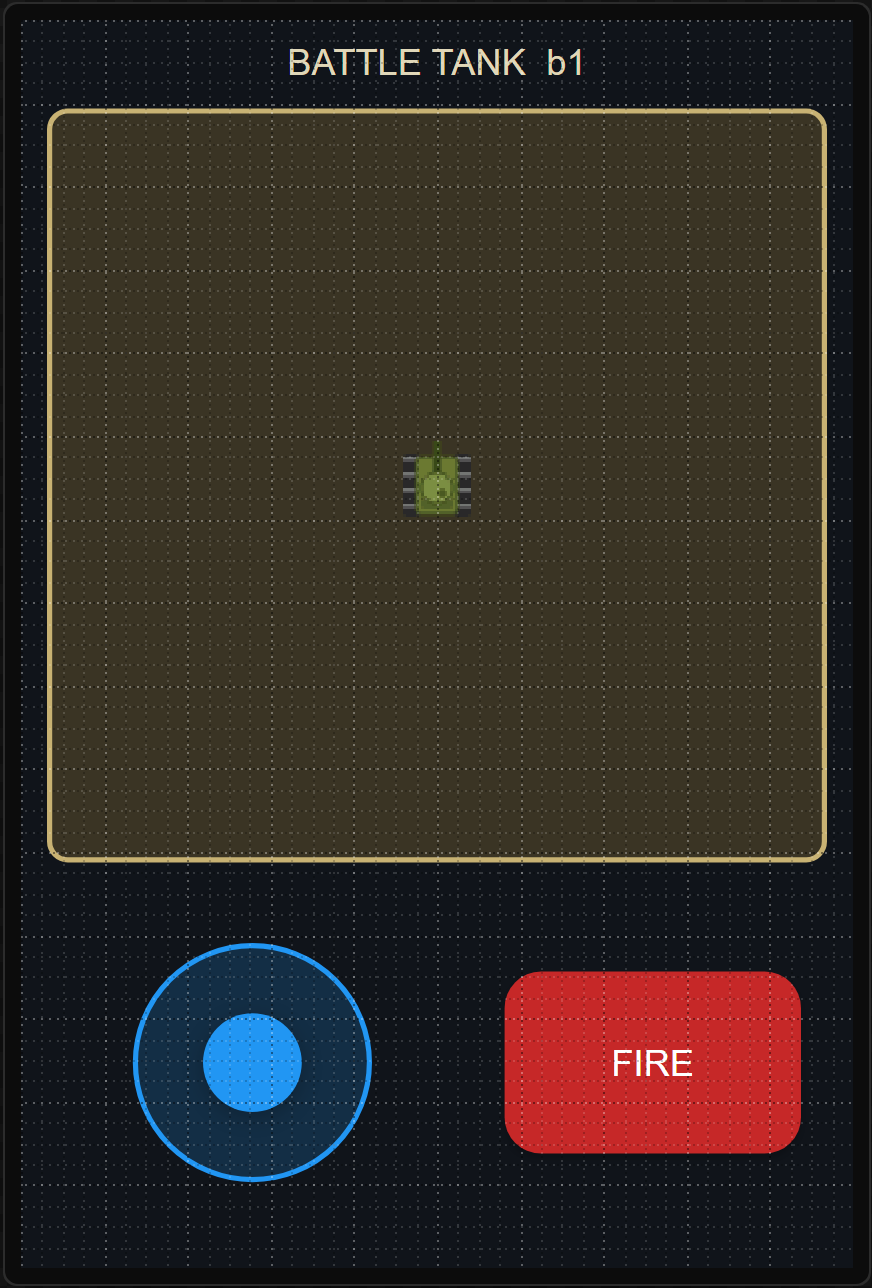
Example: a battle tank
- Make
tank.pnga spritesheet: eight rows of six 40 × 40 frames, one row for each way the tank faces. - Drag a Sprite into a panel and choose
tank.png. It takes the frame’s size, 40 × 40. - Bind its X and Y to the variables a Joystick moves, and its Sequence playing, by its number to one an automation works out from the stick’s angle.
- Press Preview and push the stick: it drives the way you push, its tracks rolling. The whole example.