Animation
A run of pictures, each shown for its own length of time: a GIF, a sprite drawn frame by frame, two pictures that swap. Its frames are ordinary images of the design’s, in a list under its settings - add them one at a time, or hand over a GIF and it is taken apart for you, each frame becoming an image with the time the file gave it. Arduino export.
| Setting | Default | What it does |
|---|---|---|
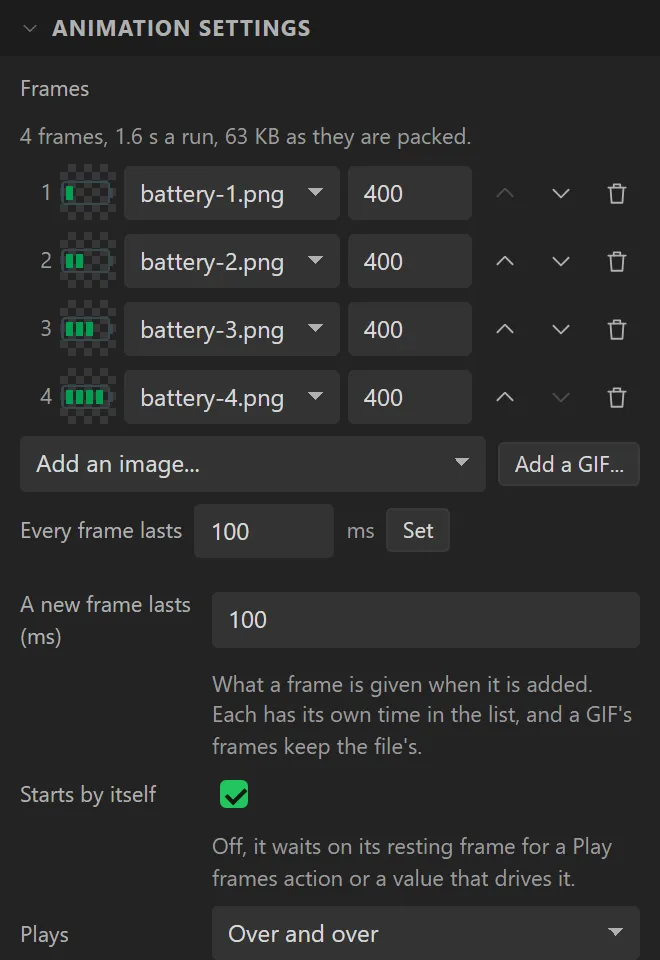
| Frames | none | The list, in the order they play. Each row is a frame: its picture, how long it shows in milliseconds, and buttons to move it earlier or later or take it out. Every frame lasts sets them all at once. Under the list it says how long a run is and what the frames take in flash. |
| A new frame lasts | 100 ms | What a frame is given when it is added. A GIF’s frames keep the file’s own times. |
| Starts by itself | on | Off, it waits on its resting frame for a Play frames action or a value that drives it. |
| Plays, Times | Over and over | Or a number of times, after which it stops and sends Finished. |
| There and back | off | To the last frame, then back through them to the first: a run of four shows 1 2 3 4 3 2, and ends on 1. |
| When it has finished | Stays where it ended | Or shows its resting frame. |
| Resting frame | 1 | The frame it shows while it is stopped, and the one the canvas draws. Counted from 1. |
An Animation is the size of its frames, as an Icon is the size of its icon: pull a handle and it goes back. Frames should all be one size - the Problems tab says when they are not - and a GIF’s always are.
Two things can be bound, on the Data tab. Playing starts and pauses it from a value that is on or off. Frame shown puts it on a frame by number, which makes an Animation that is not playing a picture with as many states as it has frames: a battery with five levels, a signal with four bars, a lamp that is one of three colours - one widget, and a variable that says which.
What a frame costs. Each is a whole picture: width × height × 2 bytes, or 3 with transparency. Sixty frames of 100 × 100 is 1.2 MB, which is most of a 4 MB board’s firmware. A GIF’s frames are kept in the firmware, where each is drawn straight from flash; one moved to the filesystem is read off it again every time it comes round. At most 300 frames are taken out of one GIF, and it says when there were more.
A GIF stays one thing in the designer. Its frames are one row of the list - the file’s name, which frames it is and how long they run - and one tile on the Assets tab, drawn as a stack, with a single Stored in and Colour format for all of them. Earlier and Later move the whole run, and the bin takes it out of the animation; the tile’s cross takes the frames out of the design, and out of any animation playing them. They are still images like any other underneath: click the row’s name, or Show each frame on the Assets tab, to give one frame a time of its own, swap it, or use it in an Image widget.
A GIF is taken apart in your browser - the file goes nowhere - and every frame is the whole picture as it stands at that moment, since the board draws one image at a time. On the board it is an ordinary image and a timer, so a frame’s time is the file’s own, and the same code runs on LVGL 8 and 9. Compiled, and not yet run on a board.
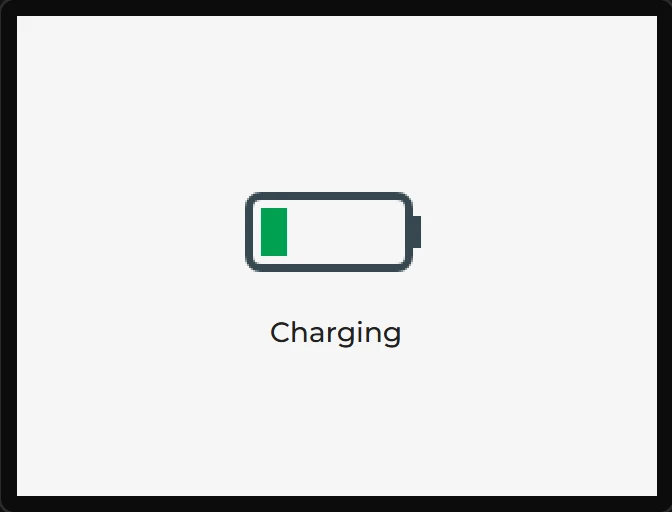
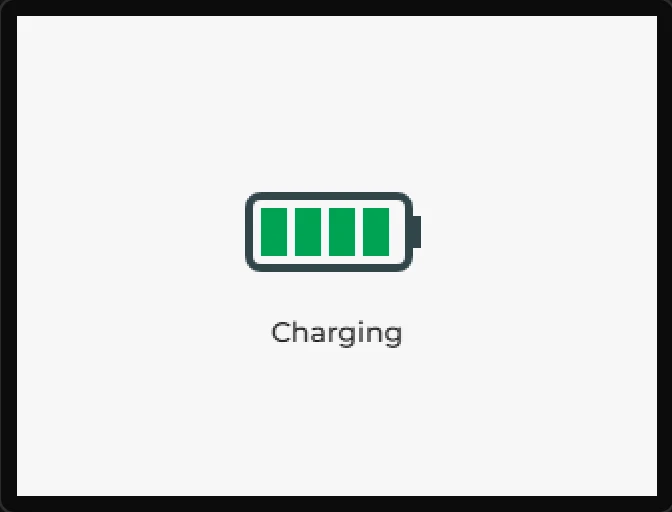
Example: a battery that fills
- On the Assets tab add the four pictures,
battery-1.pngtobattery-4.png: a battery with one, two, three and four bars. - Drag an Animation onto the screen. Under Frames choose each picture in turn from Add an image...; Add a GIF... takes a GIF apart instead.
- Type
400beside Every frame lasts and press Set. The widget takes the frames’ size, 96 x 56. - Drag a Label under it saying
Charging, and press Preview: it plays over and over.