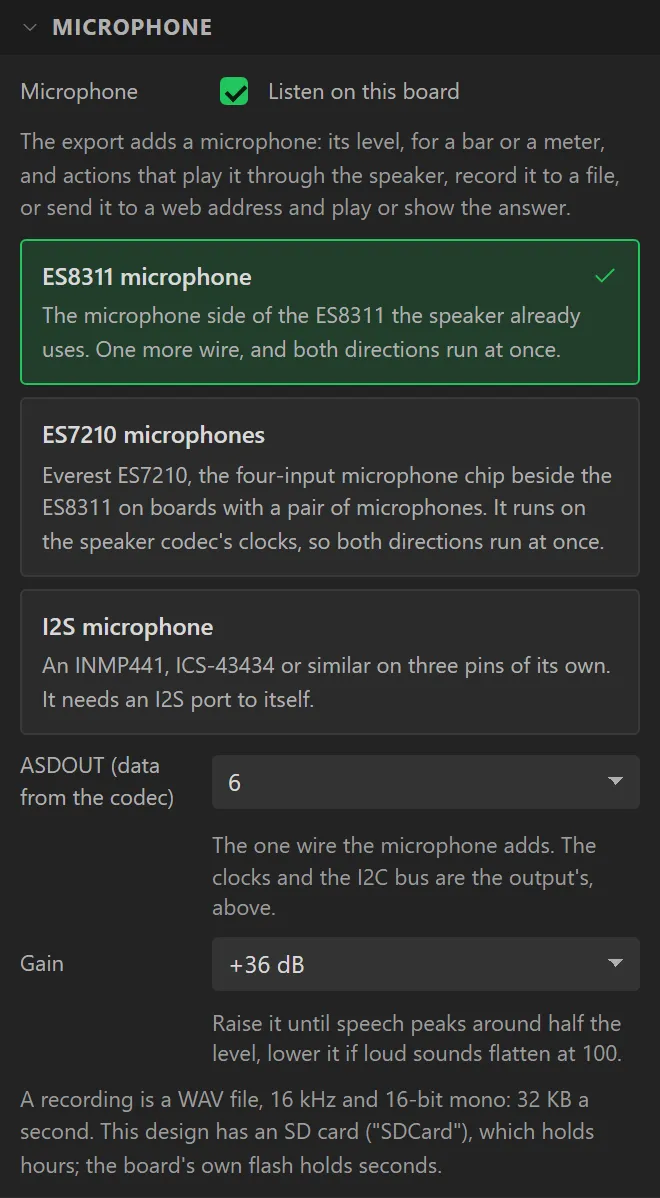
AI Assistant
A button to talk to and the answer underneath it. Press it and it listens; press again, or wait, and it sends what it heard to a service, shows what the service made of the speech, then the answer - and speaks the answer too when the design has a speaker. It needs a microphone, which dropping the widget switches on, and WiFi. Arduino export, ESP32 family.
Part of Pro when code is generated. Dropping it on a design and trying it in preview is free, and the export dialog says so before anything is asked for.
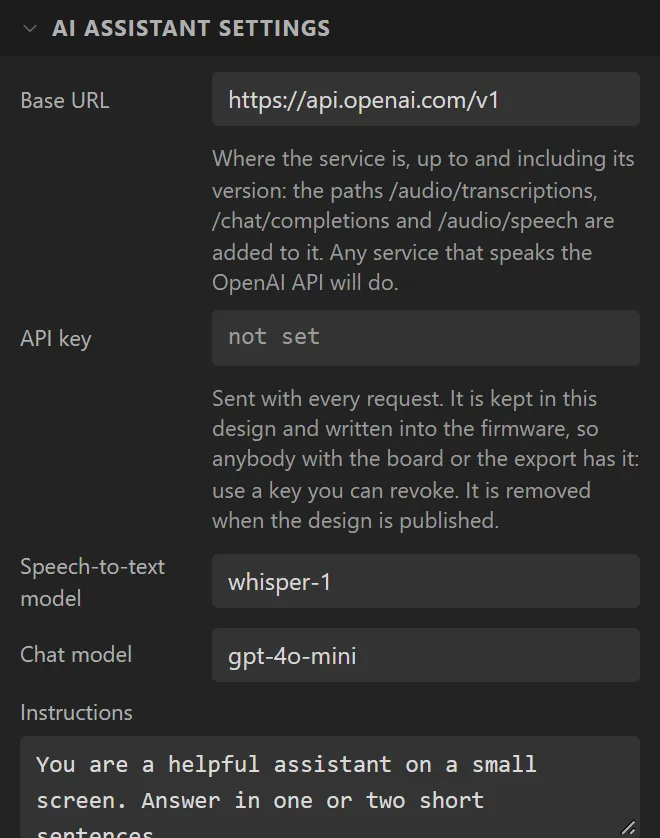
| Setting | Default | What it does |
|---|---|---|
| Base URL | https://api.openai.com/v1 | Where the service is, up to its version. Any service that speaks the OpenAI API will do - a hosted one, or one on your own network. |
| API key | none | Sent with every request. See below before you set it. |
| Speech-to-text model | whisper-1 | What turns the recording into words. |
| Chat model | gpt-4o-mini | What answers. |
| Instructions | a short one | What the assistant is told it is, before each question. A small screen wants short answers; say so here. |
| Speak the answer | on | Sends the answer for speech and plays it. Needs an audio output; without one the answer is shown only. |
| Voice model / Voice | tts-1 / alloy | What speaks, and in which voice. |
| Listen for up to | 6 s | It sends when this runs out, or sooner when the button is pressed again. |
| Button text | Talk | While it listens the button reads Send. |
Three requests go to the service, one after another: the recording to /audio/transcriptions, the
words to /chat/completions, and the answer to /audio/speech. Each starts when the one
before has answered, so an answer takes a few seconds, and the line at the top says which step it is on. Each
question stands alone - the assistant is not told what was asked before. If a step fails, the line says which
and, where the service gave a reason, the reason.
The key
The API key is a setting of the widget, typed masked in the Inspector. It is kept in your design and written into the firmware, in plain text, because the board has to send it. That means anybody with the board, the exported folder or the saved design has the key. Use one you can revoke, give it a spending limit where the service offers one, and take it out of the export before putting the folder in a repository - the export's README says so when it carries one. Publishing to the gallery removes it: the gallery's copy has an empty key, and whoever opens a copy types their own. A server of your own that asks for no key can be used with the field left empty.
The connection is encrypted when the address is https, but the certificate is not checked - the firmware carries no list of authorities to check one against - so it does not prove the service is who it says.
Example: on a board with a microphone
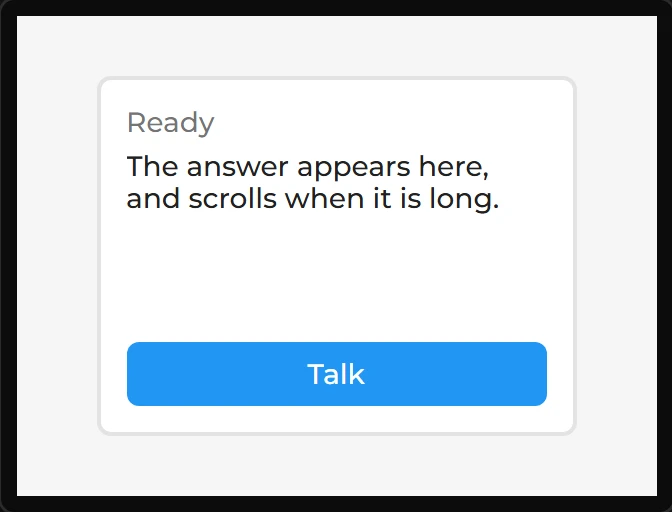
- Start on a board that has a microphone. The LCDWIKI 2.8" ESP32-S3 (ES3C28P) has an ES8311 codec with one, and a speaker output for the answer.
- Drag an AI Assistant onto the screen. The microphone is switched on: Hardware > Audio > Microphone, ES8311 microphone.
- Under AI Assistant settings type your key into API key, and say what the assistant is under Instructions. The Problems tab says so while there is no key.
- It asks over the internet, so the board needs a network: add a WiFi Setup on a screen of its own. The Problems tab says that too.