Spinner
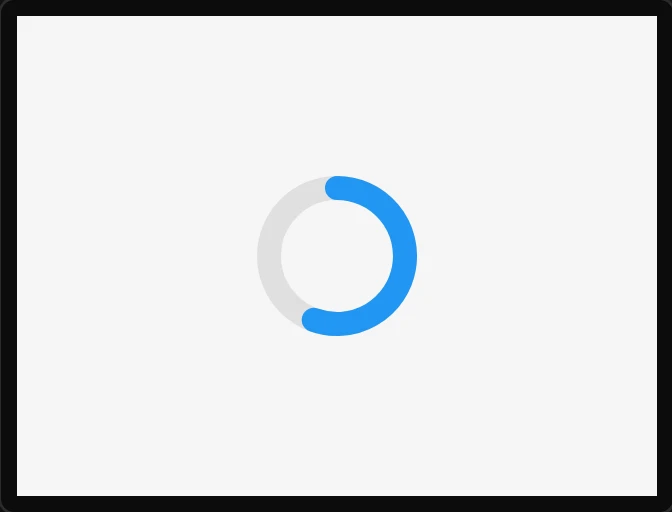
A rotating arc for "working". It runs on an LVGL animation and needs no code.
| Setting | Default | What it does |
|---|---|---|
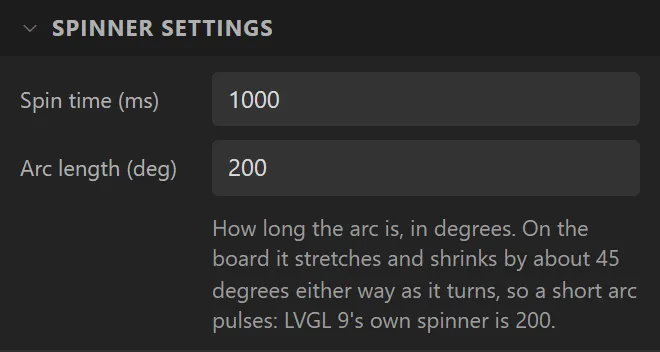
| Spin time | 1000 ms | One revolution. |
| Arc length | 200° (60° on LVGL 8) | How much of the circle is drawn, from 45° to 315° (35° to 325° on LVGL 8). Outside that, LVGL would draw the arc wrapped round as it turns. |
Example: shown while something is busy
- On the Data tab add a Boolean variable called
busyand tick On beside Initial value. Whatever the board waits for sets it to 0 when it is done. - Drag a Spinner onto the screen and name it
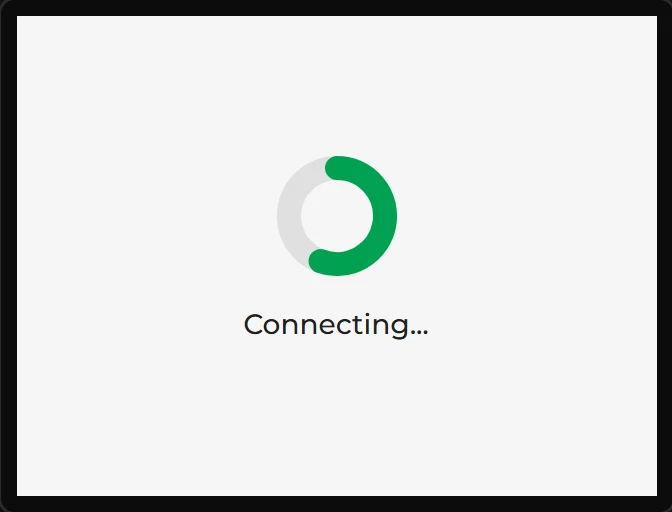
Working; give it a Width and Height of60. Under Style settings set Part to Arc and Arc > Color to#00A152. - Bind it: Variable busy, Drives Hidden, Formula
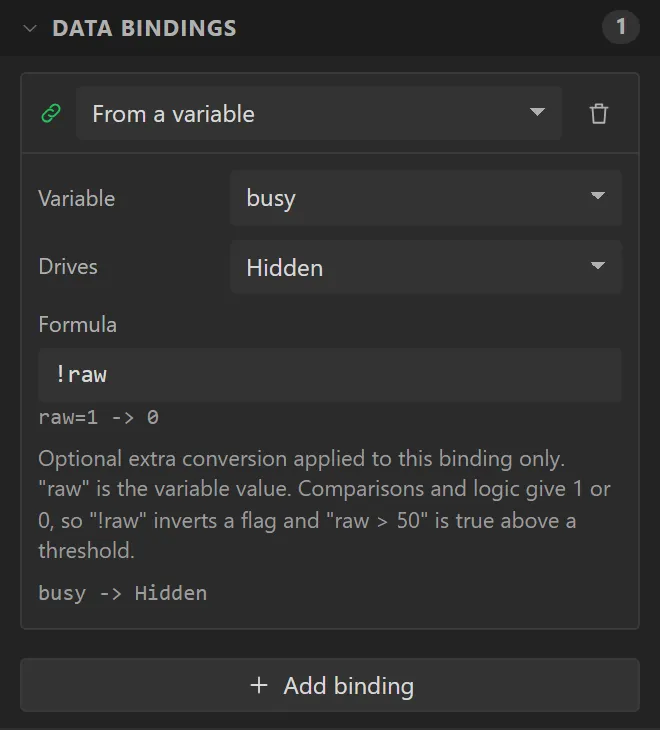
!raw. It is hidden while busy is 0. - Drag a Label under it saying
Connecting..., with the same binding.