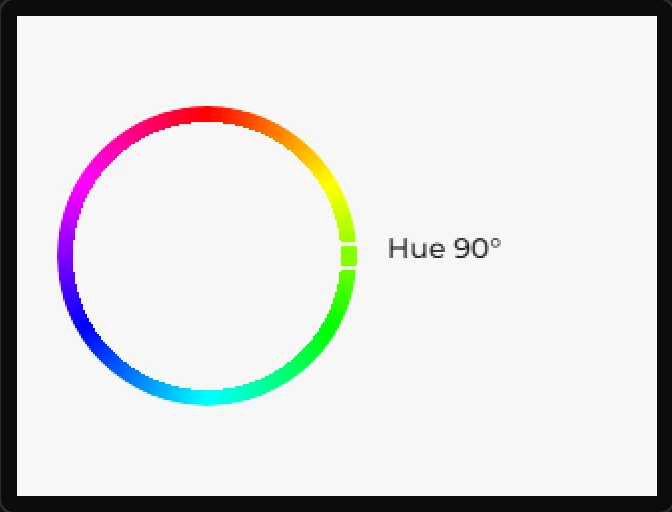
Colorwheel
An HSV picker. Its Hue and Saturation can be bound to variables.
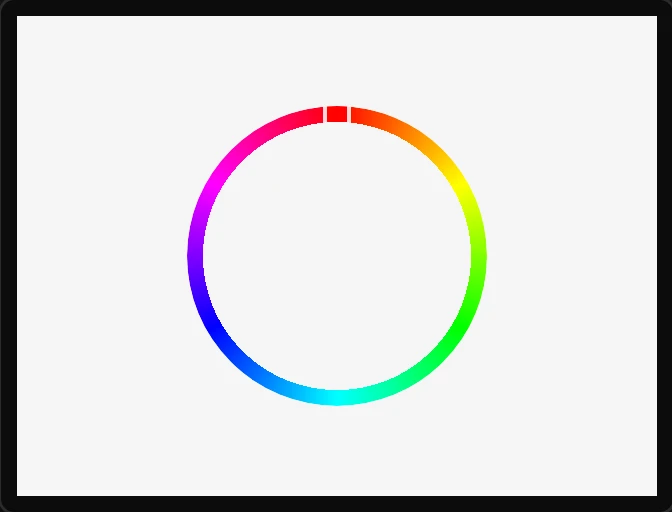
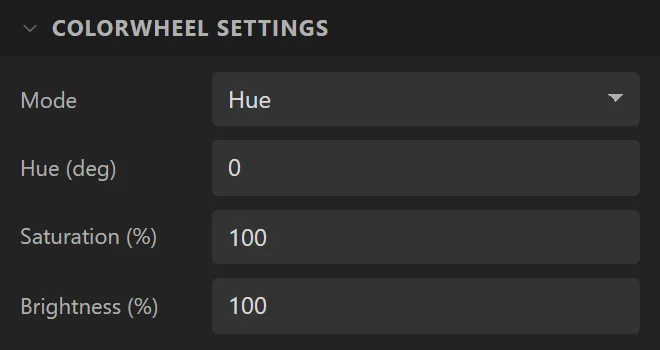
| Setting | Default | What it does |
|---|---|---|
| Mode | Hue | Which component the ring edits: Hue, Saturation or Value. |
| Hue | 0° | Initial hue. |
| Saturation / Brightness | 100% | Initial saturation and value. |
LVGL 8 only. lv_colorwheel was removed from LVGL 9, and no lv_conf.h setting brings it back. To use a Colorwheel, switch the project to LVGL 8 in Project settings. A 9.x project will not export with one on a screen.
Example: a hue picker
- The project has to be on LVGL 8: on the Theme tab, under LVGL, set Version to LVGL 8.3.x.
- On the Data tab add an Integer variable called
hue, with Max359. - Drag a Colorwheel onto the screen and name it
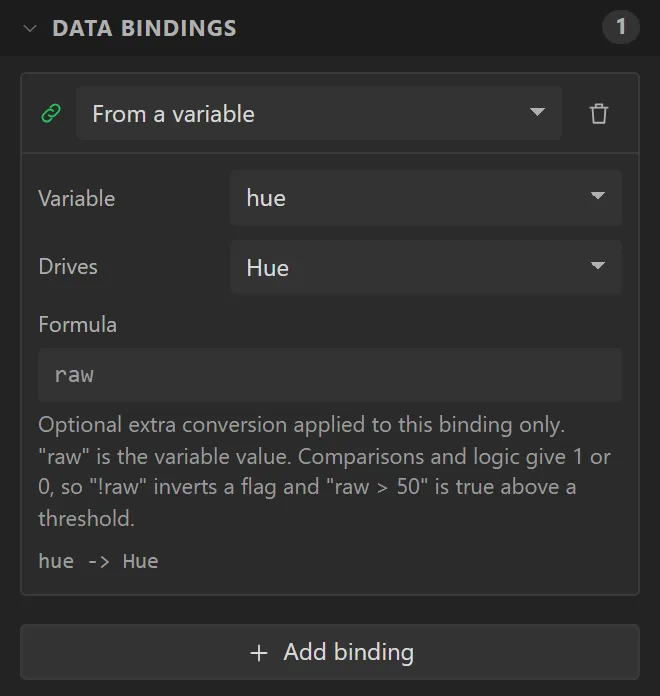
LampColour. Bind it: Variable hue, Drives Hue, Direction Widget -> variable. - Drag a Label beside it and bind its Text to hue, with Prefix
Hueand Postfix°. - Press Preview and press on the ring.