Bar
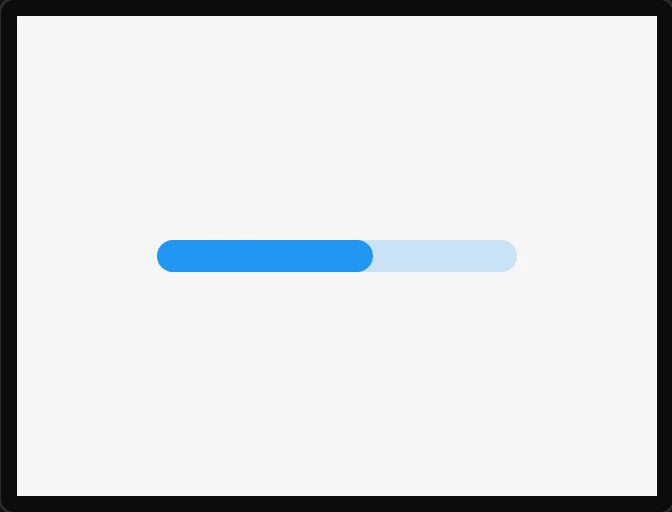
A progress bar. Bind its Value to a variable for a level readout.
| Setting | Default | What it does |
|---|---|---|
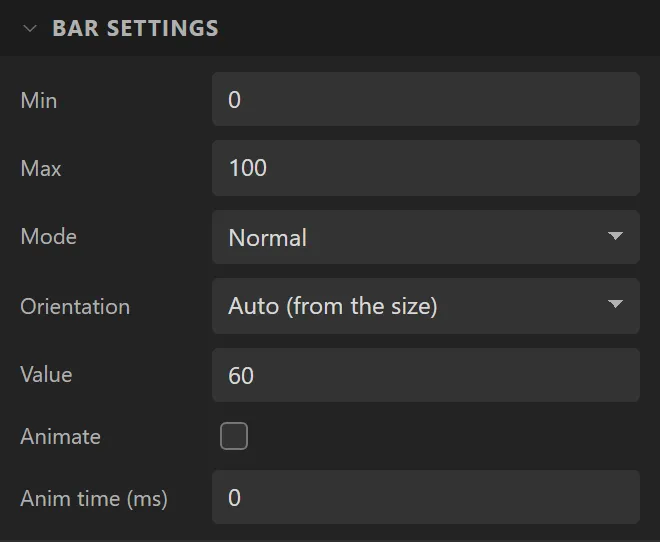
| Min / Max | 0 / 100 | The range. |
| Mode | Normal | The same three as the slider: Normal from the start, Symmetrical from zero, Range between a start value and the value. |
| Value | 60 | The initial value. |
| Start value | 0 | The lower end of the fill in Range mode. |
| Animate | off | Whether value changes slide rather than jump. |
| Anim time | 0 ms | How long the slide takes. |
Example: a battery level
- On the Data tab add an Integer variable called
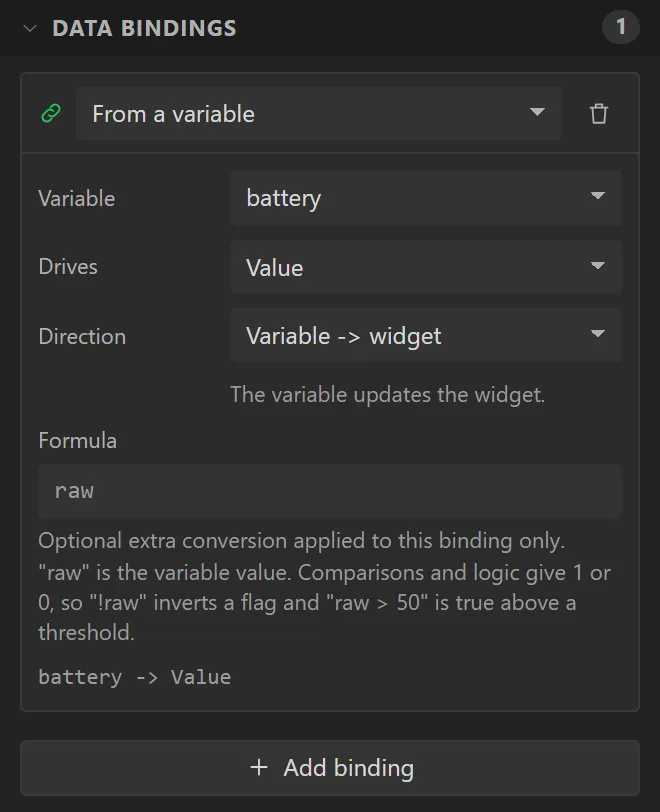
battery, with Initial value72. - Drag a Bar onto the screen and name it
Battery: X60, Y120, Width200, Height20. Bind its Value to battery. - Drag a Label above it and bind its Text to battery, with Prefix
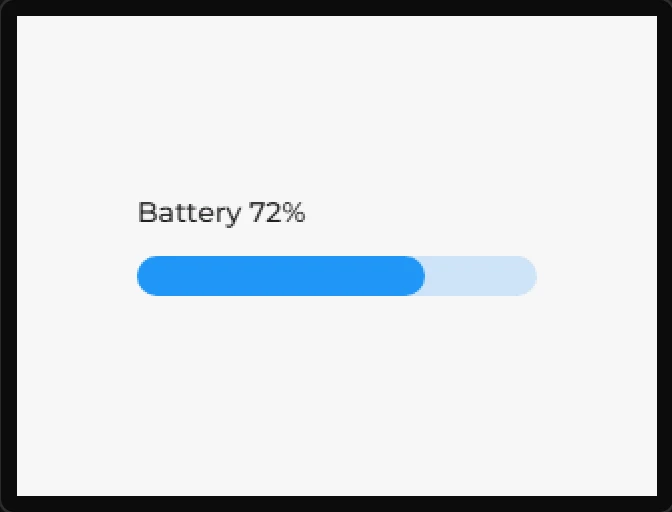
Batteryand Postfix%. - Press Preview: 72%. Give the variable a Source - an analog input reading the battery, say - and the bar follows the board’s own reading.