Bluetooth audio icon
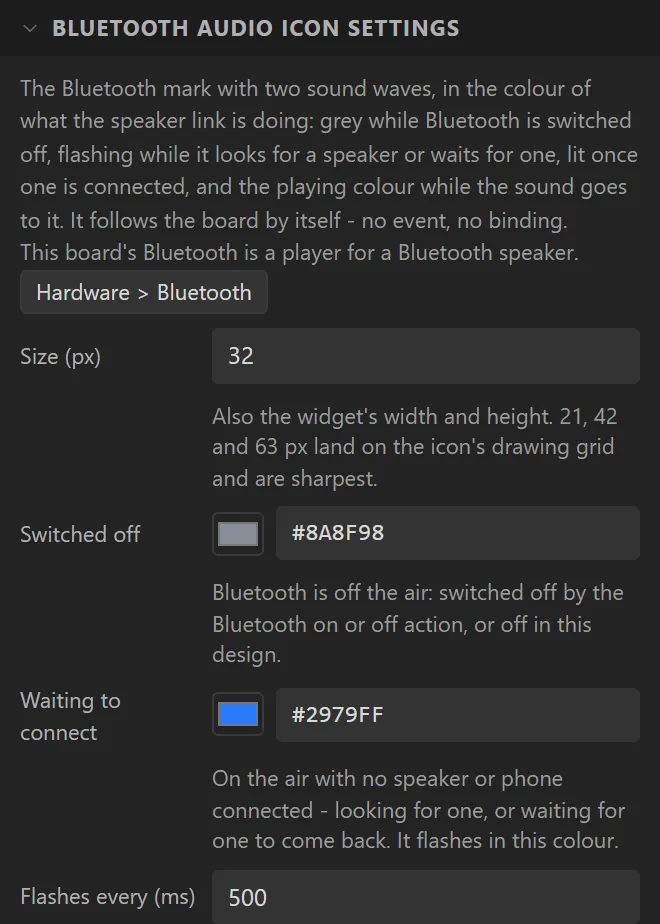
The Bluetooth LE icon's twin for sound: the same mark with two sound waves beside it, for a board that plays to a Bluetooth speaker or is one. It has the same settings, a colour for each state and its size, and follows the board by itself in the same way: flashing while it looks for a speaker or waits for one, lit once one is connected, and the playing colour while the sound goes to it. It is free, where the Bluetooth LE icon is part of Pro. Both audio roles are Bluetooth Classic, so it is offered on the original ESP32 only, and dropping one into a design with Bluetooth off switches it on as a player for a Bluetooth speaker.
Example: playing to a Bluetooth speaker
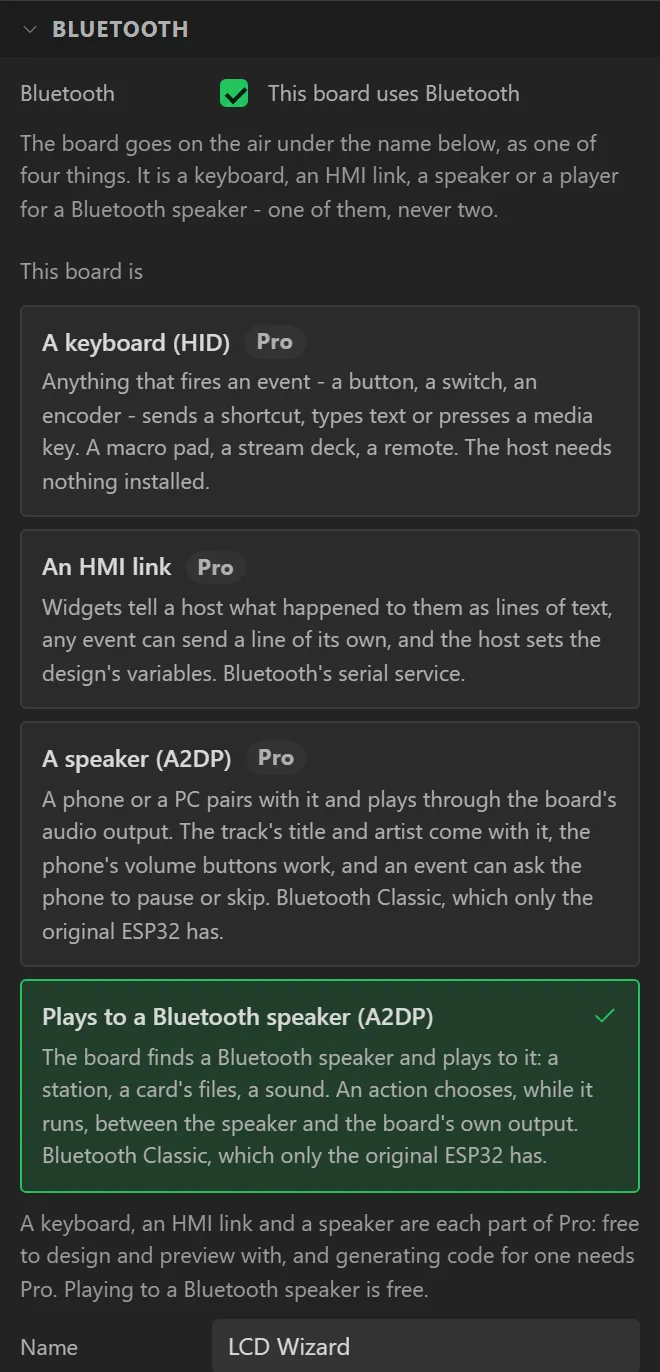
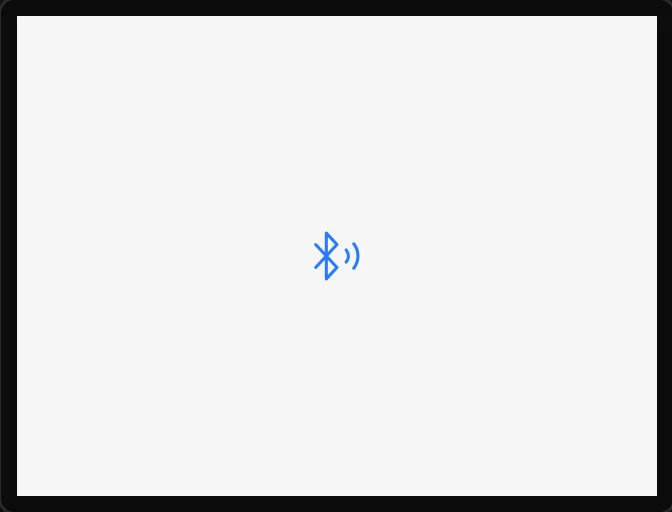
- On the Cheap Yellow Display - an original ESP32, which has Bluetooth Classic - drag a Bluetooth audio icon onto the screen. Bluetooth is switched on as Plays to a Bluetooth speaker (A2DP).
- Name it
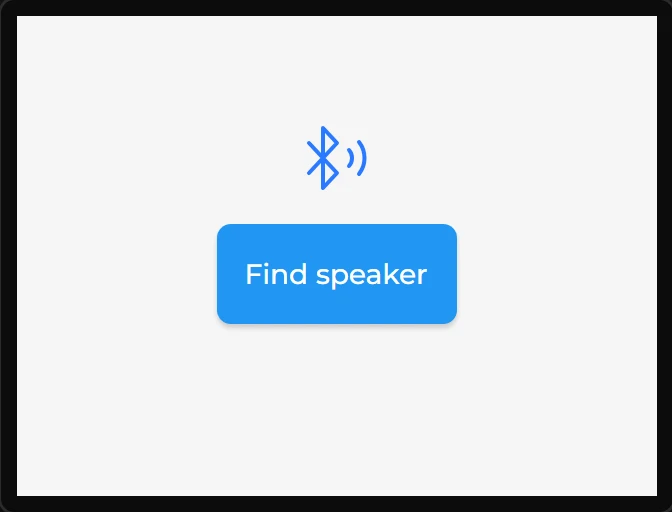
SpeakerStateand set its Size to42. - On Hardware > Bluetooth, in Bluetooth speaker, press Add a Find speaker button: a button under the selected widget, already wired to look for a speaker.