Camera view
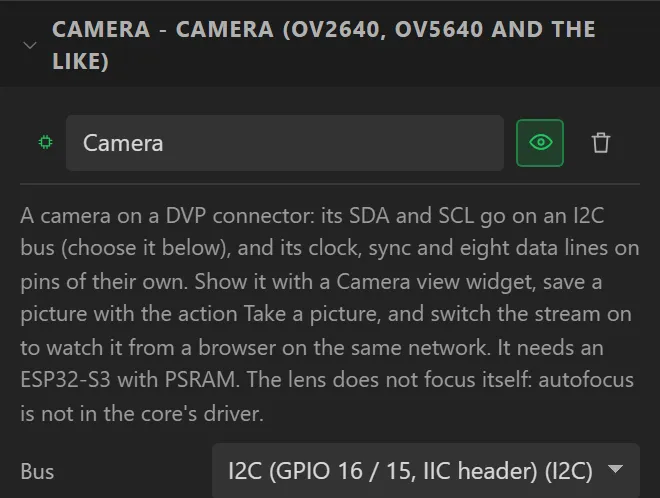
A box on a screen that plays what a camera sees. The camera itself is a device under Hardware > Devices - its pins, the size and quality of the picture, whether it is streamed - and the view is a window on it, so a design can have several. The camera has a page of its own. Arduino export, on an ESP32-S3 with PSRAM, or an ESP32-P4 with its MIPI camera.
It can show an MJPEG stream from an address instead - another board’s camera, or an IP camera - with play, pause and stop from the Camera view action and an optional sound address: a Camera view of a stream. For RTSP and MP4 on an ESP32-P4 there is the Video player.
How big a stream can be. An ESP32-P4 decodes each frame in its JPEG hardware: on the 4.3" Waveshare board over Wi-Fi it showed a 480 × 272 stream at 13–14 frames a second of 15 sent, and 1280 × 720 at about 22 of 25. An ESP32-S3 has no JPEG hardware and decodes in software: the LCDWIKI 4.0" (ES3C40P) showed the 480 × 272 stream at 7–13 frames a second, and 720p was too much for it. On an S3, send 480 × 272 or smaller.
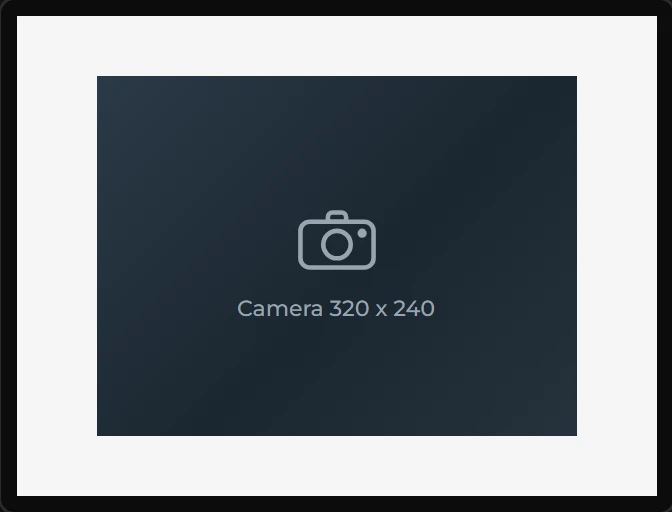
Dropping one into a design with no camera adds one under Hardware > Devices. In the designer and in Preview it is drawn as the shape the picture will take, bars included; the picture is the board’s. Its look - the colour behind a picture that does not fill it, a border, rounded corners, the font of its line of text - is under Style settings.
| Setting | Default | What it does |
|---|---|---|
| Shows | This board’s camera | Or An MJPEG stream at an address, which brings in the stream’s settings: its address, whether it plays at start, when it tries again, what it shows while there is no picture, a sound address and the largest frame. They are on the camera page. |
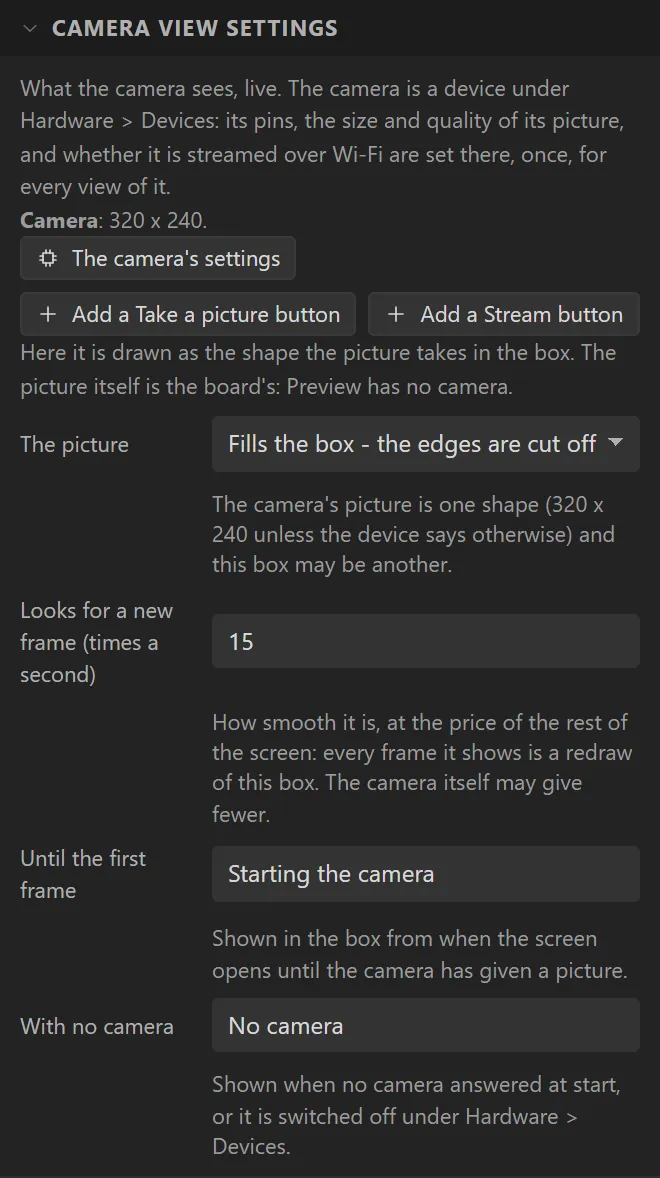
| The picture | Fills the box | Fills the box and loses its edges, is shown whole with bars beside it, or is stretched to the box. |
| Looks for a new frame | 15 times a second | How smooth it is. Every frame shown is a redraw of the box, so a high figure is paid for by the rest of the screen. |
| Until the first frame | Starting the camera | Shown from when the screen opens until the camera has given a picture. |
| With no camera | No camera | Shown when no camera answered at start, or it is switched off under Hardware > Devices. |
Its inspector has Add a Take a picture button and Add a Stream button, each a button under the view, already wired. The three camera actions - Take a picture, Camera: start or stop and Camera stream on or off - are in the camera’s page. A view of a stream has its own action, Camera view (Pro: play, pause, stop, or play-or-pause, with the address from a text variable if you like), and two events, Stream playing and Stream lost.
Example: a button that keeps a picture
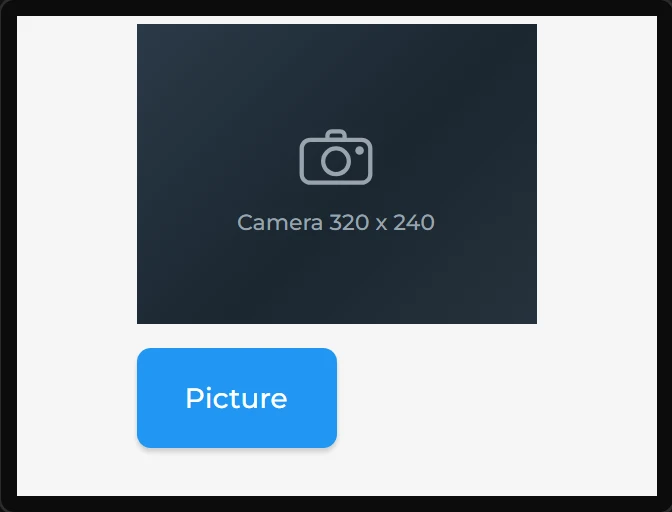
- Start on an ESP32-S3 with PSRAM: the LCDWIKI 2.8" ESP32-S3 here. Drag a Camera view onto the screen. A camera is added under Hardware > Devices.
- Make the view
200x150at X60, Y4. - In its settings press Add a Take a picture button: a button saying
Pictureunder the view, with the action Take a picture. - Under Hardware > Devices > Camera, choose the bus its SDA and SCL are on and set its twelve pins. The Problems tab names any that are missing.