WiFi by phone
Wi-Fi set up from a phone, for a screen too small to type a password on: the board starts a network of its own, a phone that joins it is shown a page listing the networks the board can hear, and the board keeps what is chosen and joins. The widget is a Wi-Fi mark in the colour of what setting up is doing - not connected, waiting for a phone, a phone is connected, joining, on a network, could not join - and is where the settings are. Its inspector adds the QR code a phone scans and a line saying what to do next in one step each. The whole of it is on the network page.
Own look (Pro). Switch it on for the logo, colours, heading and stylesheet of your own on the page a phone is shown:
Logo (a picture from the design, 24 KB at most), Logo height, Background, Text, Buttons and accent, Stylesheet (portal.css) and Page heading.
The whole of it is on the network page. Arduino export.
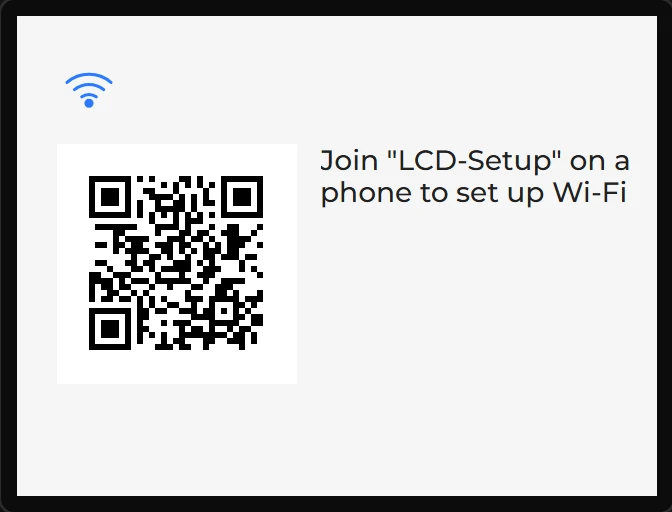
Example: the code to scan, and what to do
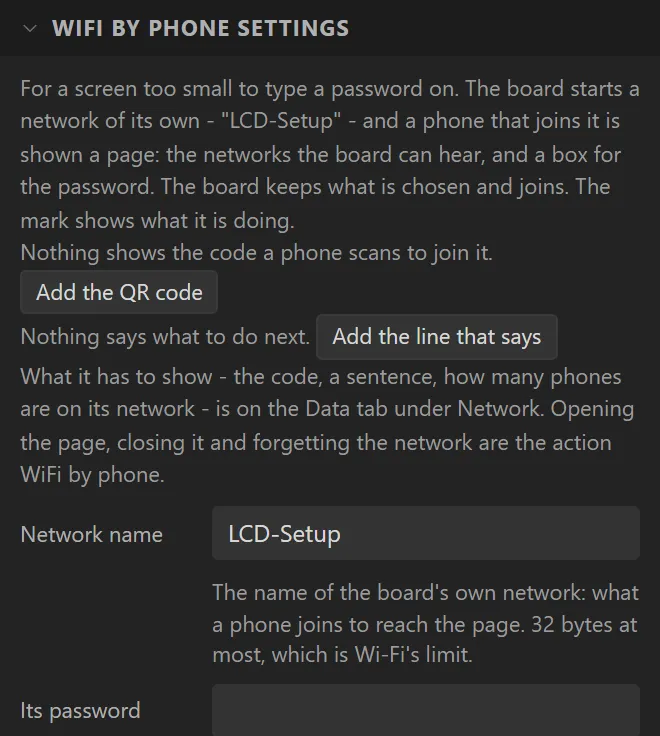
- Drag a WiFi by phone icon onto the screen. Dropping it adds the settings it keeps the network in.
- In its settings press Add the QR code and Add the line that says. Each widget is bound to a variable that reads what the board has to show.
- The code goes under the icon and the line beside it, where the screen has room (under the code where it has not). Both are ordinary widgets: move them, restyle them or delete them.