Two-way radio
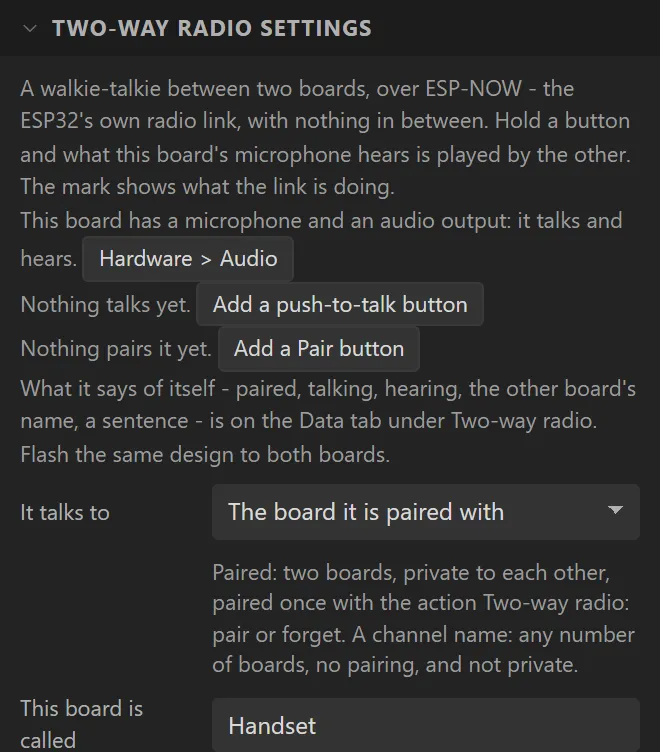
A walkie-talkie between two boards, over ESP-NOW: hold a button and what this board's microphone hears is played by the other. The widget is a handset mark in the colour of what the link is doing - not paired, pairing, ready, talking, hearing, no answer - and is where the radio's settings are. Talking and pairing are actions, and its inspector adds a push-to-talk button and a Pair button in one step each. The whole of it is on its own page.
| Setting | Default | What it does |
|---|---|---|
| It talks to | The board it is paired with | One paired board, private to the two; or every board on the same channel name, with no pairing. |
| This board is called | Handset | What the other board shows as who it is paired with. |
| Channel name | Channel 1 | For a channel of many: boards with exactly the same words hear each other. |
| Wi-Fi channel | 1 | The channel the radio is on in a design with no Wi-Fi of its own. Both boards must name the same one. |
| Size | 32 px | Also its width and height. |
| Not paired, Pairing, Ready, Talking, Hearing, No answer | Grey, blue, blue, red, green, amber | Its colour in each state. It flashes while it pairs. |
| Flashes every | 500 ms | How long it is lit, and how long dark, while it pairs. 0 keeps it lit. |
It needs a microphone to talk and an audio output to hear; a board with one of them is half a radio, and says which. Dropped on a board that is wired for sound it switches both on. Arduino export, on any ESP32 with Wi-Fi.
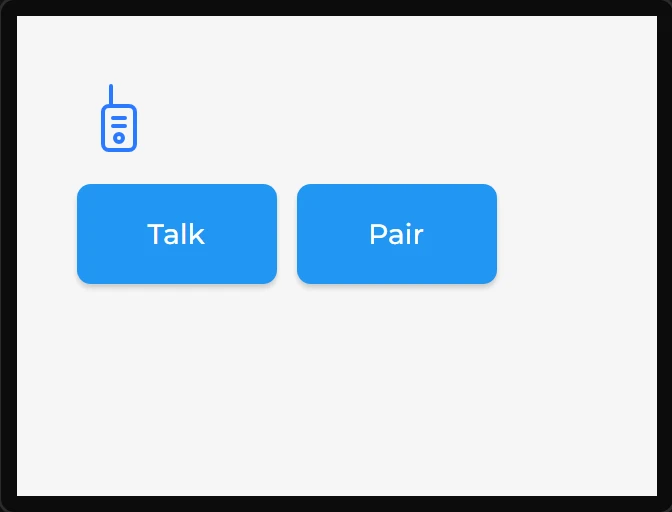
Example: a handset with Talk and Pair
- Start on a board with a microphone and a speaker: the LCDWIKI 2.8" ESP32-S3 here. Drag a Two-way radio onto the screen: the audio output and the microphone are switched on.
- Set its Size to
42and This board is called toWorkshop. - In its settings press Add a push-to-talk button and Add a Pair button. Each puts a button under the icon, already wired: Talk holds the radio on while it is pressed, Pair pairs the two boards.
- Flash the same design to both boards and press Pair on each.