Waveshare ESP32-C6-Touch-LCD-2.8
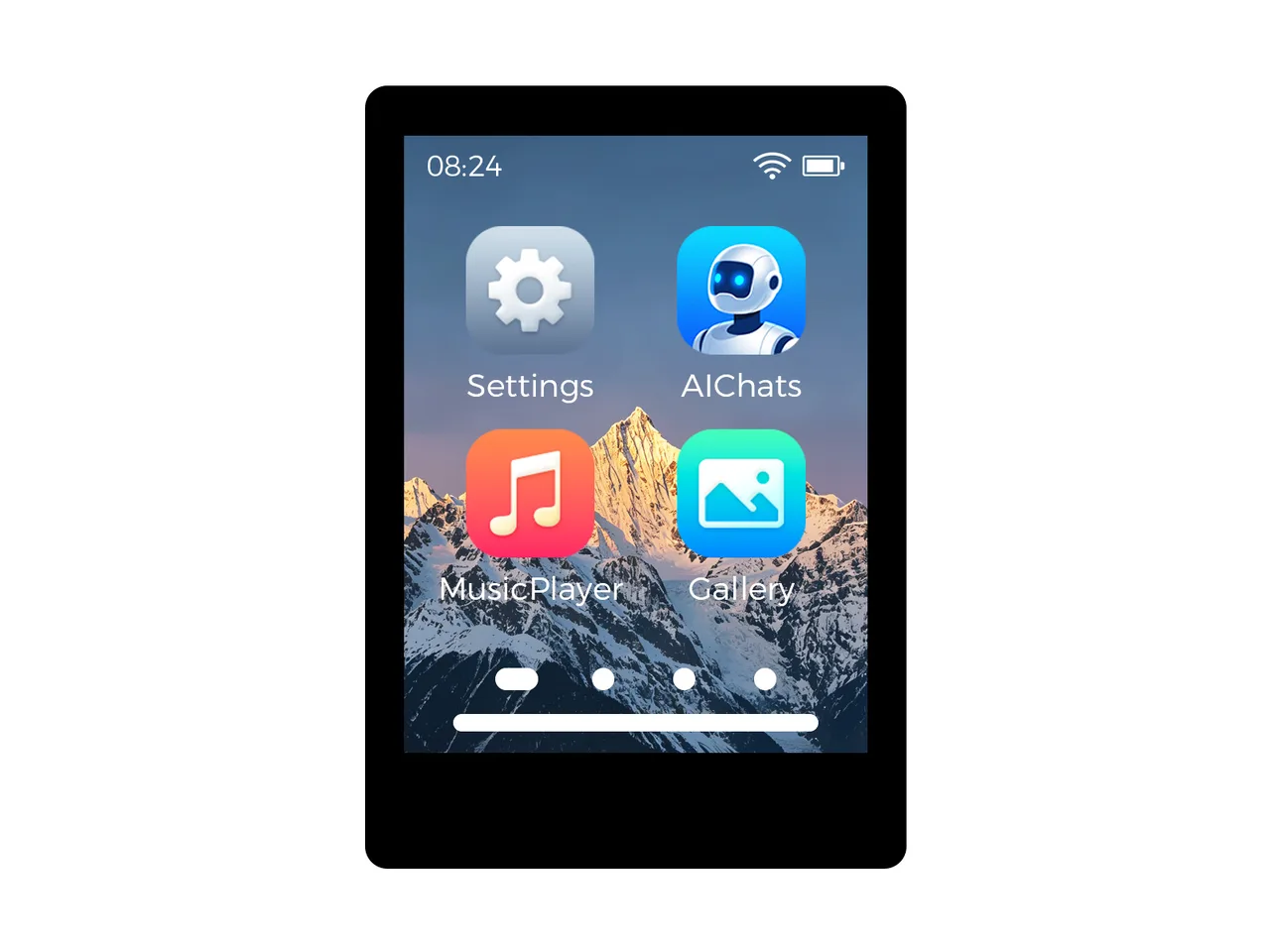
2.8" 240x320 IPS LCD (ST7789, SPI), CST3530 touch, ES8311 speaker and microphone, TF card, QMI8658, PCF85063A.
Affiliate link: LCD Wizard may earn a commission if you buy through it.
Building for it
A project is made for one toolchain, picked when you start it. For this board you can use two of the four:
| Toolchain | |
|---|---|
| Arduino (C++) | Every board, every widget and every peripheral here. The most control, and the most to set up. Start a project |
| MicroPython | The MicroPython export has no driver for this touch controller yet. |
| ESPHome | ESPHome has no driver for this touch controller. |
| ESP-IDF (C) | Espressif's own framework: esp_lcd, the component registry and idf.py, with nothing of Arduino in it. Start a project |
At a glance
| Part | Detail |
|---|---|
| Maker | Waveshare |
| MCU | ESP32-C6 RISC-V @ 160 MHz, 512 KB SRAM (no PSRAM) |
| Display | Sitronix ST7789, 240 x 320 px, SPI (4-wire serial), 16-bit colour |
| Touch | Hynitron CST3530 (capacitive, I2C) |
| Backlight | IOExtension pin 8, dimmable (PWM) |
| Memory | 16 MB flash, no PSRAM (N16) |
| Graphics library | GFX Library for Arduino |
Display pins
ST7789 on SPI (4-wire serial): SPI clock 20 MHz, host SPI2_HOST, RGB colour order, inversion on.
| Signal | Pin |
|---|---|
| SCK / CLK | GPIO 0 |
| MOSI / SDA | GPIO 1 |
| CS | GPIO 11 |
| DC / RS | GPIO 10 |
| RESET | IOExtension pin 1 |
| Backlight | IOExtension pin 8 |
Touch pins
CST3530: I2C address 0x58, 400 kHz, shares the display bus.
| Signal | Pin |
|---|---|
| SDA | GPIO 6 |
| SCL | GPIO 7 |
| INT / IRQ | GPIO 18 |
| RESET | IOExtension pin 0 |
Also on the board
- I2C (GPIO 6 / 7) - SDA GPIO 6, SCL GPIO 7
- SPI (panel and TF card) - SCK GPIO 0, MOSI GPIO 1, MISO GPIO 8
- IOExtension I/O expander at 0x24, driving the lines marked above
- IMU - QMI8658, at 0x6B, on I2C (GPIO 6 / 7)
- RTC - PCF85063, at 0x51, on I2C (GPIO 6 / 7)
- SDCard - SD card, on SPI (panel and TF card), CS GPIO 23 (arrives switched off in a new design)
The TF card slot shares the panel's SPI lines (SCK 0 and MOSI 1; MISO 8 and CS 23 are its own), so it arrives switched off: switch it on with the eye beside its name under Hardware > Devices. - GPIO 23 is set high at boot - SD card CS held high
- BOOTButton - input on GPIO 9
The preset adds these to the Hardware tab with the board, so a sensor can go straight onto the connector.
Check your revision. Nobody at LCD Wizard has had this board. The Arduino export for it compiles, and nothing in this preset has been seen on the panel or heard. Pins are from Waveshare's ESP-IDF BSP and pin table (https://github.com/waveshareteam/ESP32-C6-Touch-LCD-2.8, commit c2a1cf84d6213597d47720a51b3e60cc7f1d5257). The panel is an ST7789 on SPI (SCK 0, MOSI 1, CS 11, DC 10). Its reset is EXIO1 of Waveshare's IO extension (a CH32V003 at 0x24), and the backlight is that chip's PWM channel. Touch (CST3530 at 0x58, INT GPIO 18, reset EXIO0), the IO extension, the IMU (QMI8658, 0x6B), the RTC (PCF85063, 0x51) and the ES8311 codec (0x18) share I2C on SDA 6 / SCL 7. Sound is the ES8311 on I2S: SCLK 15, LRCK 3, data to the codec on GPIO 2, data from it on GPIO 20. The board has no MCLK line, so the export clocks the codec from SCLK, as Waveshare's BSP does (use_mclk = false). The NS4150B amplifier is switched on by EXIO3, high. The microphone is taken to be on the codec's analog input, as on Waveshare's other ES8311 boards; Waveshare's BSP sets the codec up for playing only, so that is the least certain part. Speaker and microphone arrive switched off: switch them on under Hardware > Audio. The TF card slot shares the panel's SPI lines (SCK 0, MOSI 1; MISO 8 and CS 23 are its own), as Waveshare's ESP-IDF BSP runs it beside the panel; CS 23 is held high from boot. It arrives switched off; switched on under Hardware > Devices, it is started on the panel's bus once the panel has - compiled, not yet read on a board. On the board and not in this preset: the SHTC3 temperature and humidity sensor (0x70), which the app has no driver for; the battery voltage, read through the IO extension's ADC, which the export does not read as an analog input; and the IMU's and RTC's interrupts (GPIO 19, EXIO2). Flash: the docs and Waveshare's sdkconfigs say 16 MB, and the schematic's module symbol reads ESP32-C6-WROOM-1-N8 (8 MB). 16 is recorded; check with esptool flash_id. The ES8311 is set to +15 dB (Speaker
Designing for it in LCD Wizard
- Choose Waveshare ESP32-C6-Touch-LCD-2.8 on the Hardware tab (or use the button above) and every pin on this page is filled in. The export writes the sketch,
lcd_pins.h, the GFX Library for Arduino configuration,lv_conf.handplatformio.ini- a project that builds for this board as it comes. - The CST3530 is capacitive and needs no calibration. The firmware resets it and checks it answers on every boot.
- The backlight is dimmable: give a slider or a button a Set backlight action.
- Screens are designed for 240 x 320 px in either orientation, with LVGL 9 or LVGL 8.
The parts
ST7789. Excellent colour and tolerates 80 MHz SPI. Many modules have no CS pin - tie it low and set CS to -1.
CST3530. Waveshare's 2.8" ESP32-C5 and C6 touch boards.
ESP32-C6. No PSRAM. SPI displays only in practice.
GFX Library for Arduino. Moshi Liu's library. Best QSPI/AMOLED and RGB coverage. Configured in code.
The pinout on one page
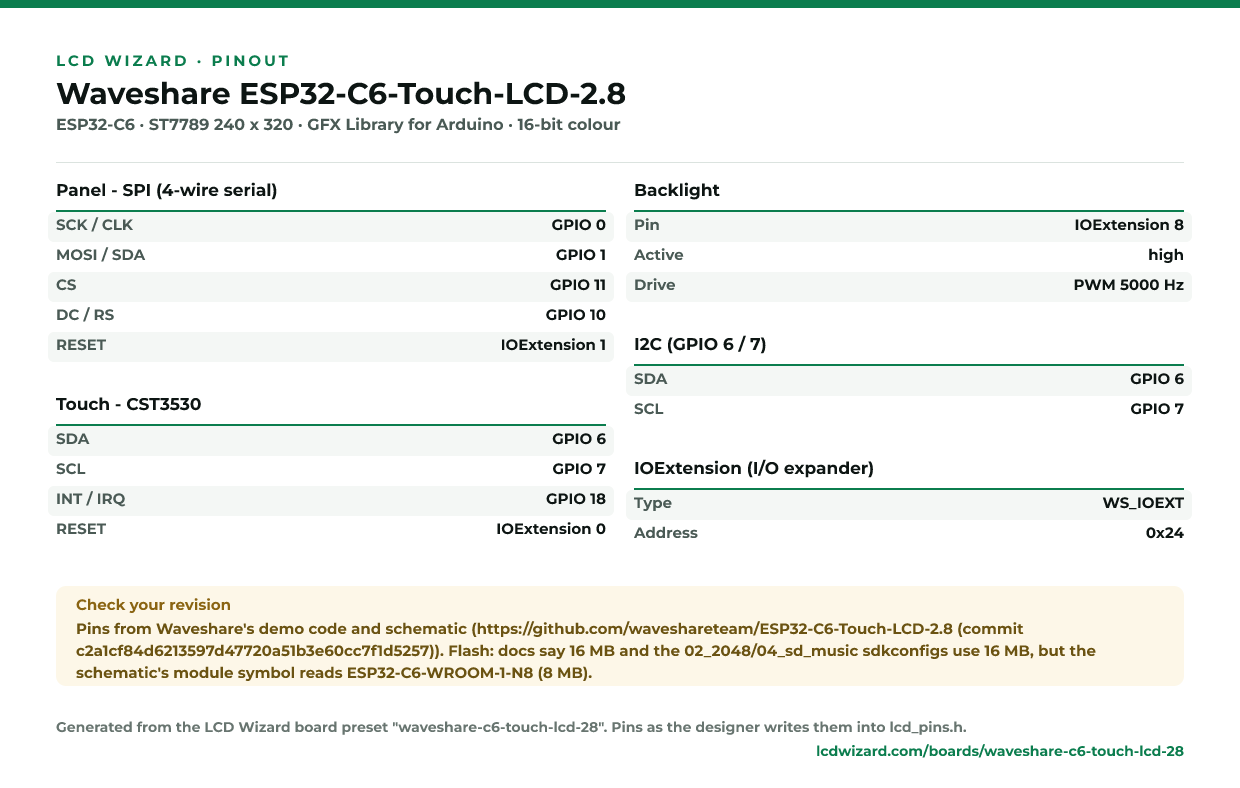
Every pin above, laid out to print and keep beside the bench. Generated from this preset, so it says exactly what the designer writes into lcd_pins.h.
Download the pinout (PNG)Open it as SVG
The same pins as data - board.json and pins.csv - are in the open pinout dataset on GitHub, free to reuse under CC BY 4.0.
From the people who made it
The board’s own documentation. Pinouts on vendor pages do sometimes disagree with the hardware in front of you - where this page and that one differ, trust your board and tell us.
- The vendor’s product page
- Vendor documentation
- Schematic (PDF)
- Waveshare demo code (pins read from here)
Designs for this board
Nobody has published a design for this board yet. Publish yours from the designer and it appears here and in the gallery.
Similar boards
 Waveshare ESP32-C6-Touch-LCD-1.831.83" 240x284 IPS LCD (ST7789P, SPI), CST816D touch, ES8311 audio, TF card, QMI8658, PCF85063, AXP2101.ESP32-C6 · ST7789 240 x 284 · CST816S touchPurchase this board
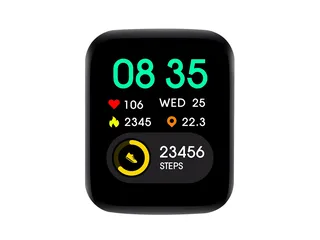 Waveshare ESP32-C6-Touch-LCD-1.691.69" 240x280 IPS LCD (ST7789V2, SPI), CST816T touch, ES8311 audio, QMI8658, PCF85063ATL.ESP32-C6 · ST7789 240 x 280 · CST816S touchPurchase this board
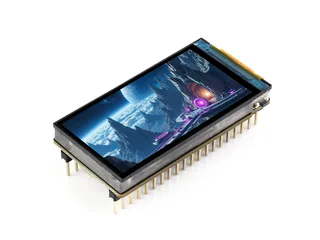 Waveshare ESP32-C6-LCD-1.91.9" 170x320 IPS LCD (ST7789T3, SPI), TF card, QMI8658C.ESP32-C6 · ST7789 170 x 320 · no touchPurchase this board
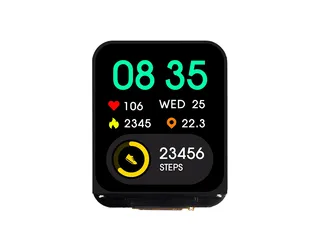 Waveshare ESP32-C6-LCD-1.691.69" 240x280 IPS LCD (ST7789V2, SPI), ES8311 audio, QMI8658A, PCF85063A.ESP32-C6 · ST7789 240 x 280 · no touchPurchase this board
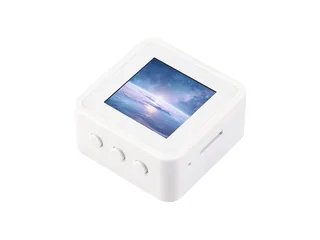 Waveshare ESP32-C6-LCD-1.541.54" 240x240 IPS LCD (ST7789, SPI), ES8311 audio, TF card, QMI8658.ESP32-C6 · ST7789 240 x 240 · no touchPurchase this board
 Waveshare ESP32-C6-LCD-1.471.47" 172x320 IPS LCD (ST7789 (ESP-IDF demo drives it as ST7789T via Vernon_ST7789T), SPI), TF card.ESP32-C6 · ST7789 172 x 320 · no touchPurchase this board
Next
- Quick start - from an empty screen to firmware on the board
- Boards and displays - presets, controllers, pins and touch in the designer
- Flashing and configuration - PlatformIO, the Arduino IDE and first-boot checks
- Troubleshooting - a white screen, mirrored image or touch that misses