You buy an ESP32-2432S028R, the Cheap Yellow Display everyone recommends. You flash a design that works on everyone else's. Yours comes up sideways, red is blue, and touch lands somewhere you didn't press.
You didn't do anything wrong. You just got a different CYD.
One name, several boards
The CYD is made in batches, and whatever screen is in the parts bin that week goes on. The back still says 2432S028. The listing still says ILI9341. Inside, it might scan landscape or portrait, want red and blue the other way round, or have its touch reading mirrored. Some have two USB sockets, some one, and two boards that look the same can still differ.
We found this out the hard way. My own two-USB CYD drew a portrait picture across a landscape screen, wrapped a strip of it round the edge, swapped red for blue, and put every tap in the wrong corner, on settings that are right for plenty of other CYDs.
Why you need to know
A design is only as good as the board settings under it. Pick the board entry that doesn't match your screen and nothing in your design can put it right: the whole picture is turned, the colours are swapped, and every button you press is somewhere else. You'd spend an evening changing things that were never wrong.
The box won't tell you which CYD you have, and neither will the seller. Guessing between board entries means flashing, looking, and flashing again. The diagnostic asks the board instead, once, and gives you the answer.
So we built a test that asks the board
The CYD diagnostic is free. It takes about two minutes and walks you through it on the board itself:
- Picture: tap through until the words read the right way up, and hold.
- Colours: tap until every square matches its label, and hold.
- Touch: tap four crosses in the corners.
- LEDs and speaker: say which colour lit and whether you heard the beep.
At the end it tells you, in big letters, which board to pick in LCD Wizard and anything you need to set differently. It also prints one line on the serial port. If your board matches nothing we know yet, paste that line into a ticket and we'll add it.
What it found on mine
My two-USB board turned out to be the original 2432S028R in every way bar one: its touch reads mirrored. The diagnostic named the right board, gave the touch setting, and everything has drawn and pressed properly since.
How to run it
- Download the diagnostic: cyd-diagnostic-0x0.bin (4 MB).
- Get SerialWizard, our free flasher and serial monitor: lcdwizard.com/serialwizard. It picks the right download for your computer.
- Plug the CYD in with a USB cable that carries data (some only charge), open SerialWizard, choose its port, and flash the file at address
0x0. - Open SerialWizard's monitor and follow the board: a tap means next, holding for about a second means "this one". The BOOT button does the same if touch is misbehaving.
- Read the answer on the screen, then copy the line starting
CYD-DIAGfrom the monitor. Keep it, or paste it into a ticket if your board matches nothing we know.
Then open LCD Wizard, go to Hardware > Board, pick the board it named, and set anything it told you to. Flash your own design again over the top; the diagnostic doesn't need removing.
Try it
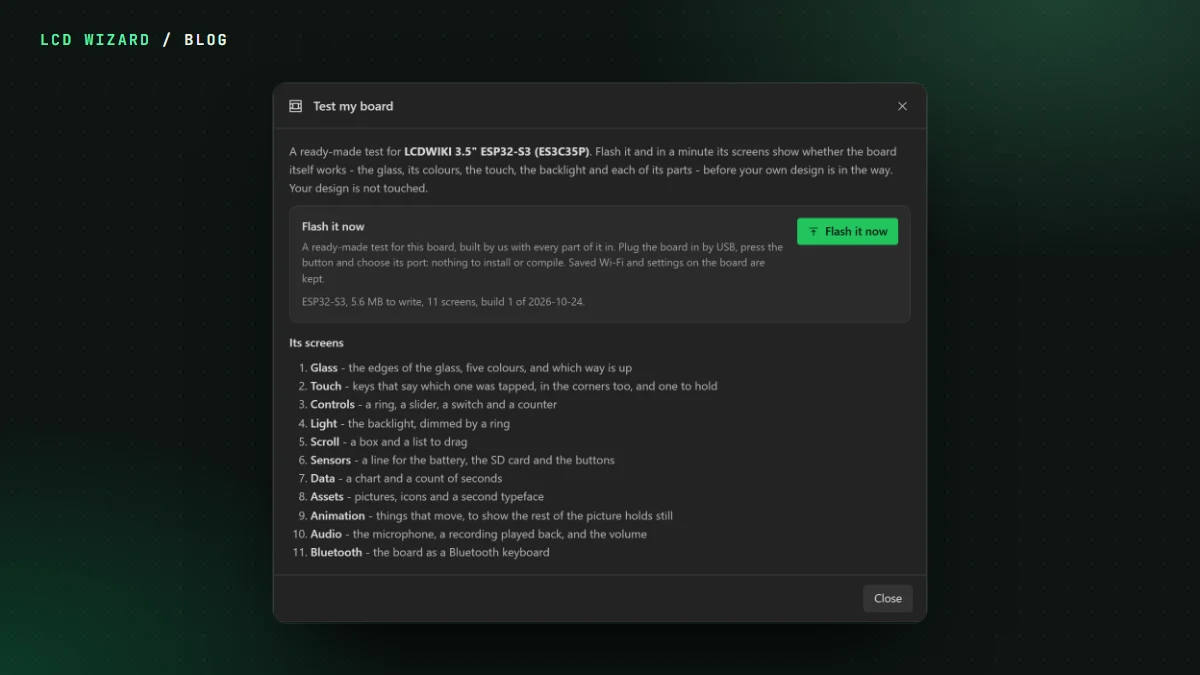
Every resistive CYD board page has a Got a CYD but not sure which one? box that flashes the diagnostic straight from Chrome or Edge, with no download: start on the ESP32-2432S028R board page. It works on the one-USB and two-USB 2432S028 boards and on CYD lookalikes like the LCDWIKI E32R28T. For everything else on your board, Test my board checks the screen, touch and every part it has.