New board, blank screen. Is the board dead? Is it the pins? The driver? The library version? The order you called things in? You can lose an evening finding out, and you haven't even started on your own design.
So we made the first step one button.
What it does
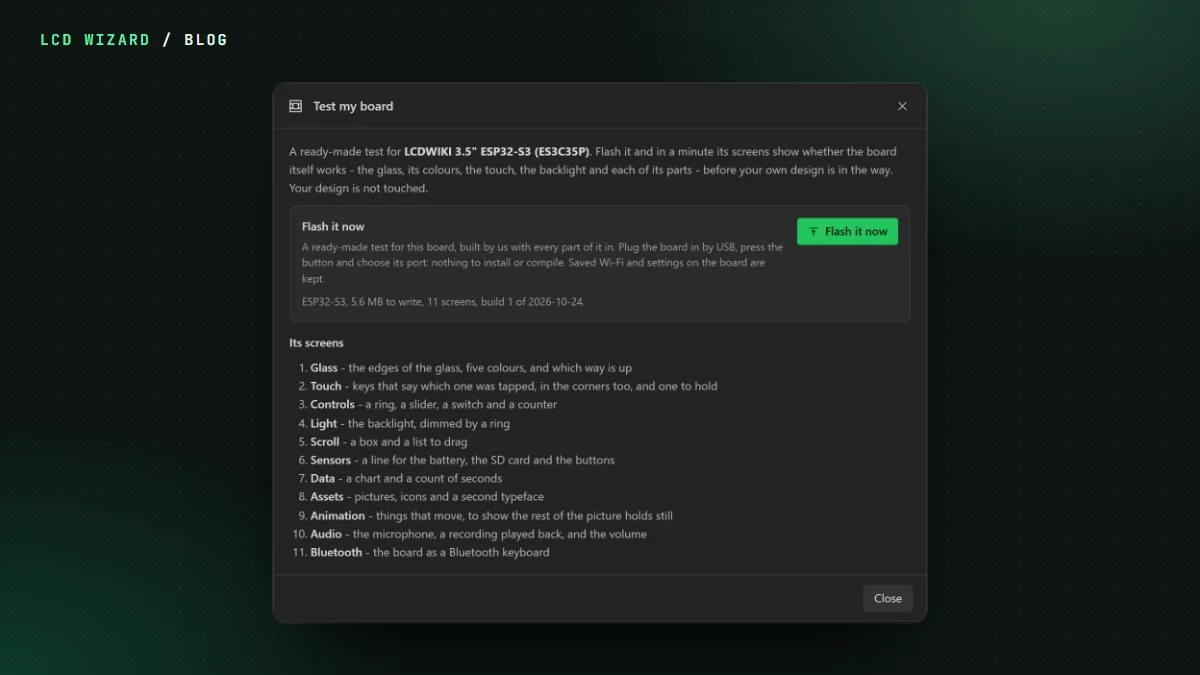
Pick your board, plug it in by USB, press Flash it now and choose its port. That's it. No toolchain, nothing to compile, nothing to install. In about a minute the board restarts into a test with screens for:
- the glass: its edges, five colours and which way is up;
- touch, corners included, plus a key to hold down (a hold is its own test, as a few touch chips have taught us);
- the backlight, dimmed by a ring;
- scrolling, a chart, pictures and animation;
- the parts the board actually has, such as the battery, the SD card, buttons, the microphone, the speaker and Bluetooth.
If the test looks right, the board's fine and the problem's somewhere in your code. If it doesn't, you know before you've wasted a night on it.
Careful with your board
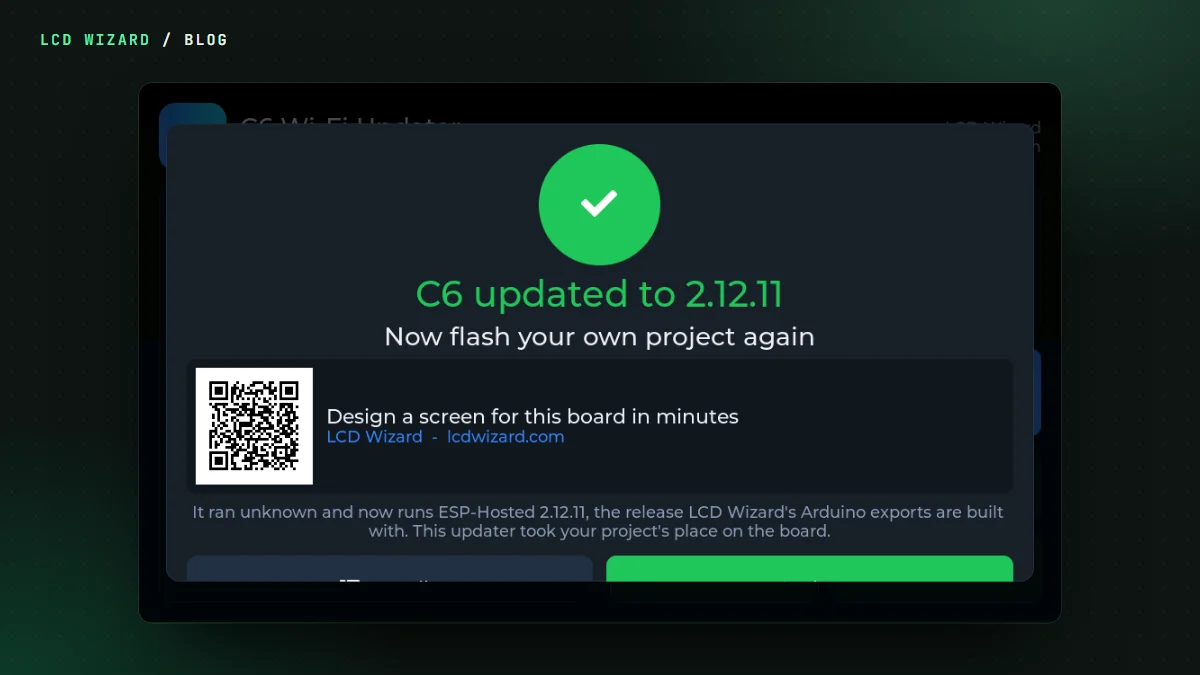
It checks the chip and the flash size before it writes a thing, reads every part back afterwards, and keeps the Wi-Fi and settings you've already saved. When something goes wrong you get one plain sentence: the port's busy, hold BOOT, wrong chip. Not a stack trace.
107 boards
Every ESP32 board on our list has one: 48 ESP32-S3s, 19 C6s, 12 classic ESP32s, 11 P4s, 6 C5s and a C3. Each image is built once, by us, so the only firmware that ever reaches your PC is firmware that compiled. Boards with a speaker and no microphone get a screen of beeps. Every image shows LVGL's frame rate and CPU monitor, so you can see what the board can really do.
Where to find it
In the designer it's under the Help menu, on Hardware > Board, and in the new-project wizard. On the website, every board card at lcdwizard.com/boards with a ready-made test has a Test my board button. It needs Chrome or Edge, since those are the browsers that can talk to a USB serial port.