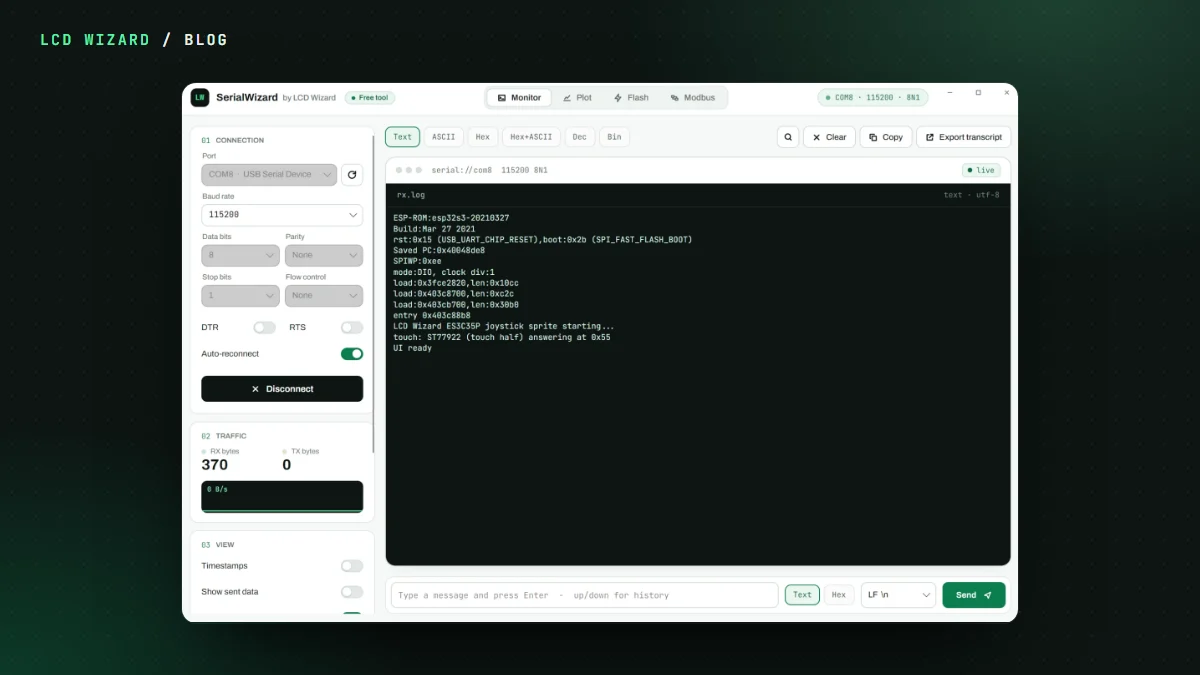
You plug in a shiny new ESP32-P4 board, flash something with Wi-Fi in it, and the serial log says "ESP-Hosted of an unknown version". Or Wi-Fi just fails. Or the board freezes at start-up. Welcome to the club.
Why it happens
The ESP32-P4 has no radio of its own. The Wi-Fi on these boards is a second chip, an ESP32-C6, running Espressif's ESP-Hosted firmware. That firmware has to be the release the Arduino core was built with. Boards leave the factory with an older one, so the two chips don't agree and Wi-Fi falls over.
The usual fix is a toolchain, a second firmware project and a fair bit of reading. I wanted it to be one button.
One click, no toolchain
Open Update my C6 in Chrome or Edge, plug the board in by USB and press the button. The page flashes a small updater app to the P4. On the board's own screen you then see:
- the C6's version beside the one it needs (2.12.11);
- Start update, behind an "are you sure";
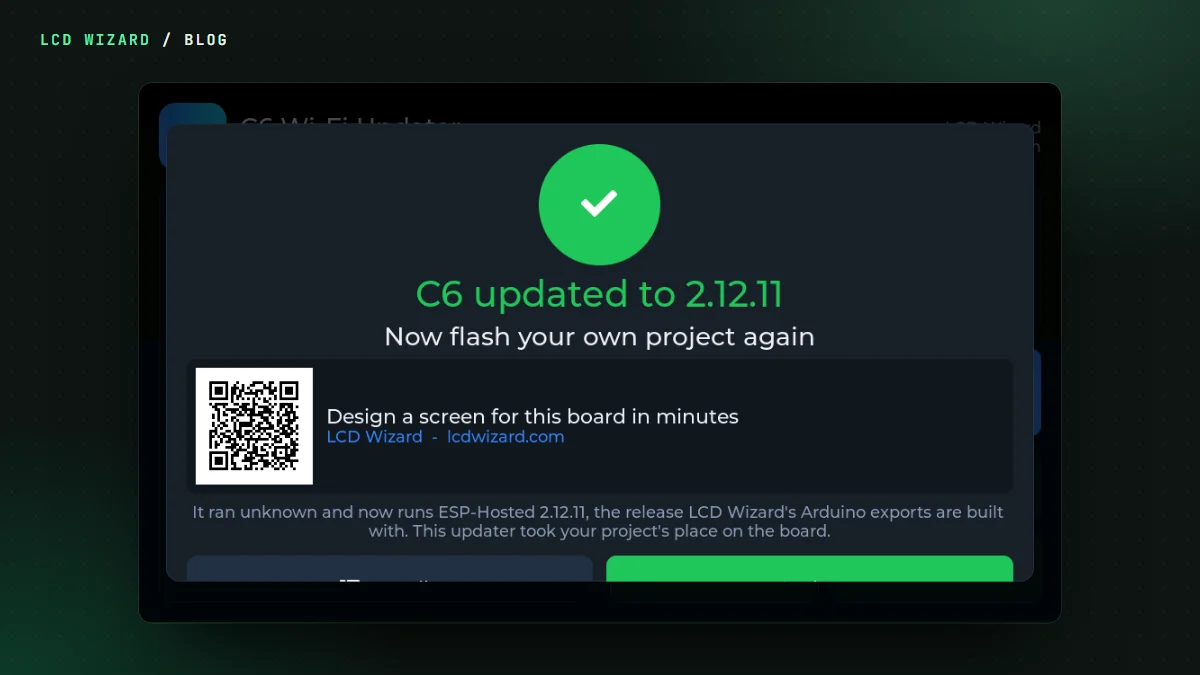
- a progress bar through five stages, then a big pass or fail.
The update goes over the board's own link between the two chips. No Wi-Fi, no password, nothing to download yourself. The browser page shows the same as the board. Check version, Test Wi-Fi (it lists the networks it can see), Restart C6 and Details are on the same screen.
On my Waveshare 4.3, a factory C6 that wouldn't even say its version went to 2.12.11 in 13 seconds. On an Elecrow CrowPanel Advanced 9-inch, the board's own updater took the C6 from 2.12.3 to 2.12.11.
Which boards
Every ESP32-P4 board on our list gets one, for both chip revisions (the page writes the one your chip needs): Waveshare's P4 WIFI6 3.5, 4.3, 5, 7B and 10.1 and the P4-NANO with its 7, 8 and 10.1-inch screens, Elecrow's CrowPanel Advanced P4 7, 9 and 10.1-inch, Guition's JC1060P470C and VIEWE's SmartDisplay 7. Most have only been compiled so far, and each board's page says so.
It's free and you don't need an account. After a pass, the page offers to design a screen for that board, and the pass screen has a QR code into the designer. No pressure.