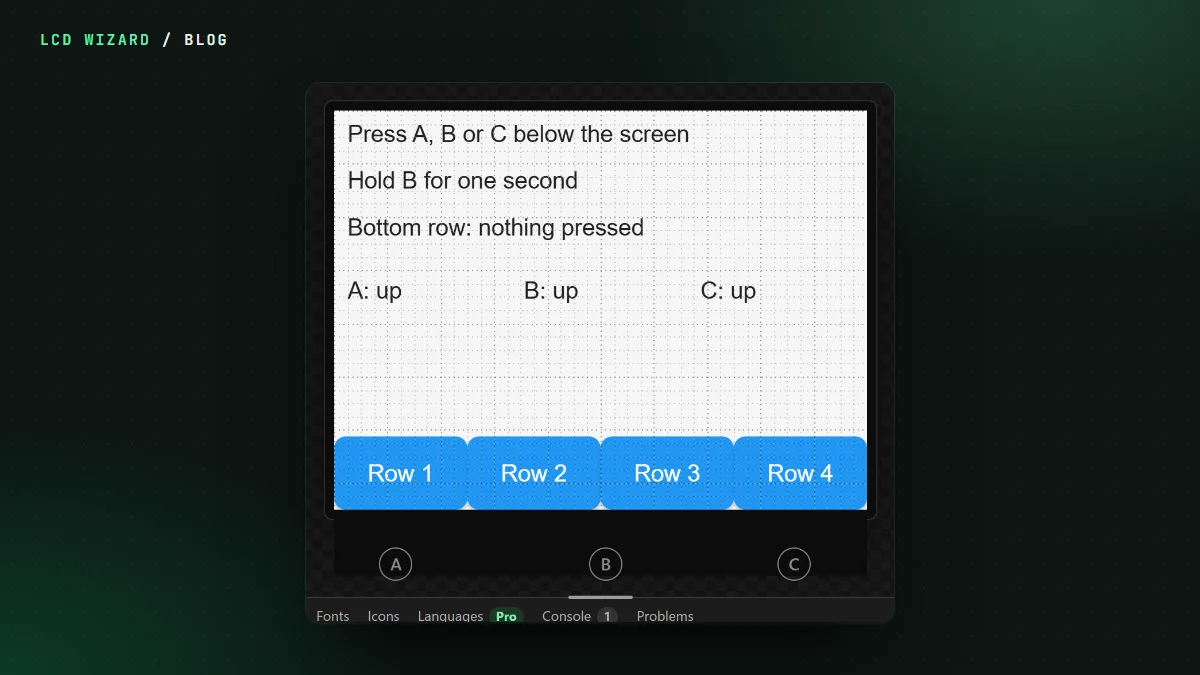
You press a button and the one next to it fires. Or nothing does. Touch that's nearly right is worse than touch that's broken, because you start doubting your own layout.
On my Waveshare ESP32-S3 AMOLED-1.8 V2, presses were landing up to 30 pixels from where my finger was. On a 1.8-inch screen that's a whole button.
The chip was fine
The touch chip on that board, a CST820, was reporting the right place. The trouble was when it was being asked. Read between its reports and you can get a half-finished one. Waveshare's own code for that board only reads it after the chip says it has something new. Ours didn't.
We don't know better than the people who make the boards
That's a house rule now, and this is where it came from. Every board starts exactly as its maker's own demo code starts it, and touch is read exactly as the maker reads it. Waveshare doesn't do the same thing on every board, so neither do we:
- some boards are read only after the chip signals, with Waveshare's start-up for that board;
- some are read after the signal with the chip left as it starts;
- and some, because their own code does, are read on every update, as before.
That covers Waveshare's CST816S and CST820 boards across the Arduino, ESP-IDF and MicroPython exports. Designs made before pick it up from their board. ESPHome already read these chips the right way.
The test
A screen of crosses, a dot where the board thinks you pressed. On my AMOLED-1.8 V2, from both the Arduino and the ESP-IDF export: "the dot lands on the crosses everywhere". The other boards are compiled and waiting their turn on the desk.
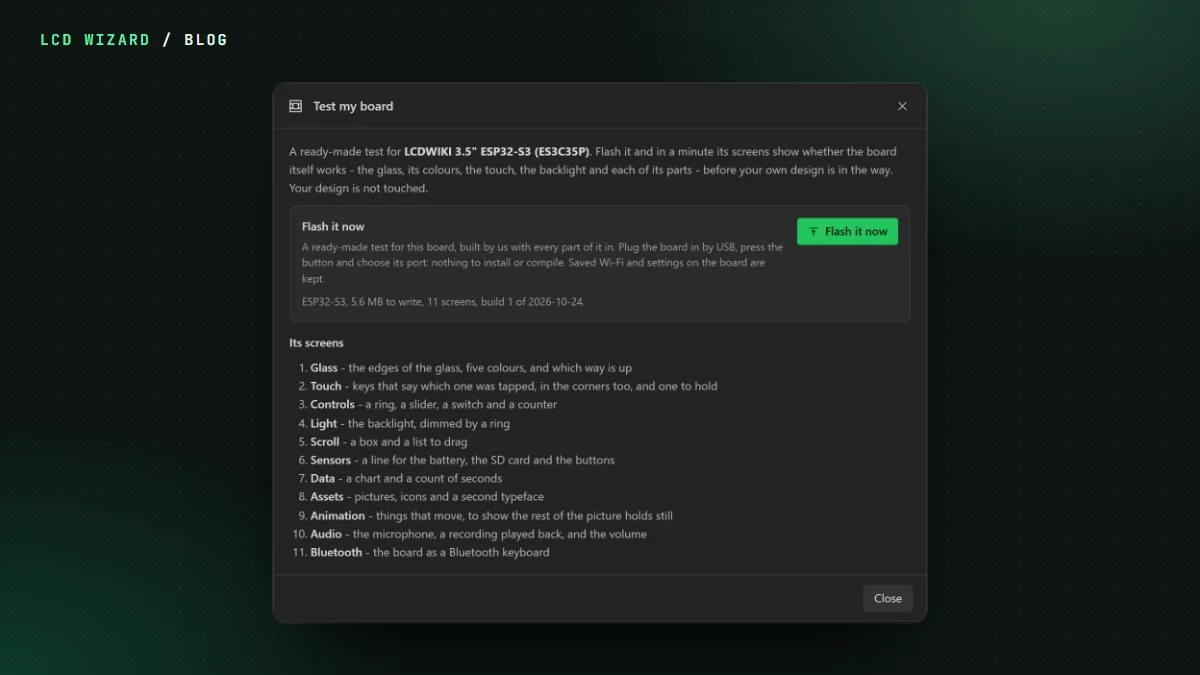
If touch is off on your board, Test my board has a touch screen with keys in the corners, and the troubleshooting page covers the usual suspects. The AMOLED-1.8 V2 board page has its pins.