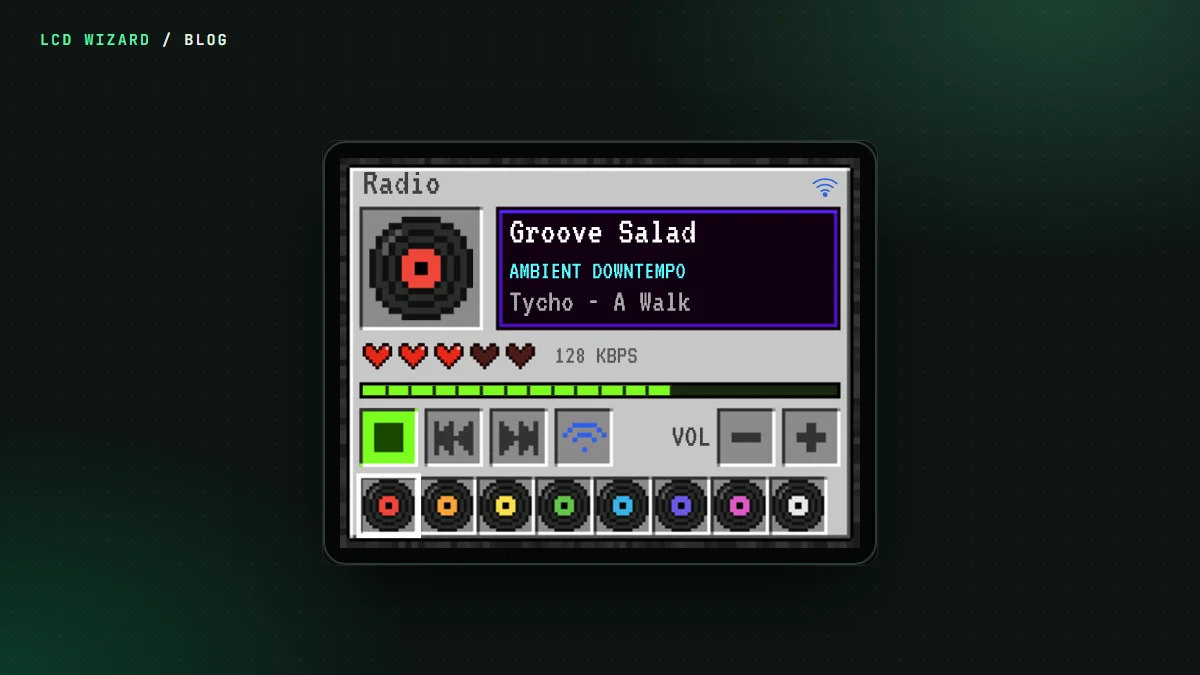
Here's a lovely idea that doesn't work. Take a Cheap Yellow Display, make it an internet radio, and play the stream out to a Bluetooth speaker instead of the tiny DAC. Every part of it works on its own. All together on a CYD, the board falls over at start-up.
We built it anyway, flashed it to my own Sunton ESP32-2432S028R, and measured why.
Where the memory goes
The CYD is a classic ESP32 with 4 MB of flash and no PSRAM, so everything shares the chip's internal RAM. A test build printed the free memory after each step of start-up:
- 130 KB free at the start;
- 76 KB after LVGL and its two draw buffers;
- 72 KB after the screens;
- 21 KB after Wi-Fi.
Then the Bluetooth controller asked for its share, there wasn't enough left, and the board panicked. Wi-Fi, Bluetooth Classic, LVGL and an MP3 player don't fit a classic ESP32 without PSRAM. No setting changes that. It's simply more than the chip has.
So what can you do?
- Drop the Bluetooth. The CYD radio plays through the board's own DAC. That's the version in the gallery and the Blocky Radio tutorial, and it plays on my CYD.
- Use a board with PSRAM. A classic ESP32 WROVER module has room for a Bluetooth speaker beside Wi-Fi. The M5Stack Core2 is one.
And the board with PSRAM?
Even there it's tight. When Volos Projects built a Bluetooth speaker design for his M5Stack Core2, it ran short of a different kind of memory, the instruction RAM, by 1,284 bytes. The export now frees about 6 KB of it, and puts the speaker's buffer in PSRAM wherever a board has some. On his Core2 the tune played on both the board's speaker and the Bluetooth one. Switching back and forth between them is what we're working on next.
The designer also warns you while you work if a classic ESP32 design with a Bluetooth speaker plays web streams, since that one needs building with PlatformIO rather than the Arduino IDE.
Playing to a Bluetooth speaker is free in LCD Wizard, on the classic ESP32, which is the only ESP32 with Bluetooth Classic. The Bluetooth page has the details. Pick a board with PSRAM and you're away.