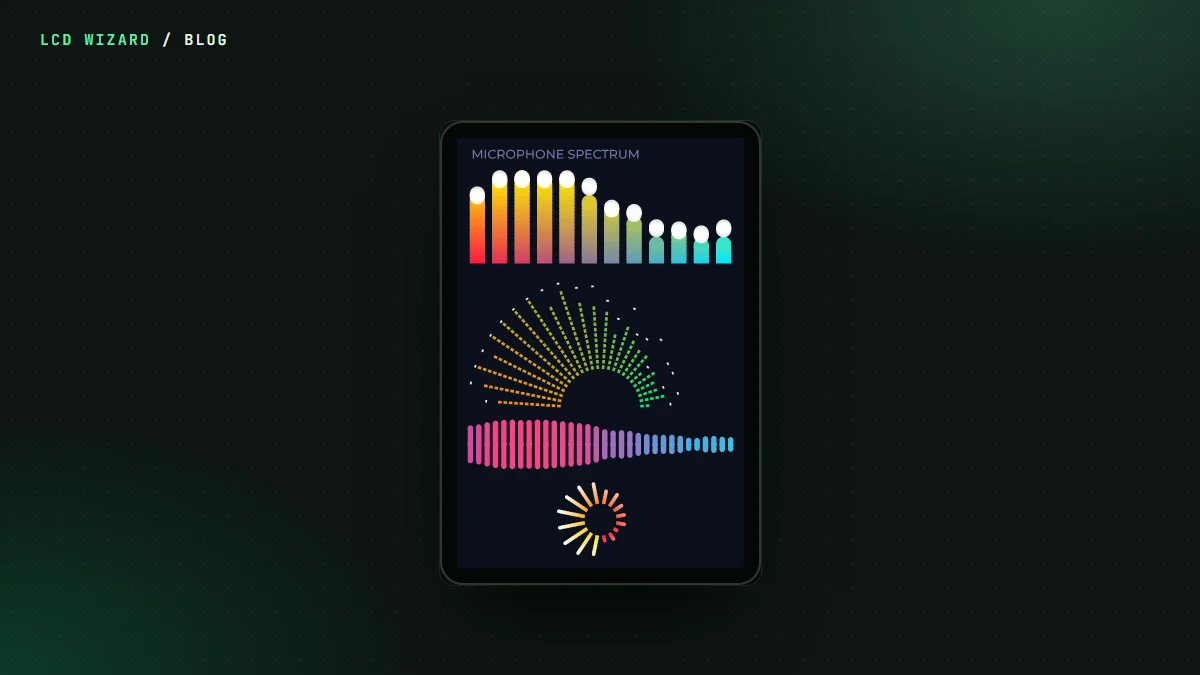
Nothing makes a little screen look alive like bars jumping to the music. So LCD Wizard has a Spectrum analyser widget, and as of this week it hears every sound the board makes, wherever it's going.
What it listens to
Pick input and it listens to the microphone. Pick output and, by default, it hears every output mixed together. Or choose just one:
- internet radio stations and files from the card;
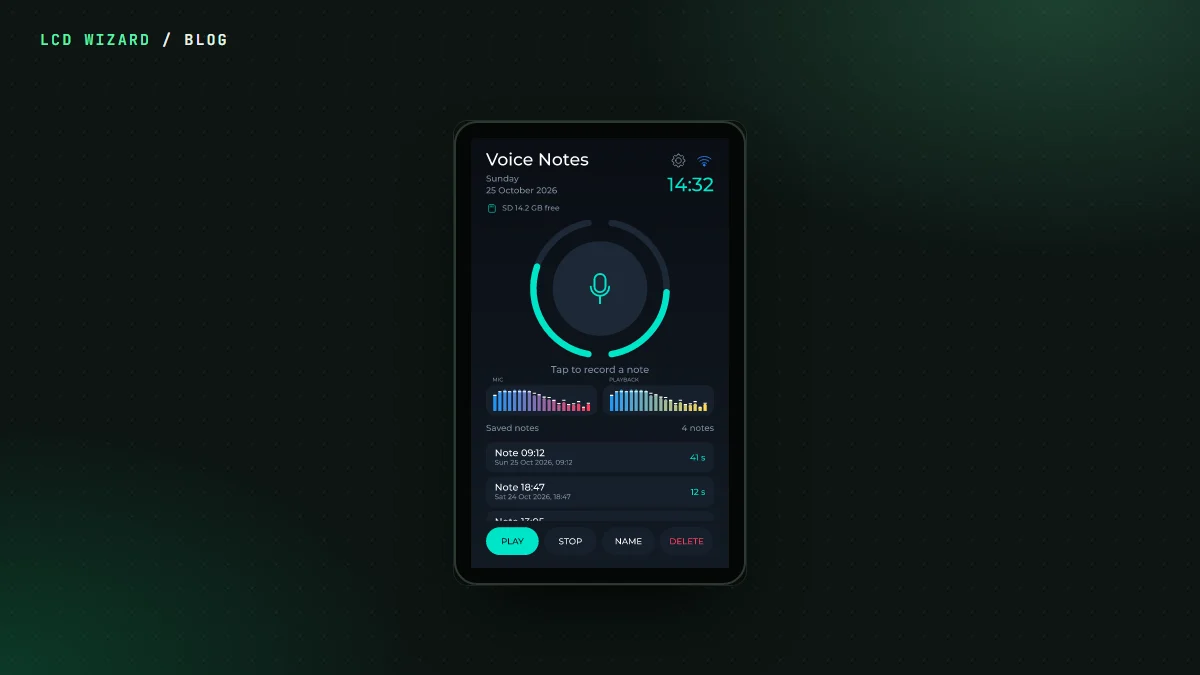
- sounds and voice notes;
- a Video player's soundtrack;
- the phone on a Bluetooth call, and the two-way radio;
- the board's own speaker, or a Bluetooth speaker.
Designs you've already made show exactly what they showed before.
The Bluetooth bars that stood still
Volos Projects found this one. With the board playing to a Bluetooth speaker, the bars didn't move. The sound was going out over Bluetooth fine, it just never reached the analyser on the way. Now every output reaches it, Bluetooth included, and so does a microphone sent straight to the speaker. That fix is compiled for Arduino and ESP-IDF and waiting for its first run on a board.
Built to look good
You choose the bar count, colours, peaks, how fast the bars rise and fall, and how sensitive it is. Up to 24 frequency ranges get spread across your bars, so a wide analyser doesn't look like a staircase. It works out the bands once per drawn frame and never more, so it doesn't eat the CPU your UI needs. If nothing's heard for 200 ms, the bars fall away.
In the designer, Preview plays the bands from a playing Video player, so you can tune the look before you flash.
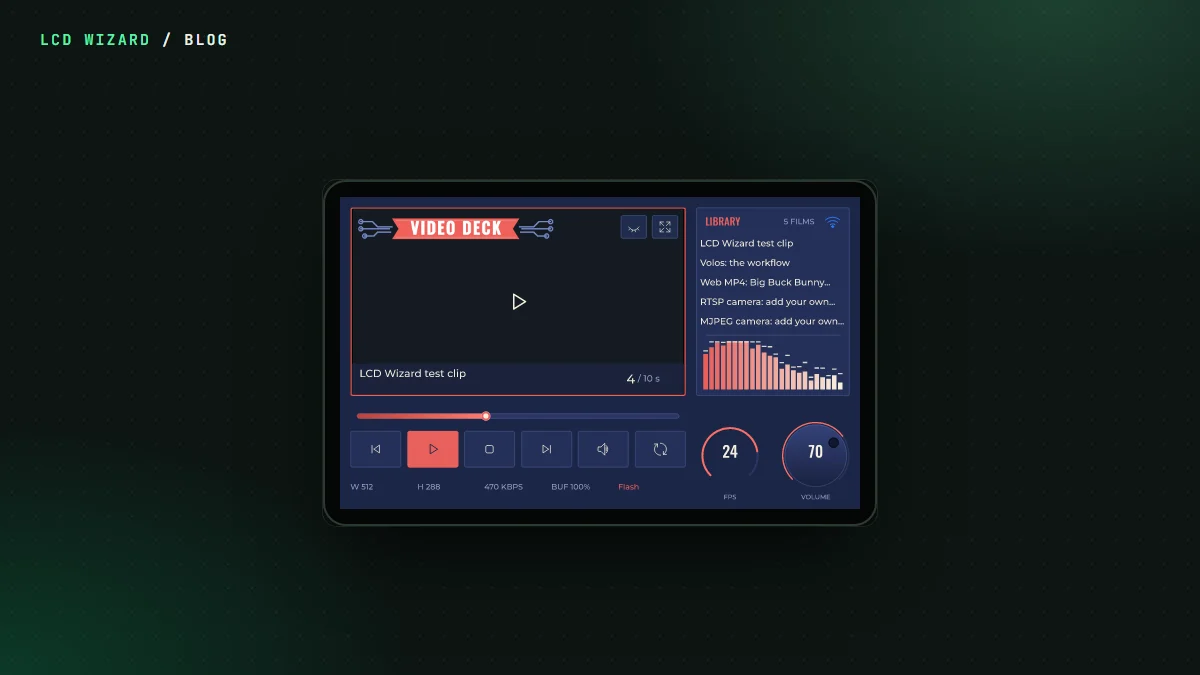
See it in Video Deck, where it runs beside the video on a P4, and in the Spectrum Analyser Showcase. The Spectrum analyser page has every setting.