Video on a microcontroller usually means a slideshow with ideas above its station. So when the ESP32-P4 turned up with a hardware H.264 decoder and a 2D graphics engine, I wanted to know what it would really do with a proper video player in front of it.
The answer, measured on my own Waveshare 4.3-inch P4: smooth video, with sound, every frame.
The numbers
- 512x288 and 640x360 at 24 fps with AAC sound. Every frame, no gaps. 640x360 at 30 fps ran clean too.
- 800x480 at about 17 fps, evenly paced, so it looks steady rather than jerky.
- An MJPEG camera up to 1280x720 at 30 fps, with the cores about 5% busy.
- RTSP from an IP camera plays at the camera's own rate.
- A web MP4 plays at its own rate, with Wi-Fi on. Internal memory never dropped below about 73 KB during that test, and the board held 23 to 27 pictures a second.
The picture goes straight to the MIPI-DSI panel through our own video engine, scaled to fit the box you drew. Big key frames used to stutter once a second. They don't now.
Buttons over the video, without the flicker
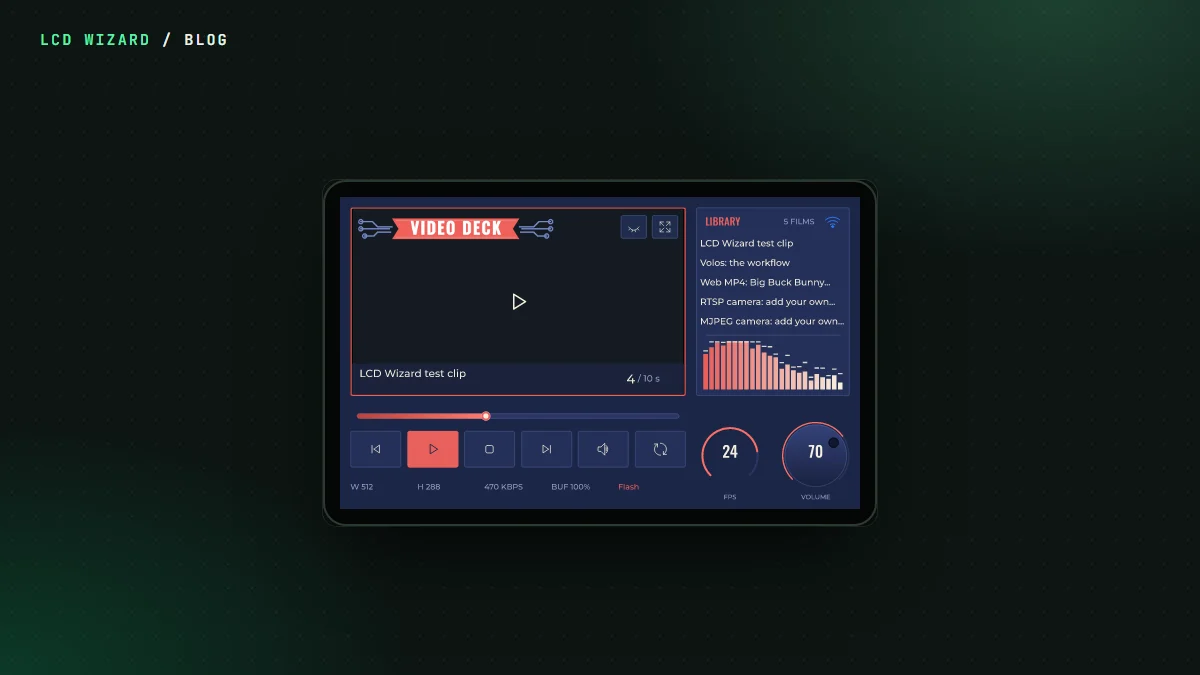
A video that fills a box is one thing. What people really want is a title over it, a LIVE badge, play and pause keys, a logo in the corner. So the Video player has overlays: drop widgets onto it and they're drawn over the moving picture, transparency and all.
A tap shows them. They can hide themselves after a few seconds. A logo can be pinned so it never hides. A double tap can take the video full screen and back, which takes about 0.2 seconds on the 4.3. When I asked the board to do all that at once, the verdict from my desk was "well that is peachy".
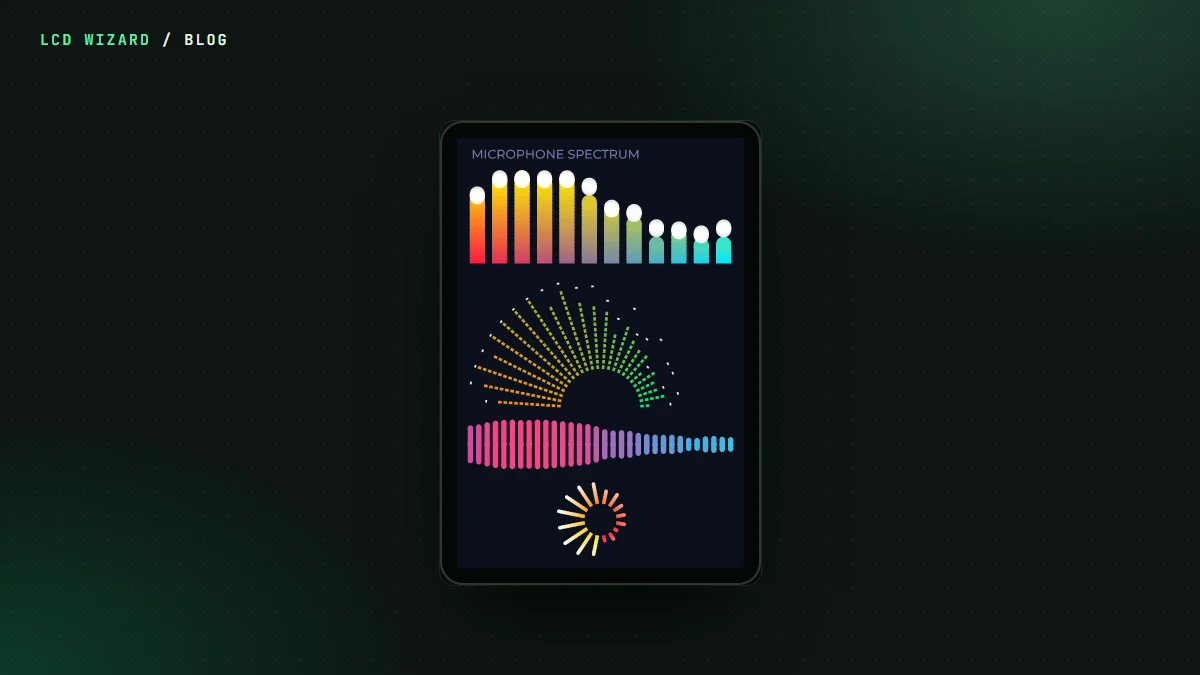
The first version flickered on a busy design. A spectrum analyser and an animated logo over a playing video made the overlays shimmer. That's fixed. Changes go on whole, with the next picture, and never get drawn down the screen in strips.
The designer is the board
In the designer the Video player draws the clip's real frame at the board's fit, bars and all. Press Preview and it plays, with sound. The seek bar, the keys and the volume you put on the screen drive it. If a design asks more of the chip than 24 frames a second leaves, the designer says so while you work and offers a smaller box in one click.
It also knows what can't work. A widget sitting over a playing video on a P4 is marked, and the design won't export until it's moved. "Move it out" does that in one click.
What you need
- An ESP32-P4 board with a MIPI-DSI panel and PSRAM. The Waveshare ESP32-P4-WIFI6-Touch-LCD-4.3 is the one it ran on.
- H.264 Baseline video. Main, High and H.265 are refused on the board with a sentence telling you what to change. The Video player page has the one ffmpeg line that encodes a file the way it plays best.
- Pro, since the Video player is a ready-made part. See pricing.
Older P4 chips (before revision 3) get their own build of the decoder, so the same design runs on both. Volos Projects' 4.3 has the older chip, which is how we found out it needed one.
Have a look at Video Deck in the gallery, open a copy and put your own films in it.