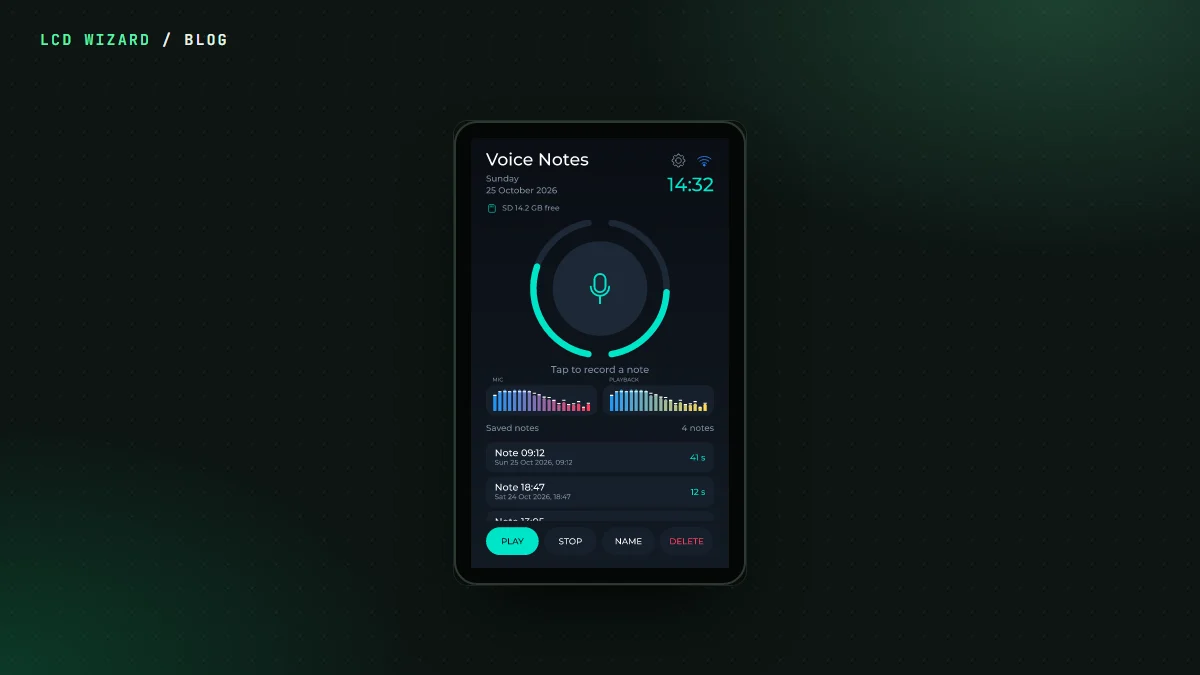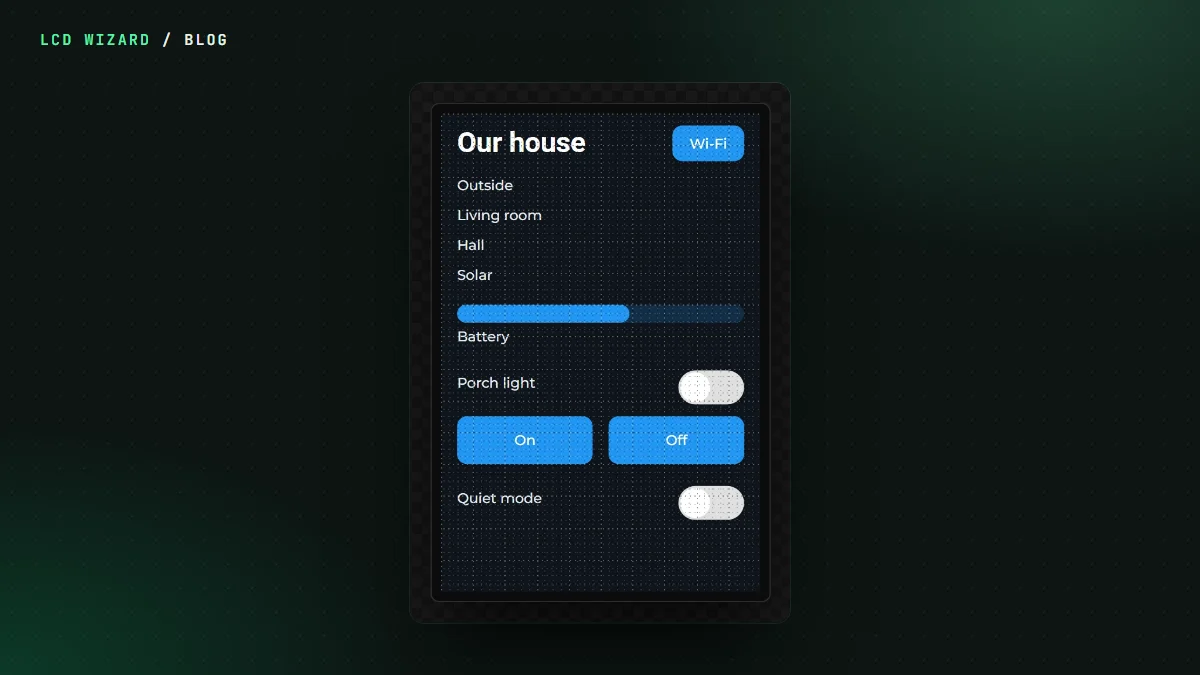
A touchscreen on the wall that shows what the house is doing and switches the porch light. Everybody wants one, and most of the guides start with a page of YAML. This one starts with a drag and drop.
MQTT, the short version
A lot of home kit talks MQTT: sensors, smart plugs, Zigbee2MQTT, Tasmota, ESPHome and Home Assistant itself. They all send their messages to a broker in the middle, and anything can listen. So a screen that speaks MQTT can read nearly anything in the house.
In LCD Wizard a topic is a value. Bind a label, a gauge or a switch to it and it follows the house. Publishing is an action, so a button press or a value changing can send a message. The connection and the topics are free on every plan.
It shows up in Home Assistant on its own
Tick a variable to announce it, and the board tells Home Assistant about itself through MQTT discovery. It appears as a device with its own sensors, switches and numbers. No YAML, no restarting Home Assistant, nothing to add by hand. Announcing to Home Assistant is the one part that's Pro.
We ran this on my Waveshare ESP32-P4 4.3 against a test house we built for the job, a little program that publishes lights, heating, solar and a doorbell. The board joined the broker, appeared in Home Assistant by itself, and was controlled from Home Assistant and from its own screen.
No typing topic names
The browser can't reach a broker on your network, and we don't want your broker's password on our server. So there's MQTT Wizard, a small free desktop app that listens to your broker for a few seconds and saves what it hears to a file. Import that file into the designer and every topic, its type and every Home Assistant entity is there to bind to. You can still type the topics in yourself if you'd rather.
Build it step by step
The MQTT and Home Assistant tutorial builds the whole panel on an LCDWIKI ES3C35P, a picture for every step. It explains what a broker is, how to set one up, and ends with a panel that reads six values, switches the porch light and announces itself. Every step was done in the real designer to take its picture, and the result compiles to 1.39 MB of firmware.
The reference pages are Network and Data. Or just open the designer and drop a gauge on a screen.