Typing a long Wi-Fi password on a 1.46-inch round screen is nobody's idea of fun. There's no room for a keyboard, and your thumb covers half the letters. So the board asks your phone instead.
How it works for you
- The board puts up its own little Wi-Fi network and shows a QR code.
- Scan it with your phone. The phone joins, and the setup page is made to open by itself.
- Pick your network, type the password on a proper keyboard, and press join.
- The board saves it and joins your network.
That's the whole thing. Nothing to install on the phone.
It's an icon, not a page
In the designer, WiFi by phone is a Ready-made widget. It's an icon that changes colour with what setting up is doing, plus values you can bind: the code a phone scans for a QR code, a sentence for a label, the state, and how many phones are on its network. One click in the inspector adds the QR code and the label for you. An action opens, closes or forgets the setup, so a Wi-Fi key on your screen can start it whenever you like.
It's free, on any ESP32 with Wi-Fi, in the Arduino export. Pro adds your own look for the setup page: your logo, colours, heading and stylesheet.
Even on a P4
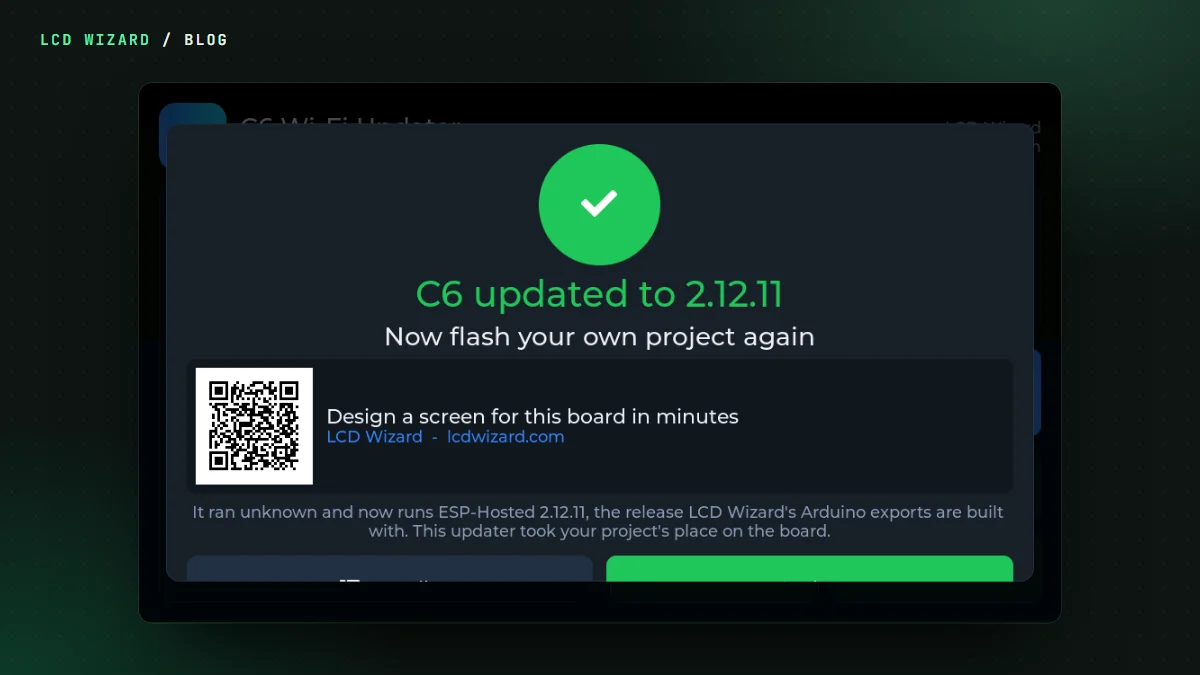
An ESP32-P4 has no radio of its own. Its Wi-Fi is an ESP32-C6 alongside it. On my Waveshare 4.3 the Wi-Fi icon in Video Deck brought up the setup network through the C6, my phone joined, the page took the network and the board joined it. On my Waveshare 3.49, an ESP32-S3, the verdict was "works amazingly". If your P4's Wi-Fi won't start at all, the C6 probably needs a firmware update first.
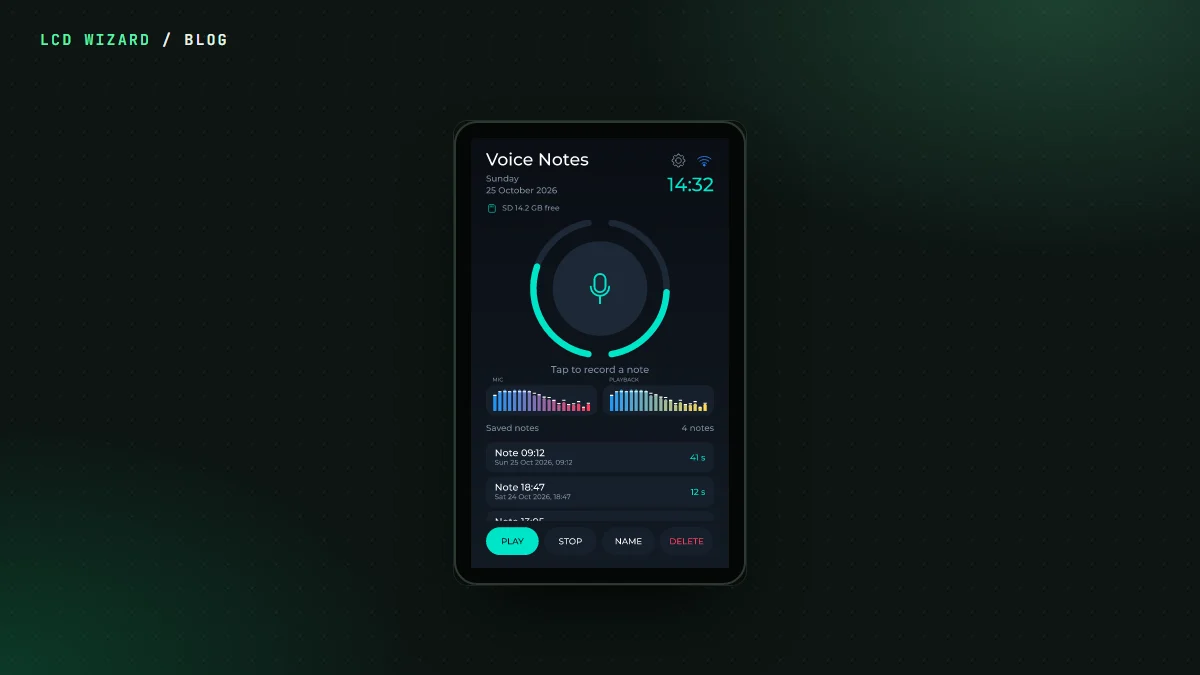
The WiFi by phone page has the details. It's in Voice Notes and Video Deck in the gallery if you want to see it in a finished design.