Waveshare ESP32-C6-LCD-1.28
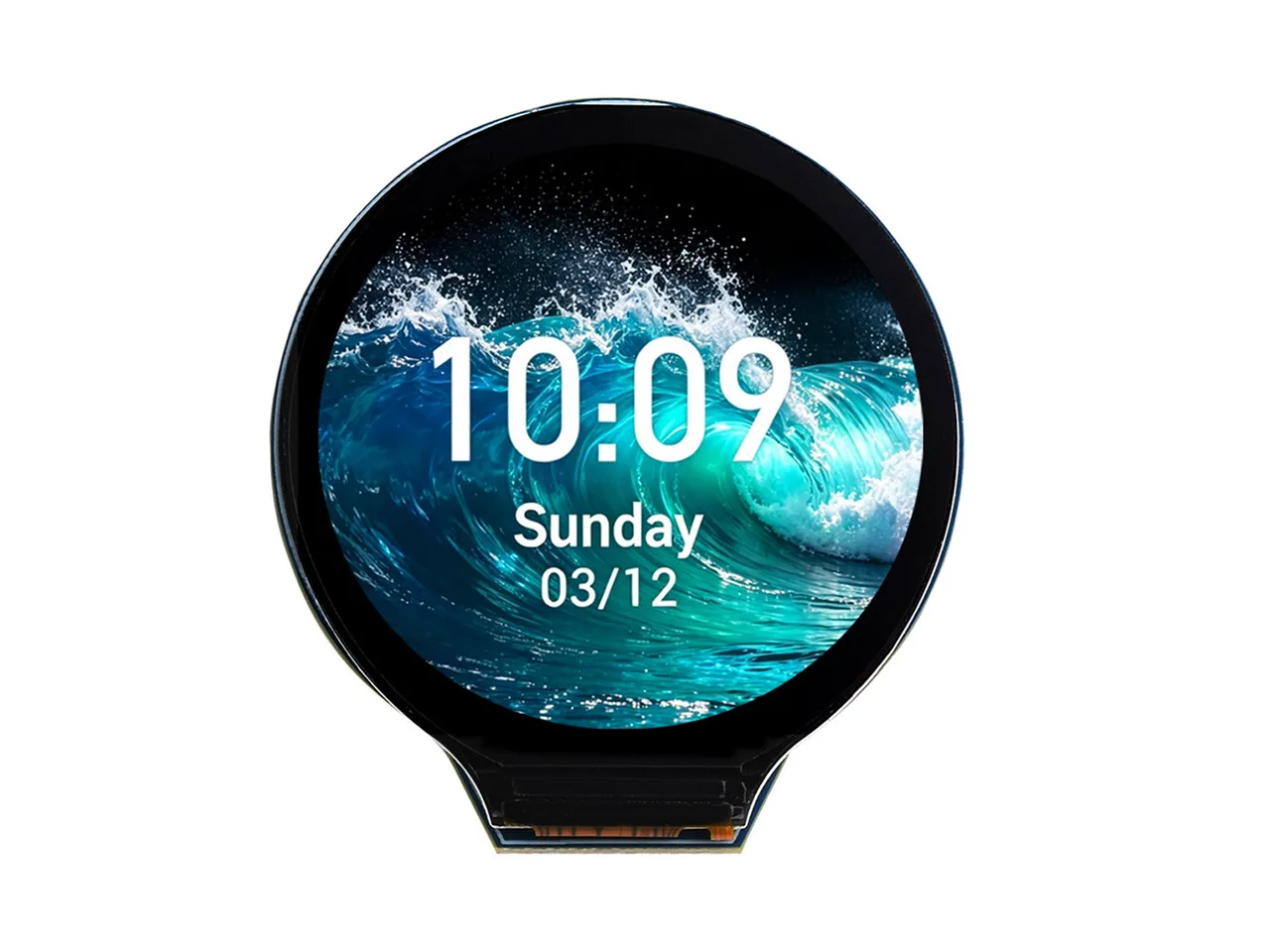
1.28" 240x240 IPS LCD (GC9A01A, SPI), TF card, QMI8658, PCF85063ATL.
Building for it
A project is made for one toolchain, picked when you start it. For this board you can use 2 of them:
| Toolchain | |
|---|---|
| Arduino (C++) | Every board, every widget and every peripheral here. The most control, and the most to set up. Start a project |
| MicroPython | lvgl_micropython has no build for this chip. |
| ESPHome | No compiler to install, and the panel can join Home Assistant as real entities. Start a project |
At a glance
| Part | Detail |
|---|---|
| Maker | Waveshare |
| MCU | ESP32-C6 RISC-V @ 160 MHz, 512 KB SRAM (no PSRAM) |
| Display | Galaxycore GC9A01 / GC9A01A, 240 x 240 px, SPI (4-wire serial), 16-bit colour |
| Touch | None |
| Backlight | GPIO 7, dimmable (PWM) |
| Memory | 16 MB flash, no PSRAM (N16) |
| Graphics library | GFX Library for Arduino |
Display pins
GC9A01 / GC9A01A on SPI (4-wire serial): SPI clock 80 MHz, host SPI2_HOST, RGB colour order, inversion on.
| Signal | Pin |
|---|---|
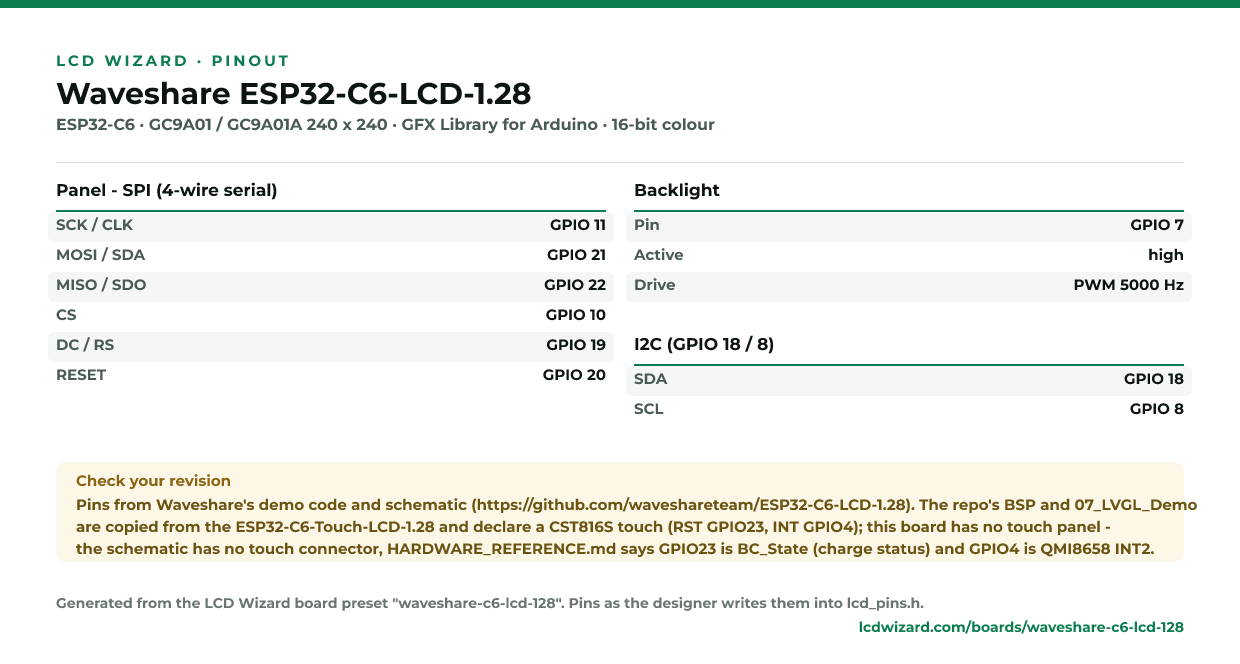
| SCK / CLK | GPIO 11 |
| MOSI / SDA | GPIO 21 |
| MISO / SDO | GPIO 22 |
| CS | GPIO 10 |
| DC / RS | GPIO 19 |
| RESET | GPIO 20 |
| Backlight | GPIO 7 |
Also on the board
- I2C (GPIO 18 / 8) - SDA GPIO 18, SCL GPIO 8
The preset adds these to the Hardware tab with the board, so a sensor can go straight onto the connector.
Check your revision. Pins from Waveshare's demo code and schematic (https://github.com/waveshareteam/ESP32-C6-LCD-1.28). The repo's BSP and 07_LVGL_Demo are copied from the ESP32-C6-Touch-LCD-1.28 and declare a CST816S touch (RST GPIO23, INT GPIO4); this board has no touch panel - the schematic has no touch connector, HARDWARE_REFERENCE.md says GPIO23 is BC_State (charge status) and GPIO4 is QMI8658 INT2.
Designing for it in LCD Wizard
- Choose Waveshare ESP32-C6-LCD-1.28 on the Hardware tab (or use the button above) and every pin on this page is filled in. The export writes the sketch,
lcd_pins.h, the GFX Library for Arduino configuration,lv_conf.handplatformio.ini- a project that builds for this board as it comes. - The backlight is dimmable: give a slider or a button a Set backlight action.
- Screens are designed for 240 x 240 px in either orientation, with LVGL 9 or LVGL 8.
The parts
GC9A01 / GC9A01A. 1.28" round panel used for watch and gauge UIs.
ESP32-C6. No PSRAM. SPI displays only in practice.
GFX Library for Arduino. Moshi Liu's library. Best QSPI/AMOLED and RGB coverage. Configured in code.
The pinout on one page
Every pin above, laid out to print and keep beside the bench. Generated from this preset, so it says exactly what the designer writes into lcd_pins.h.
Download the pinout (PNG)Open it as SVG
From the people who made it
The board’s own documentation. Pinouts on vendor pages do sometimes disagree with the hardware in front of you - where this page and that one differ, trust your board and tell us.
- The vendor’s product page
- Vendor documentation
- Schematic (PDF)
- Waveshare demo code (pins read from here)
Designs for this board
Nobody has published a design for this board yet. Publish yours from the designer and it appears here and in the gallery.
Similar boards
 ESP32-S3 + GC9A01 1.28" round240x240 round panel with CST816S single-touch. Popular for watch faces and gauges.ESP32-S3 · GC9A01 / GC9A01A 240 x 240 · CST816S touch
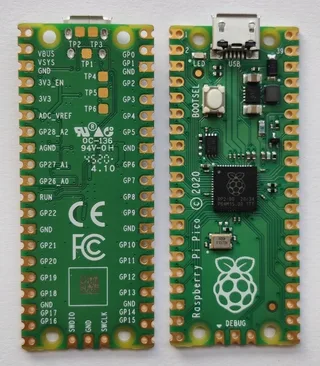 Pico + GC9A01 round240x240 round panel driven from SPI0, no touch.RP2040 · GC9A01 / GC9A01A 240 x 240 · no touch
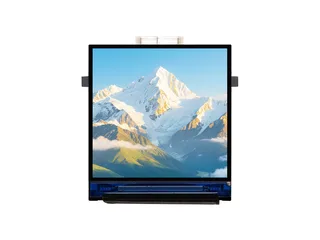 Waveshare ESP32-C6-LCD-1.31.3" 240x240 IPS LCD (ST7789V2, SPI), TF card.ESP32-C6 · ST7789 240 x 240 · no touch
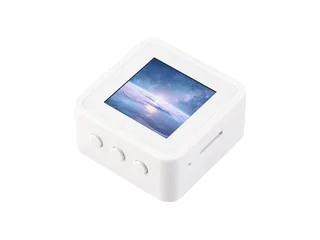 Waveshare ESP32-C6-LCD-1.541.54" 240x240 IPS LCD (ST7789, SPI), ES8311 audio, TF card, QMI8658.ESP32-C6 · ST7789 240 x 240 · no touch
Next
- Quick start - from an empty screen to firmware on the board
- Boards and displays - presets, controllers, pins and touch in the designer
- Flashing and configuration - PlatformIO, the Arduino IDE and first-boot checks
- Troubleshooting - a white screen, mirrored image or touch that misses