Waveshare ESP32-S3-Touch-AMOLED-1.43C
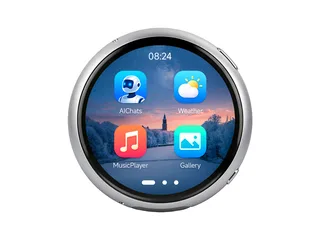
1.43" 466x466 round AMOLED (CO5300, QSPI), CST820 touch, ES8311 speaker and ES7210 microphones, battery sense.
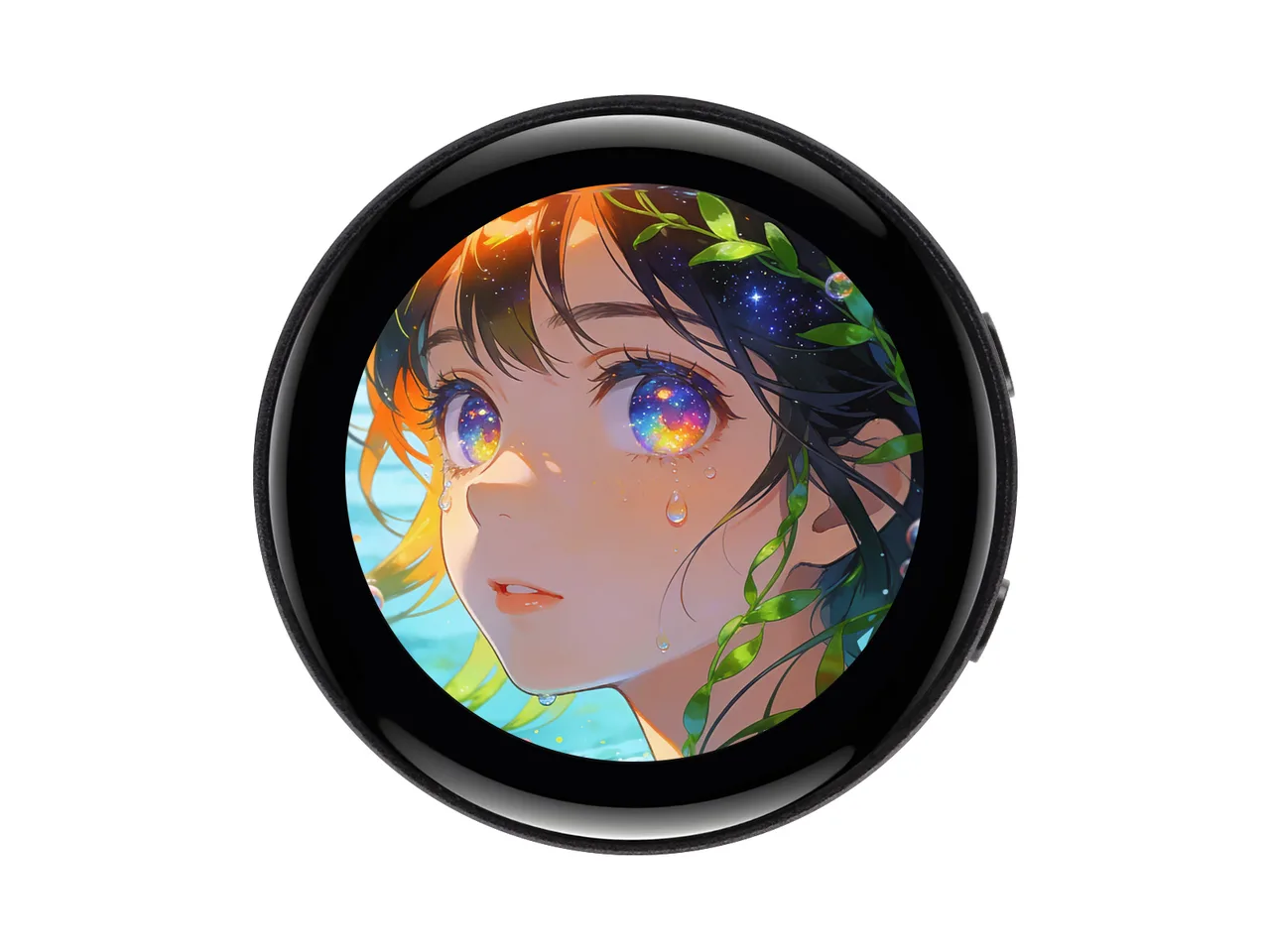
Affiliate link: LCD Wizard may earn a commission if you buy through it.
Building for it
A project is made for one toolchain, picked when you start it. For this board you can use three of the four:
| Toolchain | |
|---|---|
| Arduino (C++) | Every board, every widget and every peripheral here. The most control, and the most to set up. Start a project |
| MicroPython | Change a screen by editing a file on the board. No compiler once it is flashed. Start a project |
| ESPHome | Its maker runs the panel under an orientation byte of its own, which this export does not write yet - the picture and the touch would not agree. |
| ESP-IDF (C) | Espressif's own framework: esp_lcd, the component registry and idf.py, with nothing of Arduino in it. Start a project |
At a glance
| Part | Detail |
|---|---|
| Maker | Waveshare |
| MCU | ESP32-S3 Xtensa LX7 dual-core @ 240 MHz, 512 KB SRAM (+ 2-16 MB PSRAM on most modules) |
| Display | Chipone CO5300, 466 x 466 px, QSPI (quad SPI), 16-bit colour |
| Touch | Hynitron CST820 (capacitive, I2C) |
| Backlight | None: the panel is its own light, dimmed by a command |
| Memory | 8 MB flash, 8 MB octal PSRAM (N8R8) |
| Graphics library | GFX Library for Arduino |
Display pins
CO5300 on QSPI (quad SPI): QSPI clock 40 MHz, host SPI2_HOST, RGB colour order, inversion off.
| Signal | Pin |
|---|---|
| SCK | GPIO 14 |
| D0 - D3 | GPIO 9, 10, 11, 12 |
| CS | GPIO 15 |
| RESET | GPIO 13 |
Touch pins
CST820: I2C address 0x15, 400 kHz, shares the display bus, X inverted, Y inverted.
| Signal | Pin |
|---|---|
| SDA | GPIO 47 |
| SCL | GPIO 48 |
| INT / IRQ | GPIO 17 |
| RESET | GPIO 16 |
Also on the board
- I2C (GPIO 47 / 48) - SDA GPIO 47, SCL GPIO 48
- Battery - analog input on GPIO 4
- BOOTButton - input on GPIO 0
- LED - output on GPIO 5
The preset adds these to the Hardware tab with the board, so a sensor can go straight onto the connector.
Check your revision. Pins from Waveshare's demo code and schematic (https://github.com/waveshareteam/ESP32-S3-Touch-AMOLED-1.43C). None between the vendor's code and the schematic: every pin in bsp_config.h is the net the schematic's GPIO table and panel connector give that GPIO. Waveshare runs this glass under orientation byte 0xC0 with the picture starting at column 8, and the preset does the same: the byte is on the Display tab, and a turned design is turned over it. Brightness is a command to the panel, not a backlight pin. Compiled; not run on a board here.
Designing for it in LCD Wizard
- Choose Waveshare ESP32-S3-Touch-AMOLED-1.43C on the Hardware tab (or use the button above) and every pin on this page is filled in. The export writes the sketch,
lcd_pins.h, the GFX Library for Arduino configuration,lv_conf.handplatformio.ini- a project that builds for this board as it comes. - The CST820 is capacitive and needs no calibration. The firmware resets it and checks it answers on every boot.
- The panel has no backlight pin: it is its own light, and its brightness is a command. Give a slider or a button a Set backlight action and it dims as a backlight would.
- With PSRAM the LVGL memory pool can live there, leaving internal RAM for everything else.
- Screens are designed for 466 x 466 px in either orientation, with LVGL 9 or LVGL 8.
The parts
CO5300. The AMOLED controller on most of Waveshare's 1.32"-2.16" boards, round and rectangular. Brightness is a command, not a backlight pin.
CST820. Found on capacitive versions of the ESP32-2432S028 "Cheap Yellow Display".
ESP32-S3. The only common Arduino target with a hardware RGB565 LCD peripheral. PSRAM is effectively required for RGB panels.
GFX Library for Arduino. Moshi Liu's library. Best QSPI/AMOLED and RGB coverage. Configured in code.
The pinout on one page
Every pin above, laid out to print and keep beside the bench. Generated from this preset, so it says exactly what the designer writes into lcd_pins.h.
Download the pinout (PNG)Open it as SVG
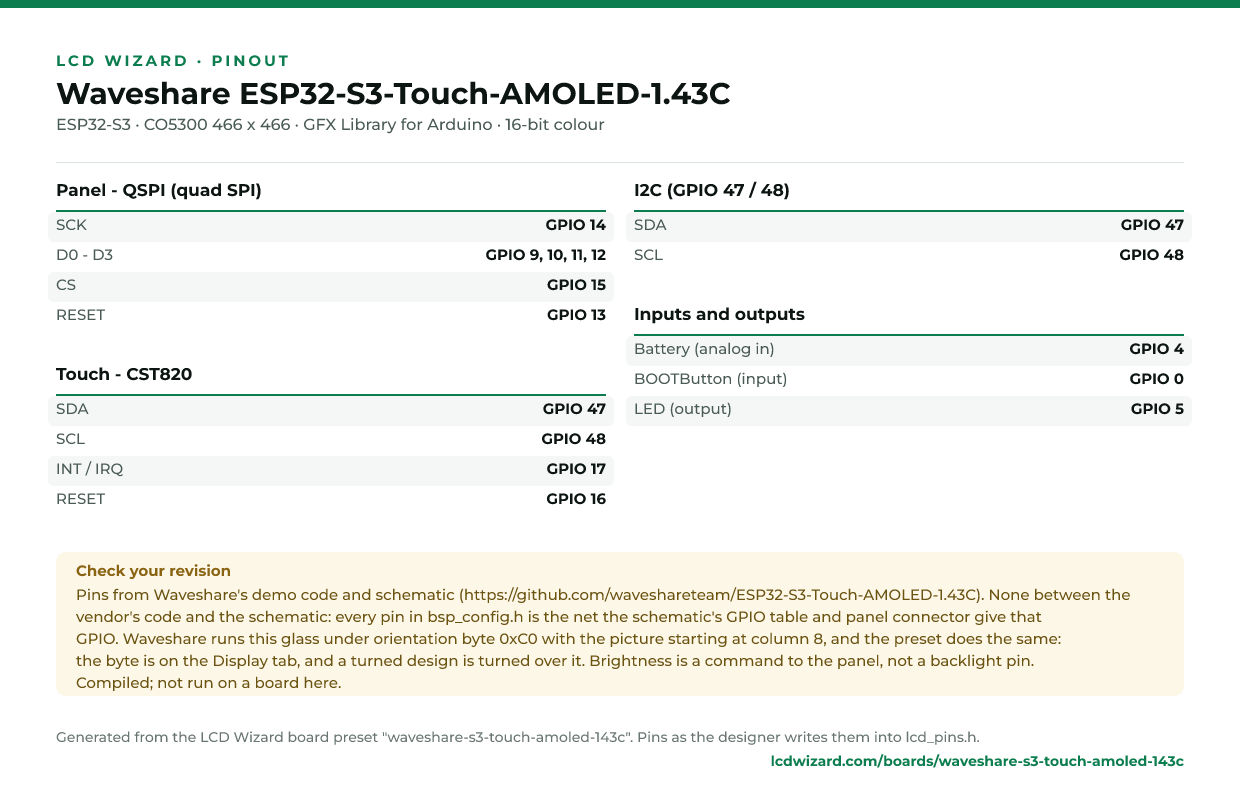
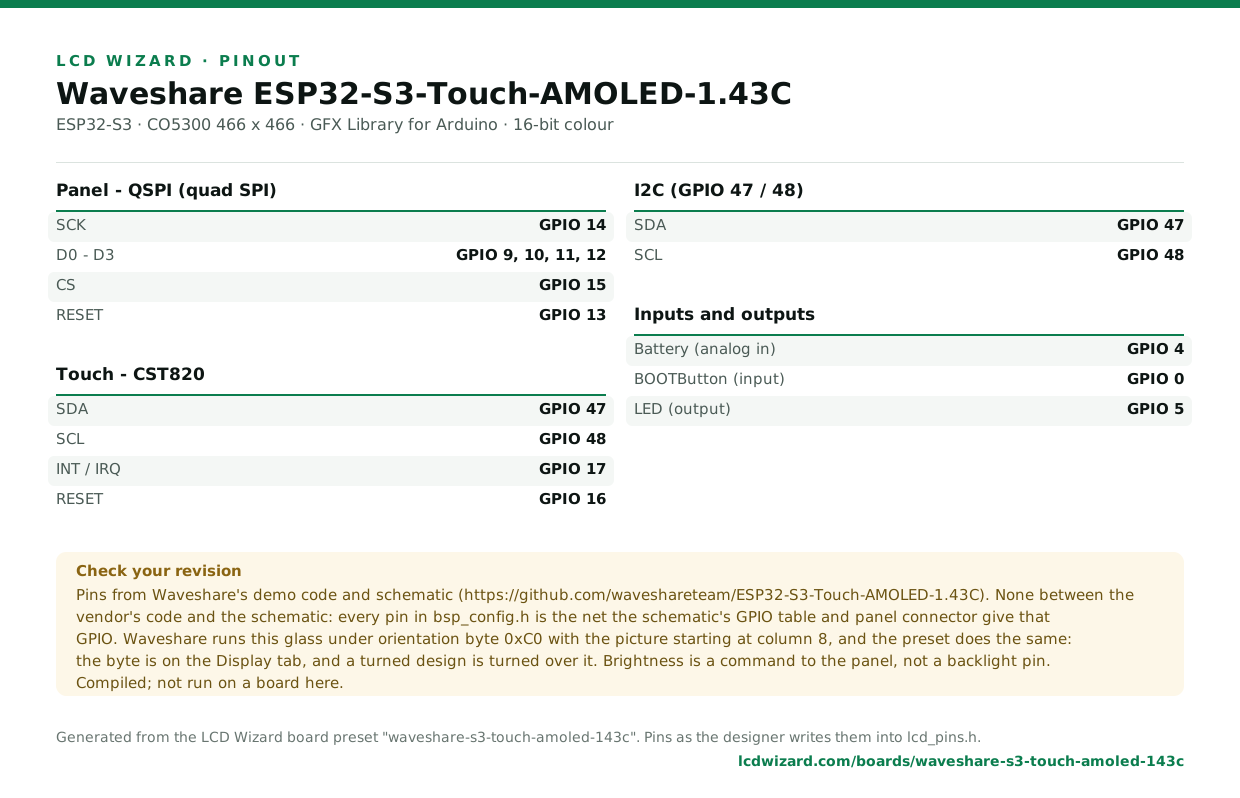
The same pins as data - board.json and pins.csv - are in the open pinout dataset on GitHub, free to reuse under CC BY 4.0.
From the people who made it
The board’s own documentation. Pinouts on vendor pages do sometimes disagree with the hardware in front of you - where this page and that one differ, trust your board and tell us.
- The vendor’s product page
- Vendor documentation
- Schematic (PDF)
- Waveshare demo code (pins read from here)
Designs for this board
Nobody has published a design for this board yet. Publish yours from the designer and it appears here and in the gallery.
Similar boards
 Waveshare ESP32-S3-Touch-AMOLED-1.64 V11.64" 280x456 AMOLED (CO5300, QSPI), FT3168 touch, TF card, QMI8658C, battery sense.ESP32-S3 · CO5300 280 x 456 · FT3168 / FT6146 touchPurchase this board
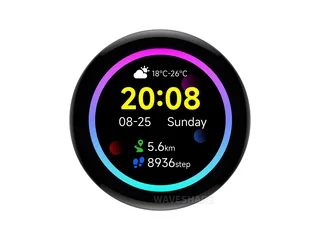 Waveshare ESP32-S3-Touch-AMOLED-1.43 (CO5300 panel)1.43" 466x466 round AMOLED (CO5300, QSPI), FT3168 touch, TF card, QMI8658, PCF85063ATL, battery sense.ESP32-S3 · CO5300 466 x 466 · FT3168 / FT6146 touchPurchase this board
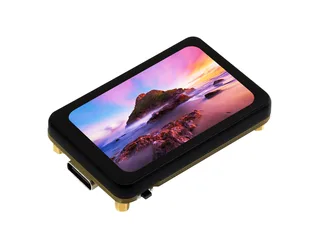 Waveshare ESP32-S3-Touch-AMOLED-1.64 V1.11.64" 280x456 AMOLED (CO5300, QSPI), FT3168 touch, TF card, QMI8658, battery sense.ESP32-S3 · CO5300 280 x 456 · FT3168 / FT6146 touchPurchase this board
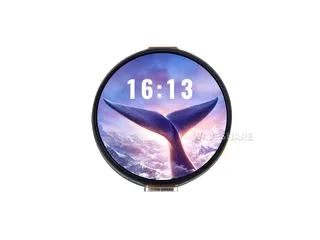 Waveshare ESP32-S3-Touch-AMOLED-1.321.32" 466x466 round AMOLED (CO5300, QSPI), CST820 touch, ES8311 speaker and microphone, battery sense.ESP32-S3 · CO5300 466 x 466 · CST820 touchPurchase this board
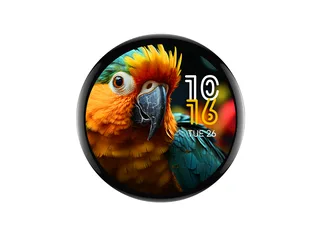 Waveshare ESP32-S3-Touch-AMOLED-1.751.75" 466x466 round AMOLED (CO5300, QSPI), CST9217 touch, ES8311 speaker and ES7210 microphones, TF card, AXP2101, QMI8658, PCF85063ATL.ESP32-S3 · CO5300 466 x 466 · CST9217 / CST9220 touchPurchase this board
 Waveshare ESP32-S3-Touch-AMOLED-1.75C1.75" 466x466 round AMOLED (CO5300, QSPI), CST9217 touch, ES8311 speaker and ES7210 microphones, AXP2101, QMI8658.ESP32-S3 · CO5300 466 x 466 · CST9217 / CST9220 touchPurchase this board
Next
- Quick start - from an empty screen to firmware on the board
- Boards and displays - presets, controllers, pins and touch in the designer
- Flashing and configuration - PlatformIO, the Arduino IDE and first-boot checks
- Troubleshooting - a white screen, mirrored image or touch that misses