VIEWE UEDX48480040E-WB-A (4" 480x480)
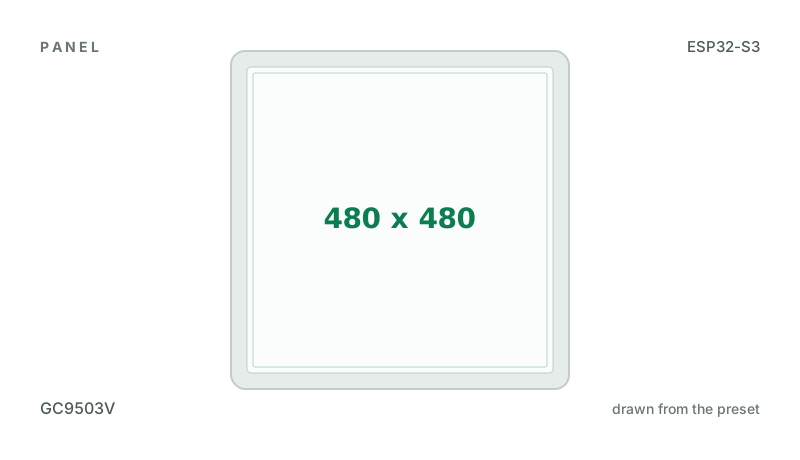
4" 480x480 square GC9503V RGB panel with FT6336U touch, on an ESP32-S3 N16R8.
Building for it
A project is made for one toolchain, picked when you start it. For this board you can use two of the four:
| Toolchain | |
|---|---|
| Arduino (C++) | Every board, every widget and every peripheral here. The most control, and the most to set up. Start a project |
| MicroPython | The MicroPython export has no driver for this controller yet. |
| ESPHome | A GC9503V needs an init sequence written for its particular panel, and ESPHome has no model for it. |
| ESP-IDF (C) | Espressif's own framework: esp_lcd, the component registry and idf.py, with nothing of Arduino in it. Start a project |
At a glance
| Part | Detail |
|---|---|
| Maker | VIEWE |
| MCU | ESP32-S3 Xtensa LX7 dual-core @ 240 MHz, 512 KB SRAM (+ 2-16 MB PSRAM on most modules) |
| Display | Galaxycore GC9503V, 480 x 480 px, RGB565 parallel (DPI), 16-bit colour |
| Touch | FocalTech FT6236 / FT6336U (capacitive, I2C) |
| Backlight | GPIO 38, dimmable (PWM) |
| Memory | 16 MB flash, 8 MB octal PSRAM (N16R8) |
| Graphics library | GFX Library for Arduino |
Display pins
GC9503V on RGB565 parallel (DPI): BGR colour order, inversion off.
| Signal | Pin |
|---|---|
| DE | GPIO 18 |
| VSYNC | GPIO 17 |
| HSYNC | GPIO 16 |
| PCLK | GPIO 21 |
| R0 - R4 | GPIO 15, 14, 13, 12, 11 |
| G0 - G5 | GPIO 10, 9, 8, 7, 6, 5 |
| B0 - B4 | GPIO 4, 3, 2, 1, 0 |
| CS (init only) | GPIO 39 |
| SCK (init only) | GPIO 48 |
| MOSI (init only) | GPIO 47 |
| RESET | not connected |
| Backlight | GPIO 38 |
Touch pins
FT6236 / FT6336U: I2C address 0x38, 400 kHz.
| Signal | Pin |
|---|---|
| SDA | GPIO 40 |
| SCL | GPIO 41 |
| RESET | not connected |
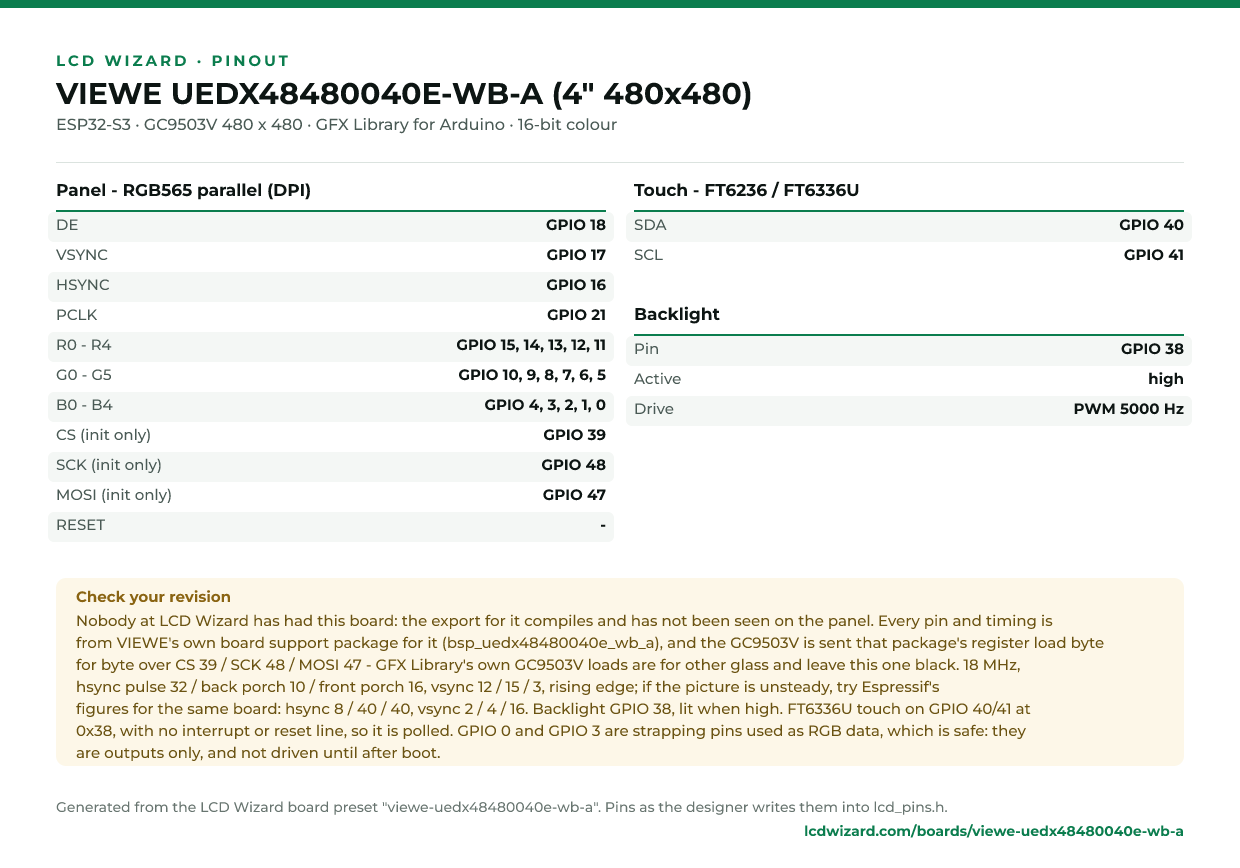
Check your revision. Nobody at LCD Wizard has had this board: the export for it compiles and has not been seen on the panel. Every pin and timing is from VIEWE's own board support package for it (bsp_uedx48480040e_wb_a), and the GC9503V is sent that package's register load byte for byte over CS 39 / SCK 48 / MOSI 47 - GFX Library's own GC9503V loads are for other glass and leave this one black. 18 MHz, hsync pulse 32 / back porch 10 / front porch 16, vsync 12 / 15 / 3, rising edge; if the picture is unsteady, try Espressif's figures for the same board: hsync 8 / 40 / 40, vsync 2 / 4 / 16. Backlight GPIO 38, lit when high. FT6336U touch on GPIO 40/41 at 0x38, with no interrupt or reset line, so it is polled. GPIO 0 and GPIO 3 are strapping pins used as RGB data, which is safe: they are outputs only, and not driven until after boot.
Designing for it in LCD Wizard
- Choose VIEWE UEDX48480040E-WB-A (4" 480x480) on the Hardware tab (or use the button above) and every pin on this page is filled in. The export writes the sketch,
lcd_pins.h, the GFX Library for Arduino configuration,lv_conf.handplatformio.ini- a project that builds for this board as it comes. - The FT6236 / FT6336U is capacitive and needs no calibration. The firmware resets it and checks it answers on every boot.
- The backlight is dimmable: give a slider or a button a Set backlight action.
- An RGB panel keeps its frame buffer in PSRAM, which this board has.
- Screens are designed for 480 x 480 px in either orientation, with LVGL 9 or LVGL 8.
The parts
GC9503V. 480x480 RGB panel (square on the VIEWE 4"), set up over a 3-wire SPI init sequence.
FT6236 / FT6336U. Register-compatible with the FT6206. Very common on 2.8"-3.5" capacitive TFTs.
ESP32-S3. The only common Arduino target with a hardware RGB565 LCD peripheral. PSRAM is effectively required for RGB panels.
GFX Library for Arduino. Moshi Liu's library. Best QSPI/AMOLED and RGB coverage. Configured in code.
The pinout on one page
Every pin above, laid out to print and keep beside the bench. Generated from this preset, so it says exactly what the designer writes into lcd_pins.h.
Download the pinout (PNG)Open it as SVG
The same pins as data - board.json and pins.csv - are in the open pinout dataset on GitHub, free to reuse under CC BY 4.0.
Designs for this board
Nobody has published a design for this board yet. Publish yours from the designer and it appears here and in the gallery.
Similar boards
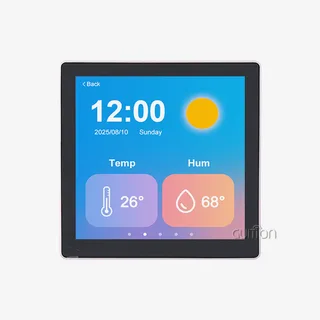 Guition ESP32-4848S040 (4" 480x480)4" 480x480 square ST7701 panel with GT911 touch, sold as the "86 box" wall-plate unit.ESP32-S3 · ST7701 / ST7701S 480 x 480 · GT911 touch
 ESP32-S3 + ST7701S 480x480 round480x480 RGB panel that needs a 3-wire SPI init sequence alongside the RGB bus.ESP32-S3 · ST7701 / ST7701S 480 x 480 · CST328 touch
 Waveshare ESP32-S3-Touch-LCD-77" 800x480 RGB panel with GT911 touch, a TF card slot, RS485, CAN and a sensor input. Same wiring as the 4.3" board, its own timings.ESP32-S3 · Generic RGB565 panel 800 x 480 · GT911 touchPurchase this board
 Waveshare ESP32-S3-Touch-LCD-4.34.3" 800x480 RGB panel with GT911 touch, a TF card slot, RS485, CAN and a sensor input. An I/O expander handles the reset lines.ESP32-S3 · Generic RGB565 panel 800 x 480 · GT911 touchPurchase this board
 Sunton ESP32-8048S070 (7" RGB)7" 800x480 RGB565 panel with GT911 touch. Same family as the 4.3" board, different RGB pin order.ESP32-S3 · ST7262 800 x 480 · GT911 touch
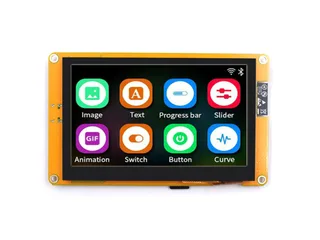 Sunton ESP32-8048S043 (4.3" RGB)4.3" 800x480 RGB565 panel with GT911 capacitive touch and 8 MB PSRAM.ESP32-S3 · ST7262 800 x 480 · GT911 touch
Next
- Quick start - from an empty screen to firmware on the board
- Boards and displays - presets, controllers, pins and touch in the designer
- Flashing and configuration - PlatformIO, the Arduino IDE and first-boot checks
- Troubleshooting - a white screen, mirrored image or touch that misses