LCDWIKI 4.0" ESP32-32E (E32R40T / E32N40T)
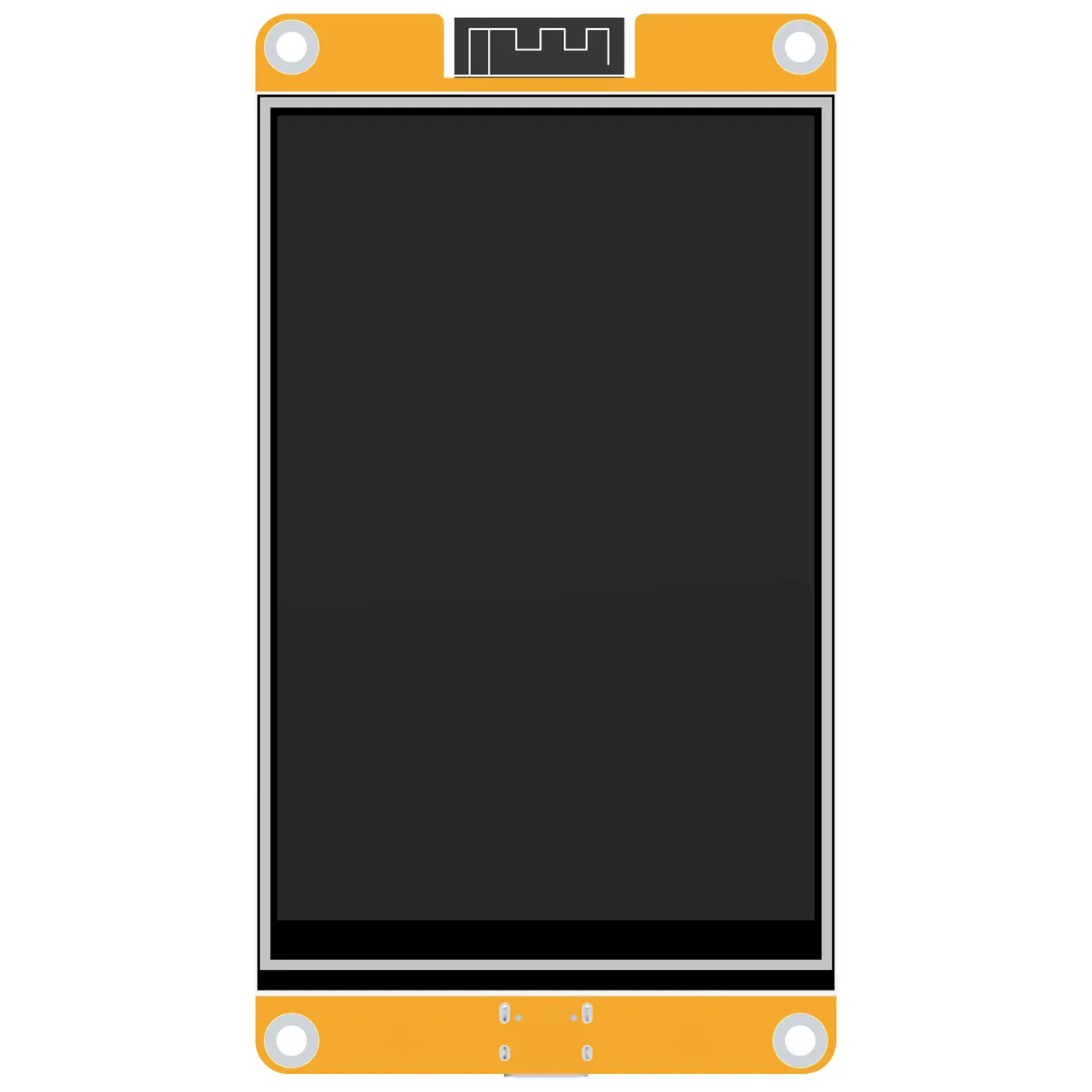
4.0" 320x480 ST7796S with XPT2046 resistive touch on the display's own SPI bus, an RGB LED, a speaker amplifier and battery charging. Sold rebadged as the Hosyond 4-inch; the E32N40T is the same board without touch.
Building for it
A project is made for one toolchain, picked when you start it. All three can drive this board:
| Toolchain | |
|---|---|
| Arduino (C++) | Every board, every widget and every peripheral here. The most control, and the most to set up. Start a project |
| MicroPython | Change a screen by editing a file on the board. No compiler once it is flashed. Start a project |
| ESPHome | No compiler to install, and the panel can join Home Assistant as real entities. Start a project |
At a glance
| Part | Detail |
|---|---|
| Maker | LCDWIKI |
| MCU | ESP32 (WROOM / WROVER) Xtensa LX6 dual-core @ 240 MHz, 520 KB SRAM (+ up to 8 MB PSRAM on WROVER) |
| Display | Sitronix ST7796 / ST7796S, 320 x 480 px, SPI (4-wire serial), 16-bit colour |
| Touch | XPTek XPT2046 (resistive, SPI) |
| Backlight | GPIO 27, dimmable (PWM) |
| Memory | 4 MB flash, no PSRAM (N4) |
| Graphics library | TFT_eSPI |
Display pins
ST7796 / ST7796S on SPI (4-wire serial): SPI clock 40 MHz, host HSPI, BGR colour order, inversion off.
| Signal | Pin |
|---|---|
| SCK / CLK | GPIO 14 |
| MOSI / SDA | GPIO 13 |
| MISO / SDO | GPIO 12 |
| CS | GPIO 15 |
| DC / RS | GPIO 2 |
| RESET | not connected |
| Backlight | GPIO 27 |
Touch pins
XPT2046: 2500 kHz, shares the display bus.
| Signal | Pin |
|---|---|
| SCK | GPIO 14 |
| MOSI | GPIO 13 |
| MISO | GPIO 12 |
| CS | GPIO 33 |
| IRQ / PENIRQ | GPIO 36 |
Check your revision. Pins from LCDWIKI's Arduino demo instructions (table 2.1) and schematic; colour order and SPI clock from the two community projects for this board. Touch shares the display's SPI bus (CS 33, IRQ 36) and calibrates on first boot. On the E32N40T choose None under Hardware > Touch. The SD card (CS 5, 18/19/23) and the I2C header (SDA 32, SCL 25) are left out of the kit: a third SPI bus on the SD pins would share a controller with the panel.
Designing for it in LCD Wizard
- Choose LCDWIKI 4.0" ESP32-32E (E32R40T / E32N40T) on the Hardware tab (or use the button above) and every pin on this page is filled in. The export writes the sketch,
lcd_pins.h, the TFT_eSPI configuration,lv_conf.handplatformio.ini- a project that builds for this board as it comes. - The XPT2046 is resistive, so the firmware calibrates it on the device: touch the crosses on the first boot after an upload and the result is saved. The screen says whether it worked.
- The backlight is dimmable: give a slider or a button a Set backlight action.
- Screens are designed for 320 x 480 px in either orientation, with LVGL 9 or LVGL 8.
The parts
ST7796 / ST7796S. The usual 4.0" 320x480 controller. Faster than ILI9488 over SPI (true RGB565).
XPT2046. The classic 4-wire resistive controller. Needs calibration. Can share the display SPI bus with its own CS.
ESP32 (WROOM / WROVER). No native RGB parallel peripheral - use SPI or an 8/16-bit i80 bus.
TFT_eSPI. Fastest for SPI panels on ESP32. Configured via User_Setup.h build defines.
The pinout on one page
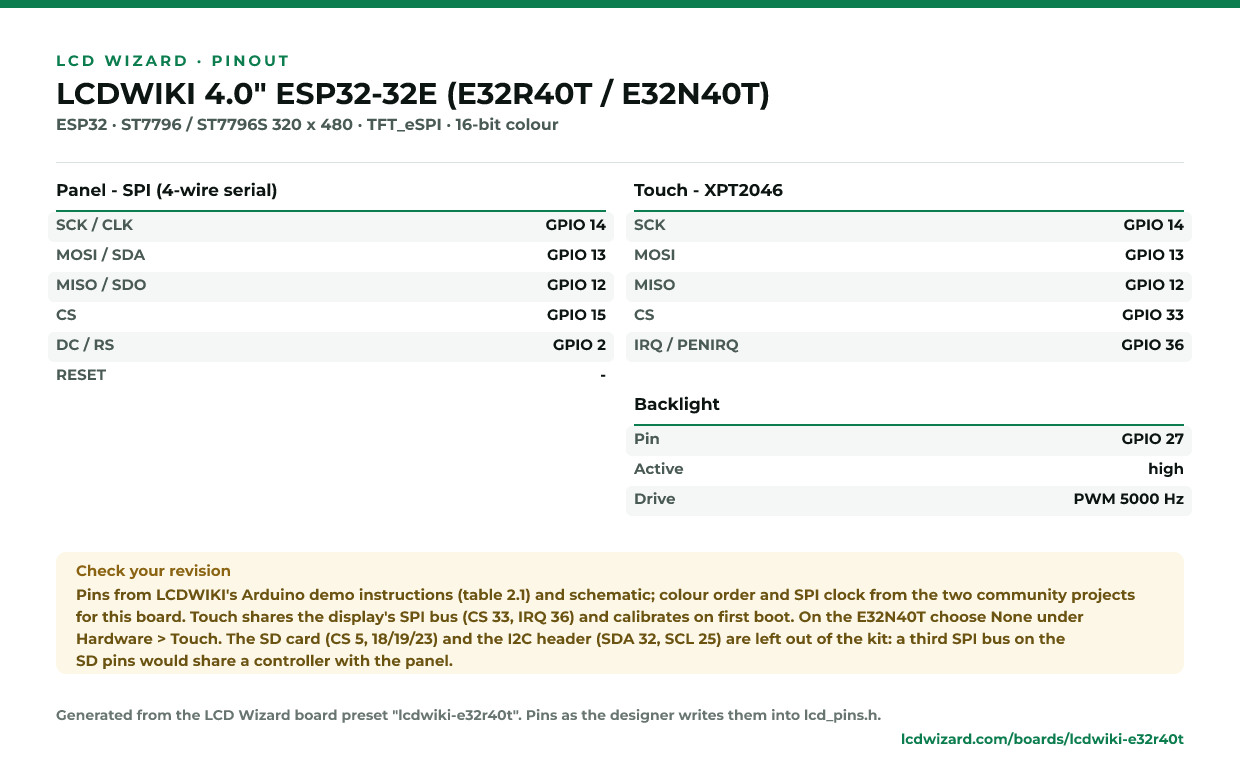
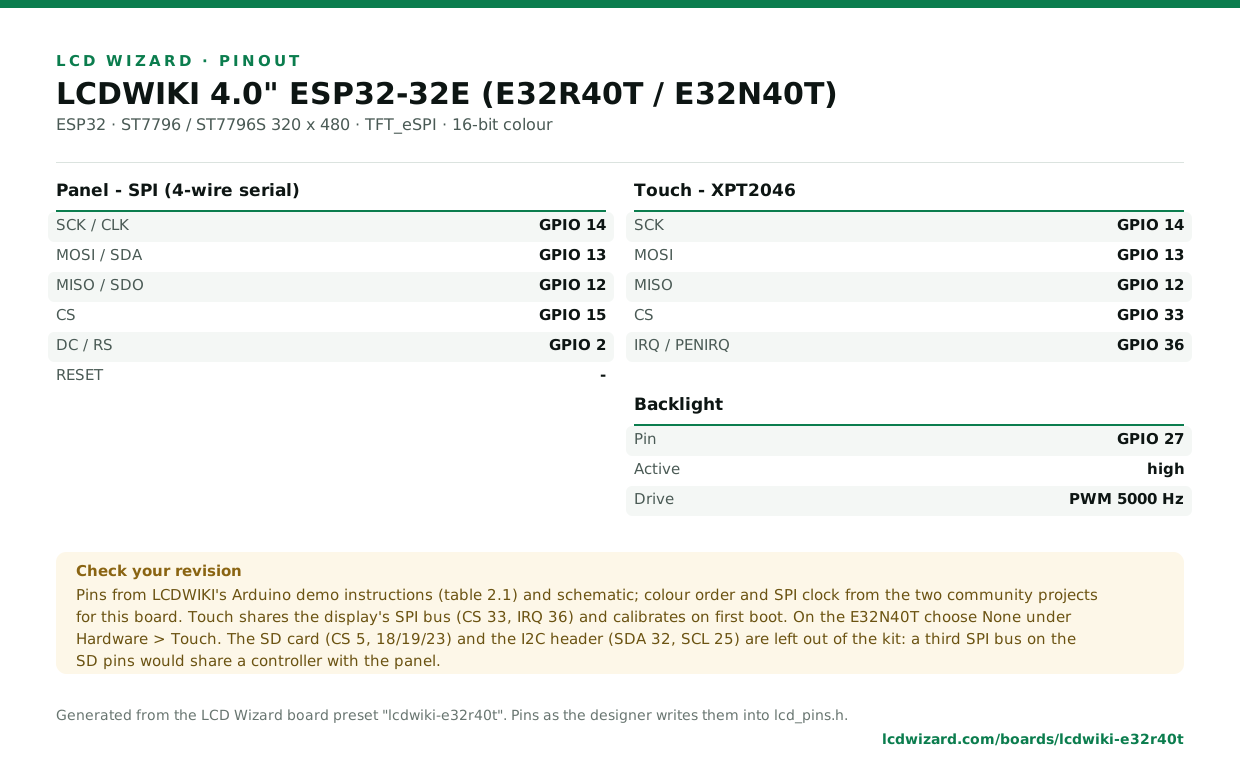
Every pin above, laid out to print and keep beside the bench. Generated from this preset, so it says exactly what the designer writes into lcd_pins.h.
Download the pinout (PNG)Open it as SVG
From the people who made it
The board’s own documentation. Pinouts on vendor pages do sometimes disagree with the hardware in front of you - where this page and that one differ, trust your board and tell us.
- Vendor documentation
- Schematic (PDF)
- E32R40T / E32N40T user manual (PDF)
- Arduino demo instructions, with the pin table (PDF)
- Hosyond 4" getting-started repo (community)
Designs for this board
Nobody has published a design for this board yet. Publish yours from the designer and it appears here and in the gallery.
Similar boards
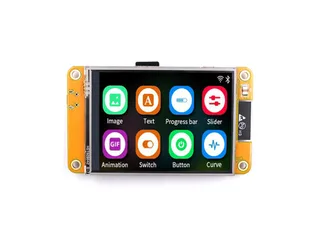
 ESP32 + ILI9341 2.8" SPIThe classic breadboard combination: ESP32 DevKit, 2.8" ILI9341, XPT2046 resistive touch on the same SPI bus.ESP32 · ILI9341 240 x 320 · XPT2046 touch
 ESP32-2432S028R "Cheap Yellow Display"2.8" 240x320 ILI9341 with XPT2046 resistive touch on a second SPI bus. The cheapest way into LVGL.ESP32 · ILI9341 320 x 240 · XPT2046 touch
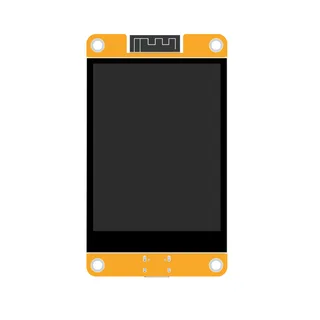
 ESP32-2432S028C (capacitive CYD)Capacitive variant of the Cheap Yellow Display: same ILI9341, CST820 touch over I2C.ESP32 · ILI9341 320 x 240 · CST820 touch
 LCDWIKI 2.8" ESP32-32E (E32R28T)A Cheap Yellow Display alternative: 2.8" 320x240 ILI9341V with XPT2046 resistive touch, an RGB LED, a speaker amplifier and battery charging. The LED and audio pins are not the Sunton board's.ESP32 · ILI9341 320 x 240 · XPT2046 touch
Next
- Quick start - from an empty screen to firmware on the board
- Boards and displays - presets, controllers, pins and touch in the designer
- Flashing and configuration - PlatformIO, the Arduino IDE and first-boot checks
- Troubleshooting - a white screen, mirrored image or touch that misses