Guition JC2432W328R (2.8" resistive, one USB-C)
Guition's 2.8" CYD in a clear case: 240x320 ST7789 with XPT2046 resistive touch on the panel's own SPI bus, backlight on GPIO 27, TF card, RGB LED, speaker and light sensor.
Building for it
A project is made for one toolchain, picked when you start it. All four can drive this board:
| Toolchain | |
|---|---|
| Arduino (C++) | Every board, every widget and every peripheral here. The most control, and the most to set up. Start a project |
| MicroPython | Change a screen by editing a file on the board. No compiler once it is flashed. Start a project |
| ESPHome | No compiler to install, and the panel can join Home Assistant as real entities. Start a project |
| ESP-IDF (C) | Espressif's own framework: esp_lcd, the component registry and idf.py, with nothing of Arduino in it. Start a project |
At a glance
| Part | Detail |
|---|---|
| Maker | Guition |
| MCU | ESP32 (WROOM / WROVER) Xtensa LX6 dual-core @ 240 MHz, 520 KB SRAM (+ up to 8 MB PSRAM on WROVER) |
| Display | Sitronix ST7789, 240 x 320 px, SPI (4-wire serial), 16-bit colour |
| Touch | XPTek XPT2046 (resistive, SPI) |
| Backlight | GPIO 27, dimmable (PWM) |
| Memory | 4 MB flash, no PSRAM (N4) |
| Graphics library | TFT_eSPI |
Display pins
ST7789 on SPI (4-wire serial): SPI clock 40 MHz, host HSPI, BGR colour order, inversion off.
| Signal | Pin |
|---|---|
| SCK / CLK | GPIO 14 |
| MOSI / SDA | GPIO 13 |
| MISO / SDO | GPIO 12 |
| CS | GPIO 15 |
| DC / RS | GPIO 2 |
| RESET | not connected |
| Backlight | GPIO 27 |
Touch pins
XPT2046: 2500 kHz, shares the display bus.
| Signal | Pin |
|---|---|
| SCK | GPIO 14 |
| MOSI | GPIO 13 |
| MISO | GPIO 12 |
| CS | GPIO 33 |
| IRQ / PENIRQ | GPIO 36 |
Also on the board
- SPI (TF card) - SCK GPIO 18, MOSI GPIO 23, MISO GPIO 19
- SDCard - SD card, on SPI (TF card), CS GPIO 5 (arrives switched off in a new design)
The TF card slot, on the VSPI pins 18/19/23 with CS 5. Switched off as it arrives: switch it on to use a card. - Light Sensor - analog input on GPIO 34
- Led Red - output on GPIO 4
- Led Green - output on GPIO 16
- Led Blue - output on GPIO 17
- Boot Button - input on GPIO 0
The preset adds these to the Hardware tab with the board, so a sensor can go straight onto the connector.
Check your revision. From Guition's own pin table, factory sketches and TFT_eSPI User_Setup.h for this board (mirrored at github.com/maxpill/JC2432W328): ST7789 on SCK 14, MOSI 13, MISO 12, CS 15, DC 2, no reset line; BGR, inversion off; backlight GPIO 27; XPT2046 on the panel's SPI lines with CS 33 and IRQ 36; TF card on 18/19/23 with CS 5; RGB LED on 4/16/17 lit low; speaker on GPIO 26; light sensor on GPIO 34. Not seen on the glass here - nobody has the board. If the picture is a negative, turn Invert on; if red and blue are swapped, set RGB. Guition's own code runs the panel at 55 MHz and openHASP at 24 MHz; if the picture breaks up, lower the SPI speed on the Display tab. If the back is marked C, use the JC2432W328C preset.
Designing for it in LCD Wizard
- Choose Guition JC2432W328R (2.8" resistive, one USB-C) on the Hardware tab (or use the button above) and every pin on this page is filled in. The export writes the sketch,
lcd_pins.h, the TFT_eSPI configuration,lv_conf.handplatformio.ini- a project that builds for this board as it comes. - The XPT2046 is resistive, so the firmware calibrates it on the device: touch the crosses on the first boot after an upload and the result is saved. The screen says whether it worked.
- The backlight is dimmable: give a slider or a button a Set backlight action.
- Screens are designed for 240 x 320 px in either orientation, with LVGL 9 or LVGL 8.
The parts
ST7789. Excellent colour and tolerates 80 MHz SPI. Many modules have no CS pin - tie it low and set CS to -1.
XPT2046. The classic 4-wire resistive controller. Needs calibration. Can share the display SPI bus with its own CS.
ESP32 (WROOM / WROVER). No native RGB parallel peripheral - use SPI or an 8/16-bit i80 bus.
TFT_eSPI. Fastest for SPI panels on ESP32. Configured via User_Setup.h build defines.
The pinout on one page
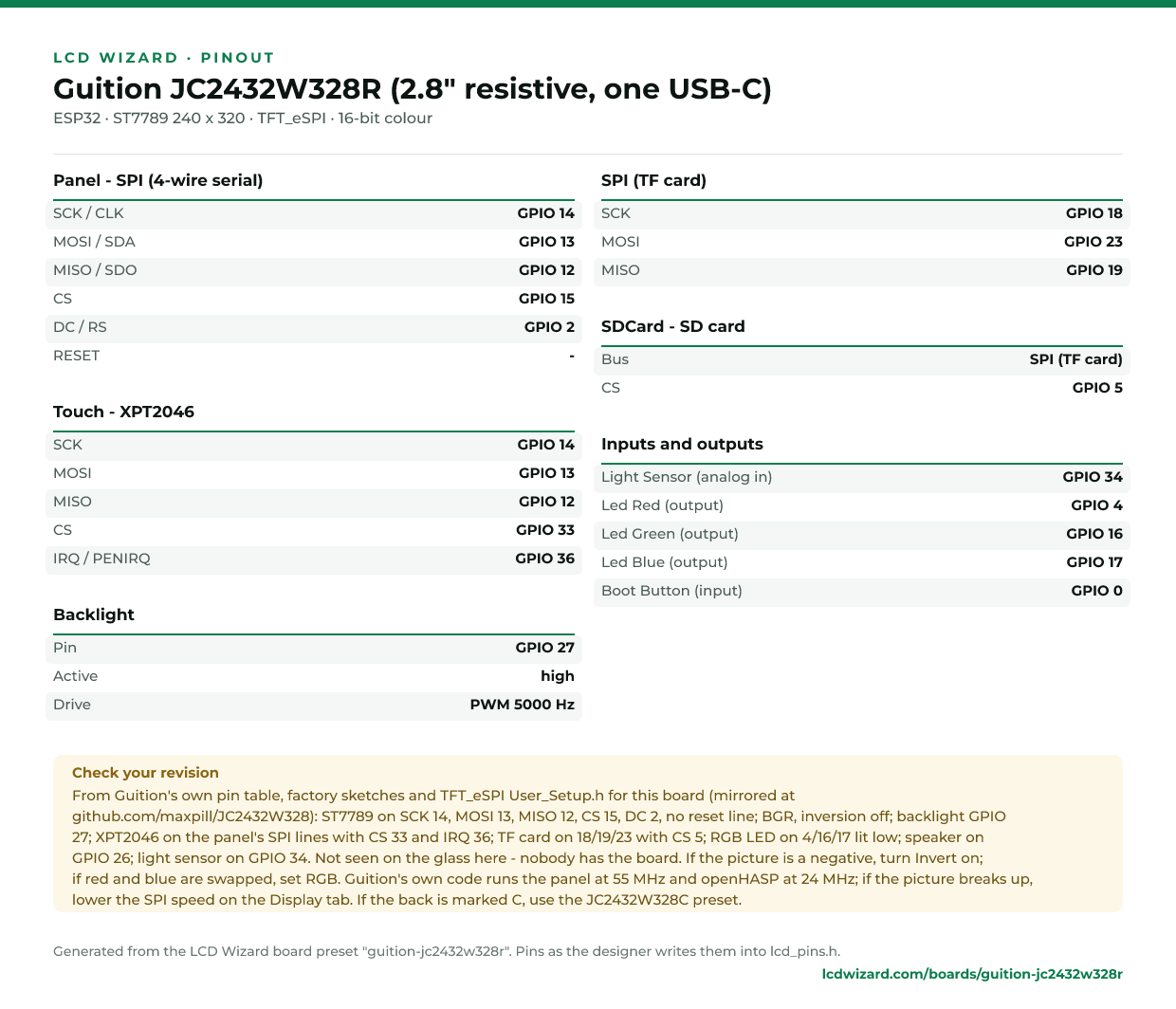
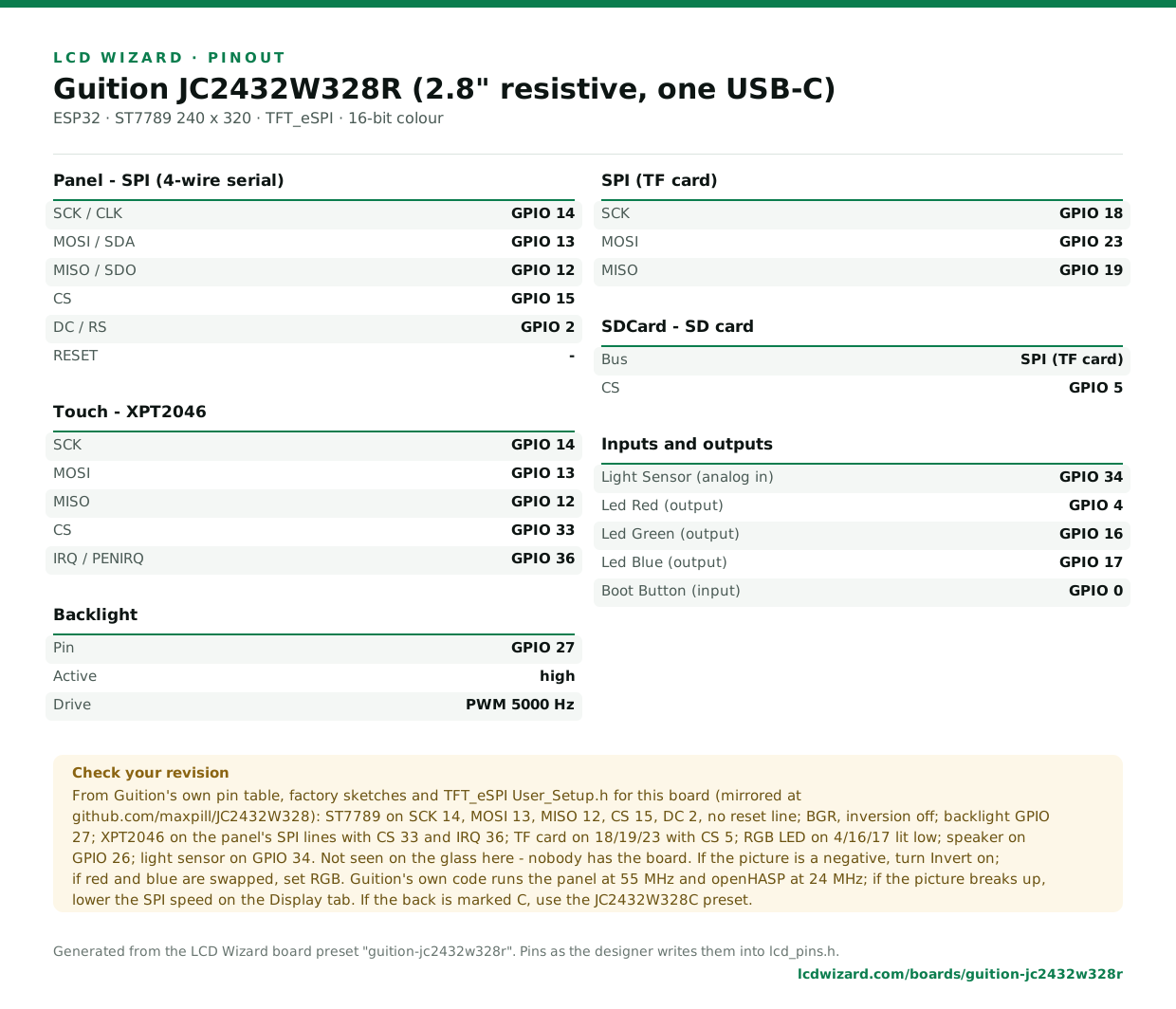
Every pin above, laid out to print and keep beside the bench. Generated from this preset, so it says exactly what the designer writes into lcd_pins.h.
Download the pinout (PNG)Open it as SVG
The same pins as data - board.json and pins.csv - are in the open pinout dataset on GitHub, free to reuse under CC BY 4.0.
Designs for this board
Nobody has published a design for this board yet. Publish yours from the designer and it appears here and in the gallery.
Similar boards
 Guition JC2432W328C (2.8" capacitive, one USB-C)Guition's 2.8" CYD in a clear case: 240x320 ST7789 with CST820 capacitive touch, backlight on GPIO 27, TF card, RGB LED, speaker and light sensor.ESP32 · ST7789 240 x 320 · CST820 touch
 ESP32-2432S028R "Cheap Yellow Display", ST7789 versionThe CYD with an ST7789 screen (often the one with two USB ports, though some have one): 2.8" 240x320 ST7789 with XPT2046 resistive touch on a second SPI bus. Same pins as the original CYD.ESP32 · ST7789 240 x 320 · XPT2046 touch
 ESP32-2432S028C (capacitive CYD)Capacitive variant of the Cheap Yellow Display: same ILI9341, CST820 touch over I2C.ESP32 · ILI9341 320 x 240 · CST820 touch
 ESP32-2432S028 "Cheap Yellow Display", two USB ports, ILI9341The CYD with a micro-USB and a USB-C port, in its ILI9341 batch: 2.8" 240x320 ILI9341 with XPT2046 resistive touch on a second SPI bus. Same pins as the original CYD.ESP32 · ILI9341 240 x 320 · XPT2046 touch
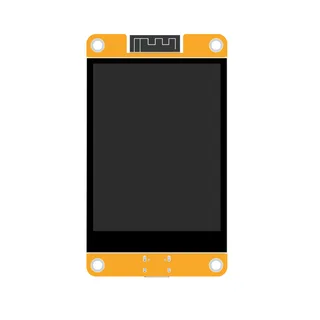 LCDWIKI 2.8" ESP32-32E (E32R28T)A Cheap Yellow Display alternative: 2.8" 320x240 ILI9341V with XPT2046 resistive touch, an RGB LED, a speaker amplifier and battery charging. The LED and audio pins are not the Sunton board's.ESP32 · ILI9342 / ILI9342C 320 x 240 · XPT2046 touch
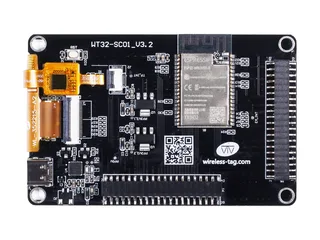 WT32-SC013.5" 320x480 ST7796 over SPI with FT6336U capacitive touch.ESP32 · ST7796 / ST7796S 320 x 480 · FT6236 / FT6336U touch
Next
- Quick start - from an empty screen to firmware on the board
- Boards and displays - presets, controllers, pins and touch in the designer
- Flashing and configuration - PlatformIO, the Arduino IDE and first-boot checks
- Troubleshooting - a white screen, mirrored image or touch that misses