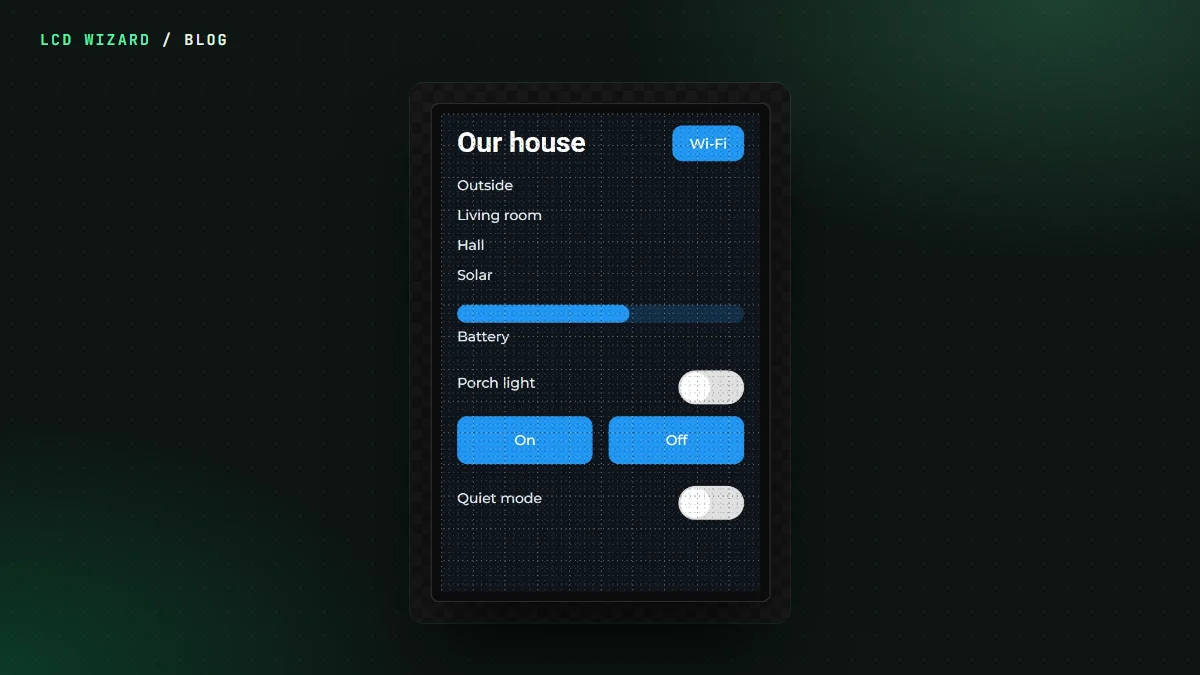
You know what you want on the screen. A temperature readout, a set-point slider, a warning when it gets too hot. Now you can just say that, and watch it appear.
Any AI agent that speaks MCP, the standard way for AI assistants to use tools, can work on an LCD Wizard design with you. Claude, ChatGPT, Cursor, VS Code, Gemini CLI and others read your screens, look at pictures of them, and change the design while it's open in front of you.
What it can do
- Build and rearrange screens and widgets, and style them.
- Set up variables, link widgets to them, and write the formulas.
- Make automations: "when the temperature goes over 30, show the alarm".
- Set the board and its parts, and run the design check.
Every change lands on your canvas with the agent's name beside it, and you can undo any of it, one step at a time. It works on the one design you chose and nothing else. It never builds firmware and never sees a password or key you've put in a design.
Two ways to connect
In the designer, press Connect AI in the toolbar (or File > Connect an AI agent):
- Log in with a connector, for Claude (claude.ai, Claude Desktop, the phone app), ChatGPT and other apps that sign in. No key: pick your app, copy the address and follow the steps shown for it, then sign in to LCD Wizard, choose the design and Allow.
- Use a key, for Claude Code, Cursor, VS Code, Windsurf, Gemini CLI, Codex and any other program that speaks MCP. Make a key, choose whether it may change the design or only look, and paste the command or settings block it gives you.
Then ask. "What would you fix in this design?" is a good first one.
What we learned building it
The first time an AI worked on a real design of mine, it went looking for a way to show a state as a word ("Inverting", "Bulk", "Low") and told me plainly there wasn't one without a stack of labels. It was right. So text in formulas and pictures chosen by formula are on their way, because if an AI can't do it without a workaround, neither can you.
Free for every account until 15 November, then part of Pro. The full how-to, and what an agent can and can't touch, is on the AI agents docs page.